· retrotech · 6 min read
Why Some Writers are Ditching Advanced Editing Tools for Windows Write
A growing number of writers are trading feature-rich editors for bare-bones tools like Windows Write. They say simplicity restores focus, reduces cognitive friction, and makes finishing - not formatting - the point.
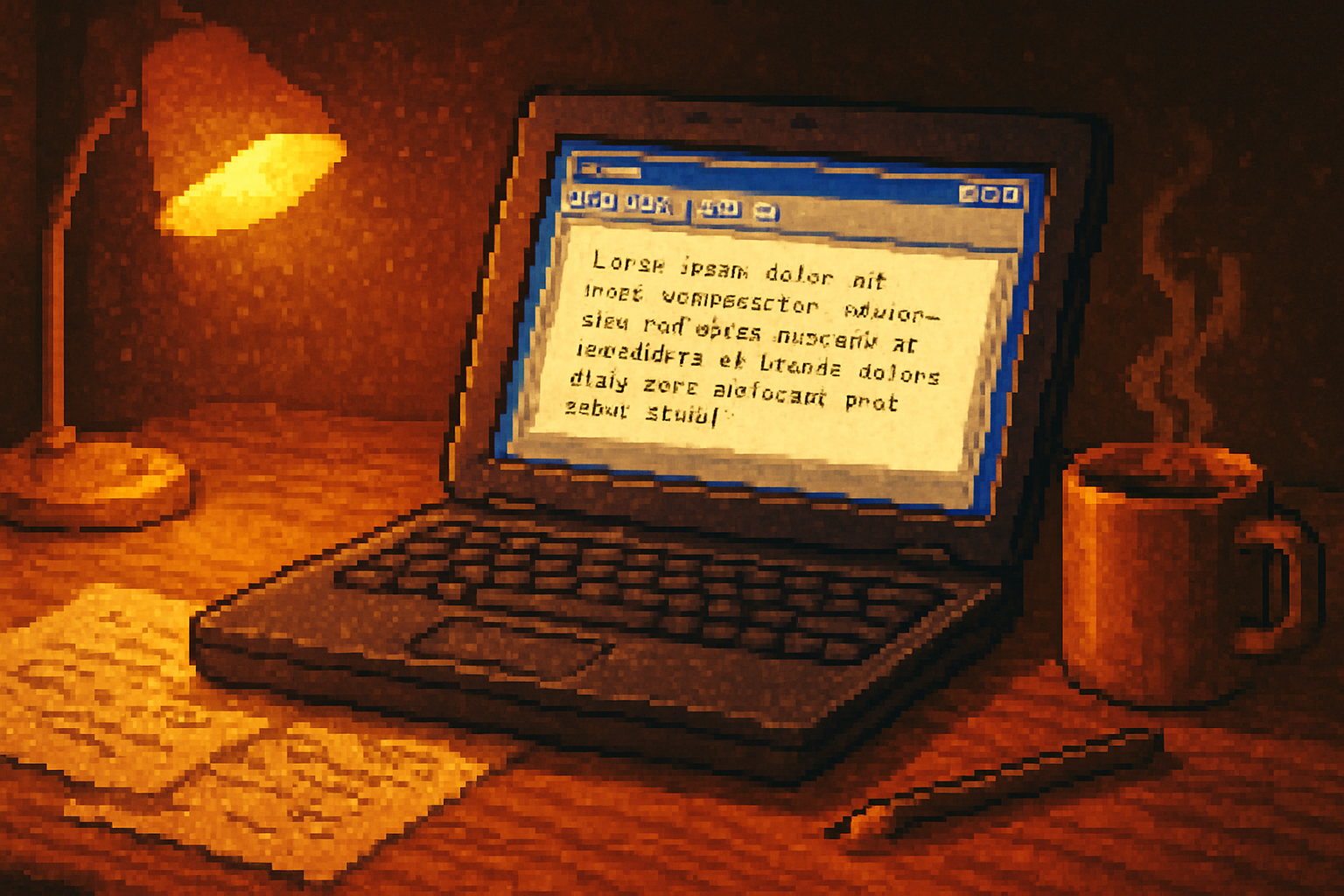
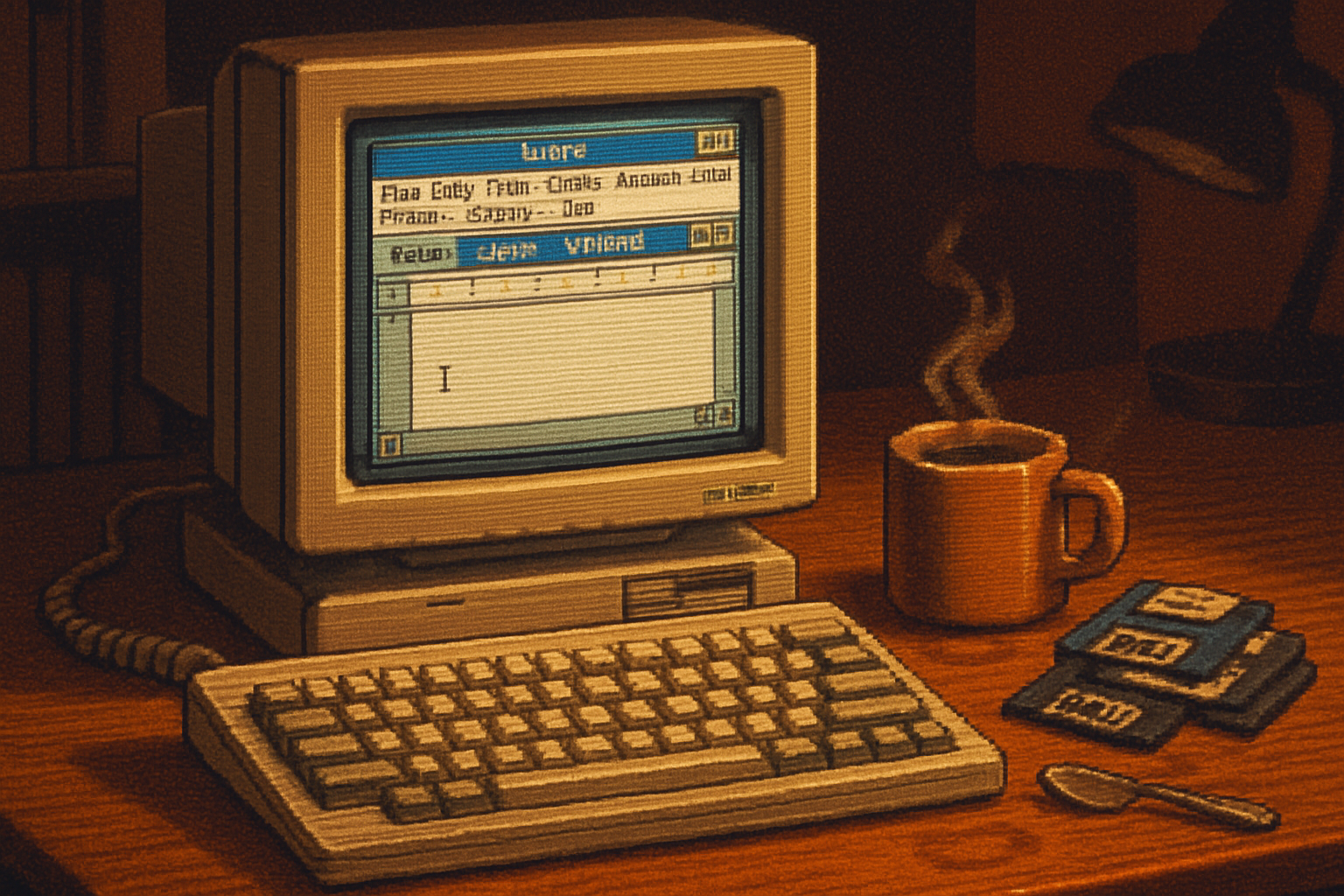
It began with a joke: a novelist posted a photo of a battered old laptop running Windows Write and a caption that read, “Wrote 5,000 words today. No cloud. No plugins. No excuses.” The post blew up not because the software was new or clever, but because the writer had actually finished something. That, more than nostalgia, is the real scandal.
Writers have always chased tools that promise to make thought easier. The history of writing software reads like a trail of glittering promises: better navigation, automatic formatting, synced comments, AI suggestions, real-time collaboration, and more checkboxes than a bureaucratic form. And yet, against that high-tech choir, a surprising counter-movement has grown: people are intentionally choosing very simple tools - sometimes as simple as the old Windows Write/WordPad or even Notepad - to get words on the page.
The simple claim: fewer features, clearer mind
Here’s the provocation: advanced editing tools can be seductive disguises for procrastination. They offer the illusion of progress - a prettier outline, a cleaner citation - while the central job (thinking, composing, finishing) gets postponed. When you strip away options, you remove the affordances that let you avoid the hard work of doing the work.
That’s not just a rhetorical flourish. Research and experienced practitioners back the idea that fewer interruptions, lower cognitive load, and deliberate constraints improve deep work.
- Interruptions cost you real time. Gloria Mark and colleagues demonstrated that interruptions fragment attention and add significant recovery time between tasks (CHI ‘08 paper).
- Heavy multitaskers show measurable deficits in sustained attention and task-switching efficiency (Ophir, Nass & Wagner, PNAS 2009).
- The concept of “flow” - wholehearted absorption in a task - is easiest to reach when friction is low and distractions are minimal (Flow (psychology)).
- Cal Newport’s Deep Work argues that depth requires removing shallow distractions and engineered constraints to protect concentration (Deep Work).
In other words: the fewer the bells and whistles, the fewer the snares that let your attention leak away.
What writers mean by “Windows Write” (and why it matters)
When writers talk about switching to Windows Write they typically mean: a plain, local, distraction-free editor. Historically, Windows Write was Microsoft’s lightweight word processor in early Windows releases (Write (word processor)). Today the equivalent might be WordPad, Notepad, or any minimal editor that boots fast, saves locally, and refuses to nag.
The appeal is practical:
- Instant-on - no 30-second waits for a suite to load.
- Minimal UI - there’s nothing to fiddle with except the blinking cursor.
- Offline and private - your prose isn’t quietly indexed, suggested, or auto-synced unless you choose it to be.
- Psychological permission to be bad - when the document looks like nothing, you feel free to produce rather than polish.
It’s not survivalism. It’s strategy.
Why the minimalist route works (concrete reasons)
- Cognitive friction goes down. Each menu, plugin, and setting asks your brain to make a decision; each decision drains willpower. The paradox of choice is real - too many options impede action (The Paradox of Choice).
- The path of least resistance favors creation. When the fastest way to start is to open a simple editor and type, you type more.
- The illusion of productivity is reduced. In a bloated editor, “organizing” your headings or installing the perfect theme feels like progress. Minimal tools force you to trade that illusion for actual output.
- Fewer distractions mean longer uninterrupted stretches - the condition for flow and deep work.
What gets lost (and why it’s still sometimes worth it)
Nothing is free. The minimalist approach carries trade-offs:
- No collaboration - live comments and shared editing are clumsy or absent.
- Limited formatting and metadata - if you’re producing academic work with citations, a plain editor is inconvenient.
- No autosave safety net - local files can be lost if you’re careless.
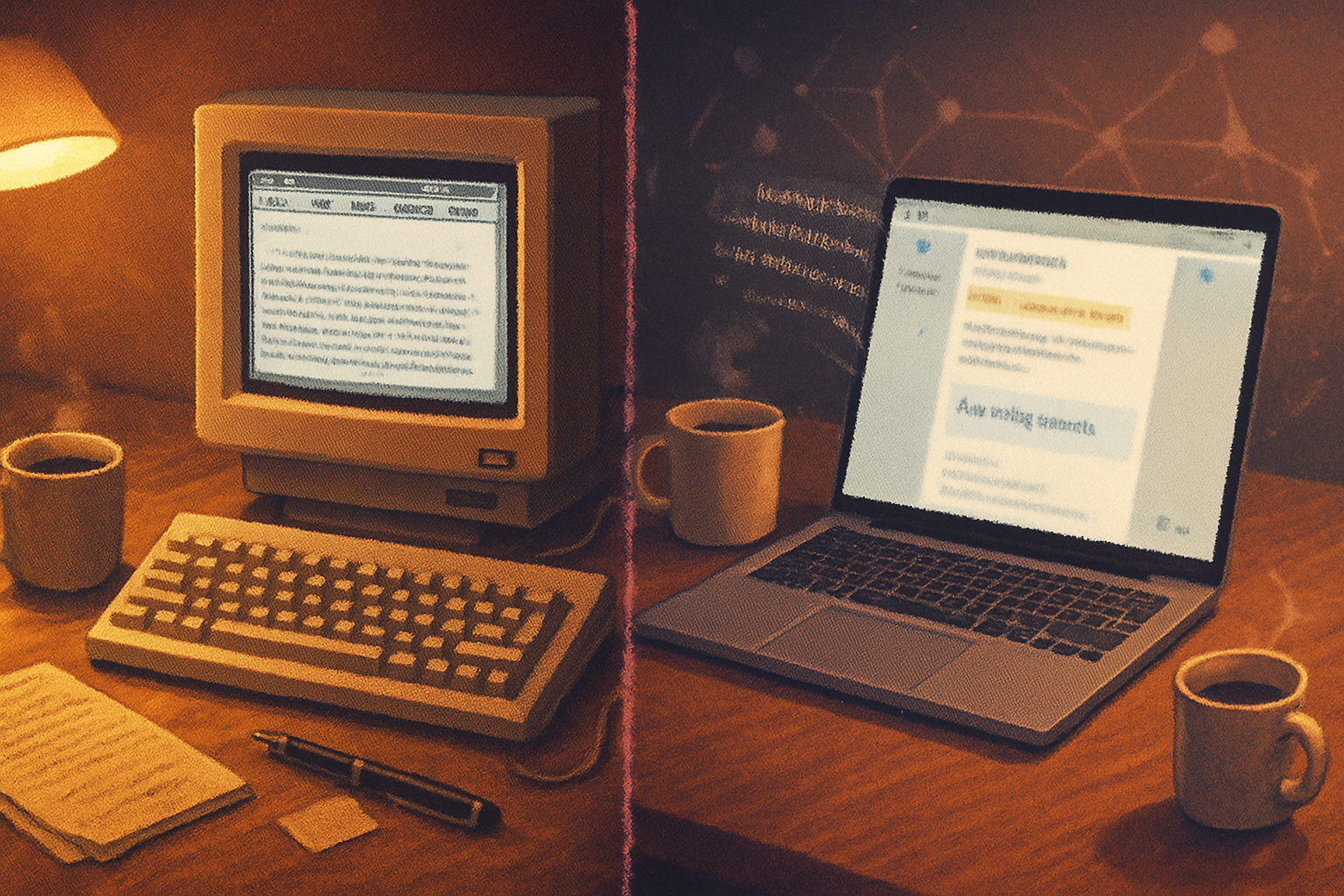
That’s why many writers treat simplicity as a phase in their process, not the whole pipeline: draft in Windows Write, edit and format in a richer tool later.
Where the trend shows up in practice
Writers aren’t the only ones fleeing feature-burdened software. The market spawned dedicated minimal apps - iA Writer, FocusWriter, WriteRoom - because the demand was obvious. These tools replicate the Windows Write ethos with modern conveniences (plain-text formats, easy exports, focused modes) while keeping the UI mercifully spare:
- iA Writer: https://ia.net/writer
- FocusWriter: https://gottcode.org/focuswriter/
- WriteRoom (a Mac classic) is the ancestor of this club.
Meanwhile, people who truly want zero-fluff often go further: plain text editors + Git, or simple RTF files saved locally. WordPad and Notepad follow the same logic: less to fiddle with, more to create (WordPad, Notepad).
A short, practical workflow for using Windows Write (or any minimal editor)
- Draft, don’t format. Treat the editor as a thinking space. Style comes later.
- Save often and keep backups. Use an external backup or manual cloud sync if you must.
- Use a folder-per-project system with dated file names (e.g., novel_v1_2026-03-16.rtf).
- Timebox your sessions - 60–90 minutes is where depth often lives. Use do-not-disturb.
- Reserve advanced tools for revision. Move to Google Docs, Microsoft Word, or a typesetting tool when you need collaboration, citations, or final layout.
When the advanced tool wins
Of course, complex editing software exists for a reason. Choose it when:
- You need real-time collaboration with multiple authors.
- You require citation managers, tracked changes, or integrated research tools.
- The work has formatting constraints (books, academic papers, formatted submissions).
The wise writer is not doctrinaire. The point is to match tool to job.
Final moral: productivity is less about features than friction
There’s a small cruelty to modern productivity culture: it celebrates accumulation - more apps, more integrations, more dashboards - and calls the result efficiency. But accumulation is not the same as completion.
Windows Write - or the ethos it represents - is not an aesthetic of poverty. It’s a scalpel. It is a deliberate choice to remove the scaffolding that lets you hide. For many writers the arithmetic is simple: fewer distractions + fewer decisions = more finished pages.
If your drafts are dusty and your tools are gleaming, maybe the problem isn’t your method. Maybe it’s your software.
References
- Gloria Mark, Daniela Gudith, and Ulrich Klocke, “The cost of interrupted work - more speed and stress,” CHI 2008.
- Eyal Ophir, Clifford Nass, Anthony D. Wagner, “Cognitive control in media multitaskers,” PNAS 2009. https://www.pnas.org/content/106/37/15583
- Mihaly Csikszentmihalyi, Flow (concept overview). https://en.wikipedia.org/wiki/Flow_(psychology)
- Cal Newport, Deep Work. https://www.calnewport.com/books/deep-work/
- iA Writer. https://ia.net/writer
- FocusWriter. https://gottcode.org/focuswriter/
- Write (Microsoft word processor). https://en.wikipedia.org/wiki/Write_(word_processor)
- WordPad. https://en.wikipedia.org/wiki/WordPad
- Notepad (Windows). https://en.wikipedia.org/wiki/Notepad_(Windows)
- Barry Schwartz, The Paradox of Choice. https://en.wikipedia.org/wiki/The_Paradox_of_Choice