· retrotech · 7 min read
Reviving HyperTerminal: How Vintage Software Can Boost Modern Troubleshooting Skills
Learn how the old-school discipline HyperTerminal taught - serial consoles, baud rates, flow control - sharpens modern troubleshooting. Practical workflows, tools and labs included.
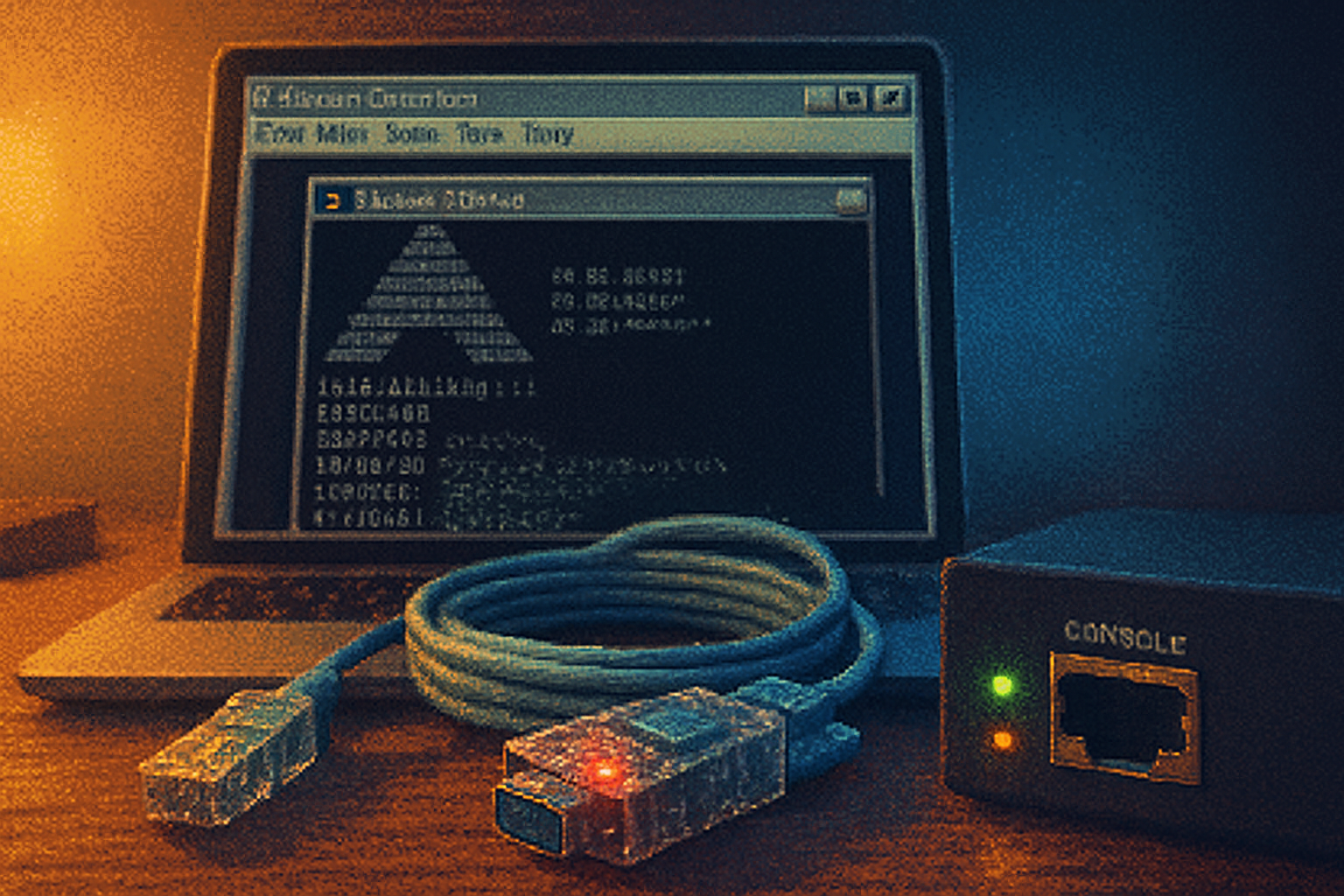
A wet Tuesday in a data room is the best kind of test of character. The core switch had gone mute - no SSH, no web UI, only the tiny amber status light blinking like an accusation. An engineer pulled out a battered USB↔serial adapter, plugged it into a laptop, opened a terminal program, and read the device’s boot chatter. Fifteen minutes later the network was back. The executive emails were mildly less panicked.
That battered adapter and a simple terminal window did more than restore connectivity. They revealed a truth most modern interfaces obscure: when you can read the machine’s raw voice, you can fix it.
Why this matters
HyperTerminal was a small, dull-looking Windows accessory [shipped in Windows 95 through XP] that let you open serial and TCP connections and talk to modems, routers, and serial devices. It was mundane. It was indispensable. And when Microsoft quietly left it behind, we inherited a generation of systems that talk to each other over invisible pipes - and a generation of engineers who never learned to listen to the pipes themselves.
The point isn’t nostalgia. The point is pedagogy. HyperTerminal taught you fundamentals in a way a GUI never could. It forced you to set a baud rate and watch a device fail for the obvious reason: wrong speed. It forced you to discover that the blinking cursor is a vocabulary, not an emoji. Those low-level skills translate directly to modern troubleshooting:
- When a device refuses to answer over the network, the serial console is the ultimate fallback. It doesn’t lie. It prints boot logs, kernel panics, and password prompts.
- Understanding parity, stop bits, and flow control lets you distinguish between “device broken” and “human misconfiguration.”
- Tools like telnet/nc (netcat) mimic HyperTerminal’s TCP dial-up capability for quick service probes.
HyperTerminal’s lessons, distilled
Think of HyperTerminal as a barometer for communication fundamentals. Here’s what it implicitly taught that still matters.
- The wire matters
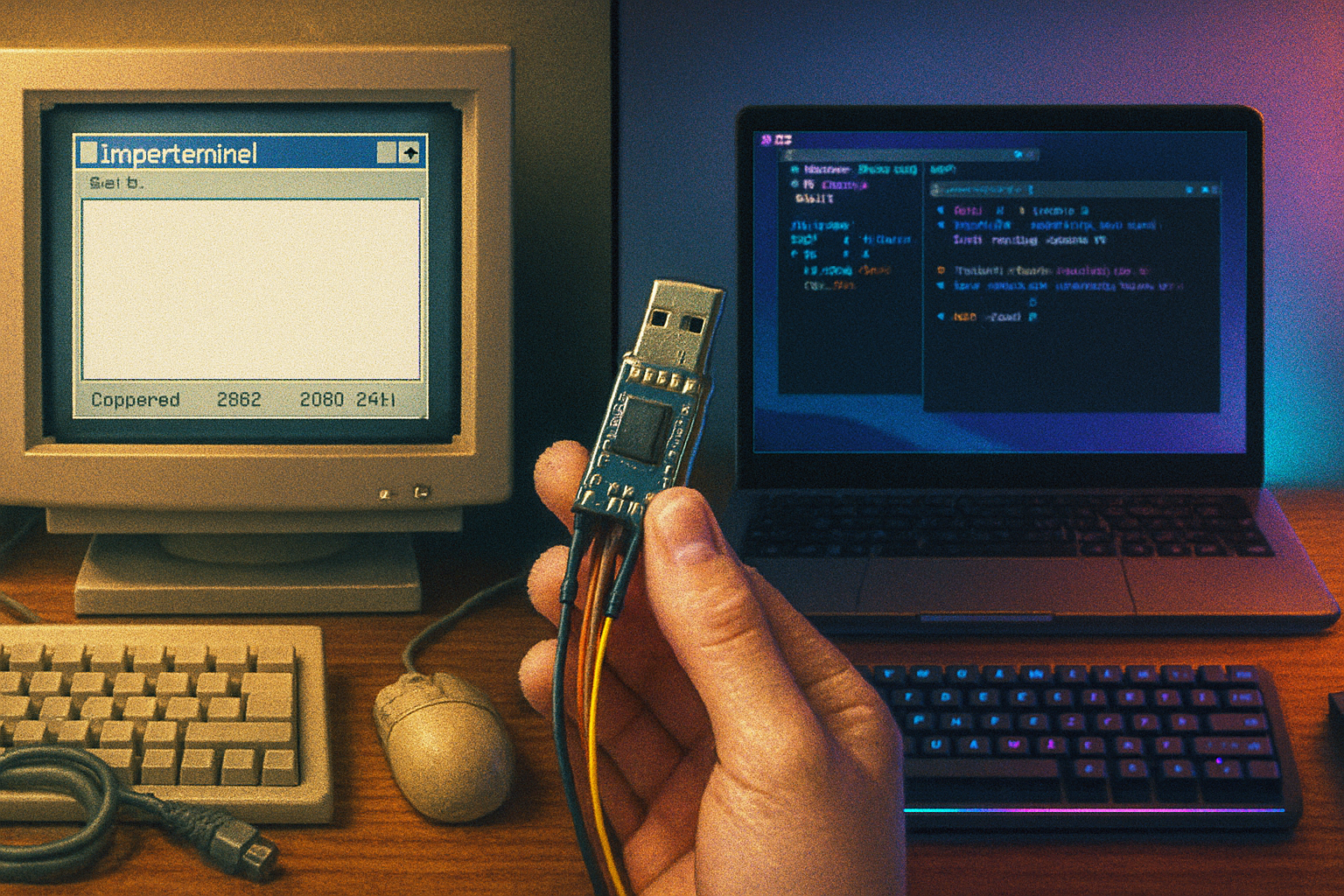
Connectivity isn’t just IP and DNS. It’s a physical chain: cable, connector, signal levels (RS‑232 vs TTL), adapter chipset, driver, and the device’s console port. A modern USB↔serial adapter (FTDI, Prolific) is a small marriage broker. Get the wrong chipset or the wrong voltage level and your console is a wall.
- Timing and framing
Baud rate, data bits, parity, stop bits (e.g., 9600 8N1) are the grammar of a serial sentence. Get them wrong and the device speaks in gibberish. This is like setting the wrong sample rate on an audio file - the data is there but unreadable.
- Flow control is real
RTS/CTS (hardware) and XON/XOFF (software) are how devices avoid drowning each other. Many modern USB adapters have quirky defaults. Knowing to toggle flow control can turn a silent terminal into a chatty one.
- Line endings and terminal emulation
Is the device expecting CR, LF, or CRLF? Is it using ANSI or VT100 control sequences? HyperTerminal forced you to notice these details. They still matter when configuring headless devices, serial consoles of routers/switches, or embedded systems.
Modern equivalents (your toolkit)
HyperTerminal is gone, but its heirs are numerous and far superior when used correctly. Learn at least one tool per platform:
- Windows - PuTTY - lightweight, supports serial and SSH/Telnet
- Linux/macOS - screen, minicom, or picocom - simple and scriptable. Example: screen /dev/ttyUSB0 115200.
- Cross-platform - Tera Term (Windows), Tmux+screen (Linux), and the venerable socat for crafting serial bridges.
- TCP testing - netcat (nc) or Telnet for probing TCP ports and banner grabbing.
- Virtual serial ports - com0com (Windows) or socat (Linux) to simulate connections for training.
Practical commands (cheat sheet)
- Connect to a USB serial adapter on Linux at 115200 8N1:
sudo screen /dev/ttyUSB0 115200- Minicom (configure once, then run):
sudo minicom -D /dev/ttyUSB0 -b 9600- Create a virtual serial pair with socat (Linux):
socat -d -d pty,raw,echo=0 pty,raw,echo=0- Test a TCP service (banner grab):
nc -v host.example.com 80- Windows - PuTTY - select “Serial” and enter COM port and baud.
Troubleshooting workflow (a reproducible process)
When a device is “down,” follow a reproducible, calm workflow. The point is to gather facts, not to guess wildly.
- Confirm the symptom
- Can you ping the IP? Can you SSH? Document errors and timestamps.
- Check cabling and LEDs
- Is the console port lit? Are link lights present? Replace the cable; try another port.
- Drop to the console
- Plug in your USB↔serial adapter and open a terminal at the likely baud (9600, 19200, 38400, 57600, 115200 are common).
- If you see garbage, try other common speeds and toggle flow control.
- Read boot logs
- Watch for panic messages, missing root filesystems, or network initialisation failures. These are often decisive.
- Attempt minimal fixes
- Reset configurations, clear corrupt files, or revert to a known-good image if needed.
- Escalate with evidence
- If you must open a ticket, include a transcript of the console session. Raw logs are persuasive.
Common serial gotchas and how to fix them
- Wrong voltage/levels - many modern embedded devices use TTL (3.3V) not RS232. Use a TTL adapter or level shifter. FTDI chips can be 3.3V or 5V.
- Driver problems - Windows may need an FTDI or Prolific driver. Check Device Manager for COM port numbers.
- Flow control stuck - disable hardware flow control in the terminal program.
- Crippled USB adapters - cheap adapters sometimes drop connections under load. Keep a good spare (FTDI-based).
- Console locked by crash - press Enter to wake a quiet prompt; some devices send output only on certain triggers.
Learning labs (practice makes reliable)
Set up five short exercises you can do in an hour that teach the same muscle memory HyperTerminal used to build.
- The Basics - Connect and speak
- Equipment - a USB↔serial adapter and a Raspberry Pi (or a router with console port).
- Task - Connect at 115200 8N1, log in, and capture the dmesg output.
- Lesson - Identifying correct device node and baud.
- The Mysterious Garble - Fix framing
- Create a device that uses 9600 7E1. Purposefully misconfigure your terminal and watch the garbage. Then correct it and explain what happened.
- Telemetry and Boot Recovery
- Interrupt the boot loader (e.g., U-Boot) via serial, change boot variables, and recover a broken SD image.
- Lesson - consoles let you rescue devices that are unreachable over the network.
- Virtual Serial Pair - Play both ends
- Use socat or com0com to create two linked virtual COM ports. Write a simple script that sends GPS-like NMEA sentences and a client that parses them.
- Lesson - building and debugging serial protocols.
- TCP Probes - Netcat as your phone
- Use nc to connect to an HTTP server, send an HTTP request by hand, and inspect the response headers.
- Lesson - understanding the protocol under the shiny UI.
Why this is humane work
Troubleshooting at the serial level is not a fetish for old hardware. It’s a humane craft. When a user can’t log in, they are scared. When a device is in a boot-loop, it’s a tiny tragedy for the engineers who rely on it. Learning to read a machine’s raw output shortens the time between problem and repair. You become the person who reduces anxiety rather than amplifying it.
Further reading and tools
- HyperTerminal (history): Wikipedia - HyperTerminal
- PuTTY (Windows serial/SSH client): PuTTY
- socat (serial/pty manipulations): socat
- com0com (Windows virtual serial ports): com0com on SourceForge
- FTDI (USB↔serial adapters): FTDI
Closing argument
Modern interfaces solve a lot of problems. They also hide the wiring. HyperTerminal’s true legacy isn’t nostalgia for modem chirps - it’s a lesson in forensic empathy. When you can read the machine’s raw sentences, you make better, faster, kinder decisions. Reviving those skills - with PuTTY, screen, socat, and a good FTDI adapter - is cheap insurance for when networks fail, caches explode, and executives ping you at 03:12.
Learn the pipes. Listen to the machines. Fix the world, one boot log at a time.