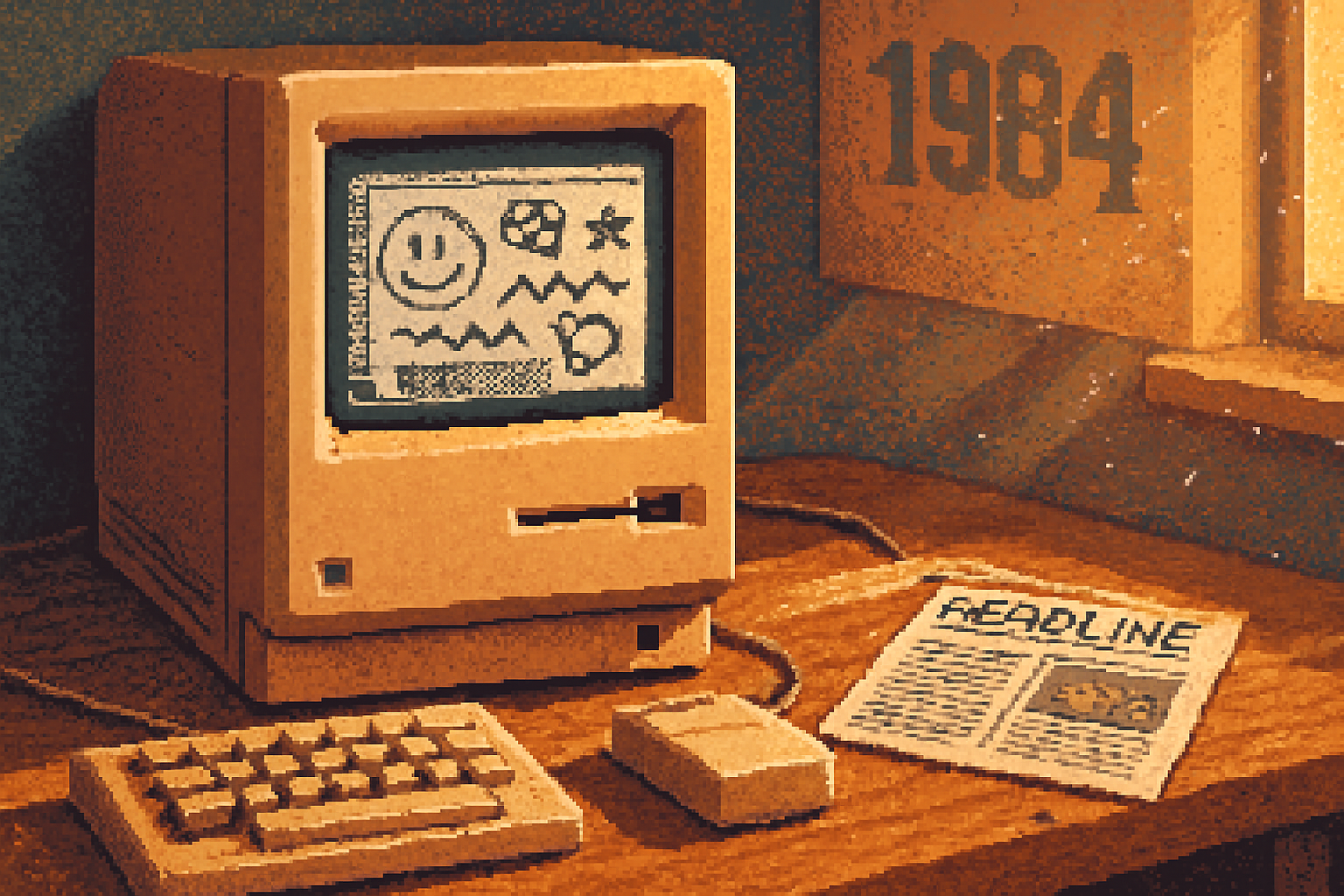
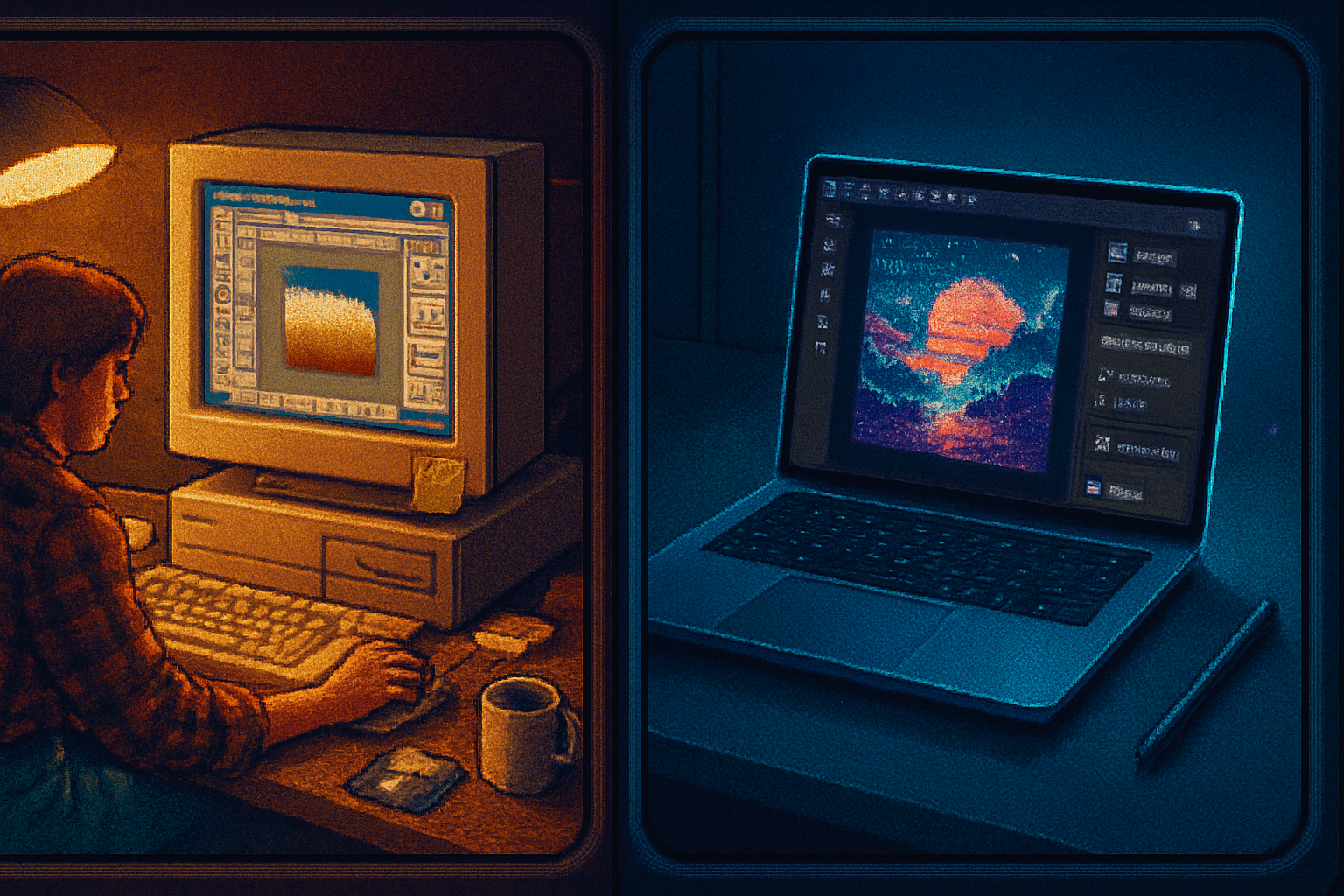
· retrotech · 6 min read
What Would the Original Macintosh Look Like in 2023? A Fascinating Design Reimagining
A speculative redesign that reimagines the 1984 Macintosh for 2023-keeping its soul but giving it modern hardware, sustainable materials, and a refreshed UI that honors the original "Hello."
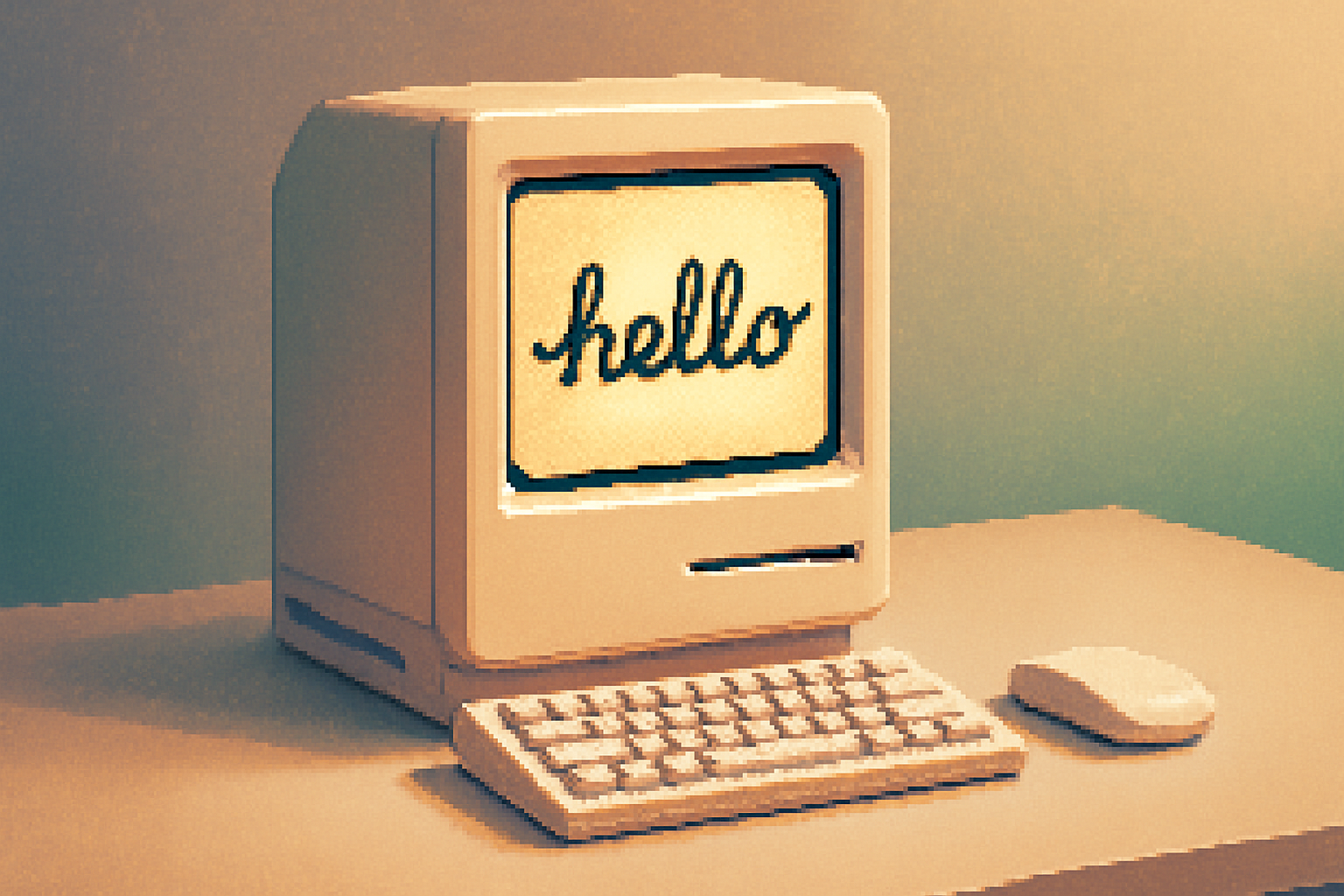
I still remember the first time I saw a Macintosh turned on: a little beige box with a 9-inch screen and the word “hello” in a looping script that felt like a wink from the future. It was polite, a little smug, and oddly intimate-like a typewriter that had learned to whisper.
That whisper is the constraint for any reimagining worth the name: keep the personality, lose the CRT. What would the original Macintosh look like if it were designed today-in 2023-using modern materials, performance, and interaction patterns, while preserving the compact, human-scaled philosophy that made it iconic?
Below is a practical, affectionate redesign that attempts to do just that: an aesthetic and UX translation, not a museum replica.
Design philosophy: conserve the soul, update the body
Think of design like ecosystem restoration. You don’t try to recreate the ancient tree by planting the same seeds; you recreate the conditions that allowed it to grow. The Macintosh’s core conditions were:
- A compact, all-in-one form factor that felt personal and domestic.
- A display-first experience - the screen is the face of the machine.
- A single-minded emphasis on simplicity and discoverability.
Any redesign must honor those conditions. So we keep the all-in-one, keep the approachable scale, and keep the idea that the machine says “hello.” Everything else-materials, input modalities, internals-gets updated.
Design DNA: what stays, what evolves
Retained features (the DNA):
- Integrated display and computer in a single compact shell.
- A warm, human-first face with a friendly power-on animation (the modern “hello”).
- Minimal visible controls-simplicity by omission.
- A single primary pointing device (conceptually the original was a one-button mouse; today that means a primary, unambiguous action model).
Evolved or replaced features:
- CRT → 11–13” high-DPI OLED/LTPO panel with adjustable aspect ratio nodding to the original squarer display.
- Beige plastic → recycled aluminum and matte glass with a soft, warm finish (a subtle tribute to the original hue without the toxic nostalgia).
- 128K RAM → efficient ARM-based silicon (fanless, long battery life) with a modular approach for repair.
- 3.5” floppy → a tactile nostalgia bay that accepts a repurposed SD/USB module shaped like an old floppy disk (more on this below).
The physical redesign: anatomy of the 2023 Macintosh
Visual concept overview:
- Size - roughly the footprint of a 13” laptop laid flat; the all-in-one sits on a low, integrated pedestal so the display hovers at a comfortable desktop height.
- Screen - 12.5” OLED, native 4:3 or variable ratio (switchable in software to mimic the old squarer Mac look). 3:2 is an option, but the square-ish ratio keeps the spirit.
- Bezel and face - a deliberately thick, gently rounded bezel-not because we need it, but because the original used a generous frame to create a face. This frame is a warm, off-white anodized aluminum with a micro-satin finish.
- Handle - a subtle cutout at the top rear-less a handle for hauling than a design echo. Practicality meets memory.
- Ports - two USB-C / Thunderbolt ports, one magnetic power, one SD-sized nostalgia bay, and a headphone jack. Ports are placed low on the back and are intentionally few.
- Floppy nostalgia bay - a flush slot that accepts a slim SD card adapter that looks like a 3.5” floppy. Drop in the floppy-shaped SD and it mounts with a satisfying mechanical click and plays a brief animation on screen.
Materials and sustainability:
- Recycled aluminum chassis, low-VOC paints, and a glass front fused with an anti-reflective coating.
- Easily removable rear panel for repairability and modular upgrades (SSD, wireless module, battery). A serial number etched on the inside links to lifecycle and repair documentation.
Aesthetics and colorways:
- Primary - “Warm Aluminum” (a soft off-white with a warm undertone).
- Accent - a subtle pale mint-only visible on the inside edge of the handle and the one-dot LED indicator.
Hardware-modern internals with personality
Suggested spec target (2023-conscious, balanced):
- SoC - energy-efficient ARM chip (8–12 core) with integrated GPU for fanless operation.
- RAM - 16–32 GB LPDDR (soldered for thinness, but with a base affordable option and a higher-end model offering more memory).
- Storage - 256 GB base NVMe, user-replaceable slot behind the rear panel.
- Display - 12.5” OLED, 2400 x 1800 native (4:3), 600 nits peak, adaptive refresh 10–120Hz.
- Battery - optional internal battery to allow mild cordless use for short tasks (think: moving it between rooms) and to support safe suspend.
- Networking - Wi‑Fi 6E, Bluetooth 5.3.
- I/O - 2x USB-C/Thunderbolt, 1x headphone jack, 1x nostalgia SD/USB slot, built-in stereo speakers tuned for clarity at low volumes.
Design quirks with purpose:
- One tactile dial on the lower right-an accessible, low-friction control for volume/brightness/home actions. It’s small, precise, and delightful. Think of it as a physical affordance for basic system states.
- Integrated ambient light sensor and tiny camera in the bezel for presence detection and adaptive UI.
Input & Interaction: the single-action ethic in 2023
The original Mac taught a generation that simple UI metaphors can be powerful. We keep that single-action ethic, but broaden the palette subtly:
- Primary pointer - a modern haptic single-button mouse (but with multi-touch surface). The button is clicky, satisfying, and intentionally limited: primary action. Secondary actions are discoverable via a small gesture or long-press-designed for novices and pros.
- Touch & gestures - the display supports simple multi-touch gestures for direct manipulation. The UI never expects you to use complex two-handed gymnastics; gestures are simple and contextual.
- Voice presence - an opt-in assistant that behaves like a gentle co-writer rather than an omniscient agent. It can open “templates,” explain features, or convert typed text to spoken word to honor the Mac’s early role as a writer’s companion.
- Haptic feedback - subtle localized haptics from the chassis provide confirmation without noise.
The user interface: “Macintosh Canvas”-a modern tribute
Imagine a desktop that behaves like a tidy studio: there’s a workspace, tools are visible but unobtrusive, and help is built in.
Principles:
- Calm, flat surfaces with subtle depth where clarity matters.
- Typography with character - a modern humanist sans for UI, but the system “Hello” uses an expressive script nodding to the original.
- Discoverability - contextual hints and an integrated sandbox that lets you try commands and undo them instantly.
Key UI features:
- Hello Home Screen - when the system boots you’re greeted with an animated, living “Hello” that morphs into app suggestions, recent documents, and quick templates. It’s not a login gate; it’s a friendly desk.
- Finder Redux («Canvas») - instead of an endless desktop full of icons, Canvas groups files by activity (e.g., “Drafts,” “Images,” “Experiment”). Files are shown as live thumbnails, and opening a file brings up a floating work surface.
- App windows - fluid, elastic windows that can be stacked, tiled, or pinned as minimal