· retrotech · 6 min read
Using the IBM PC XT for Creative Coding: A Retro Programming Challenge
Dust off an IBM PC XT (or fire up an emulator) and discover how the machine's severe limits force beautiful, surprising creativity. Practical setup tips, GW-BASIC tutorials, sound and graphics examples, and project prompts to get you started on a retro creative-coding journey.
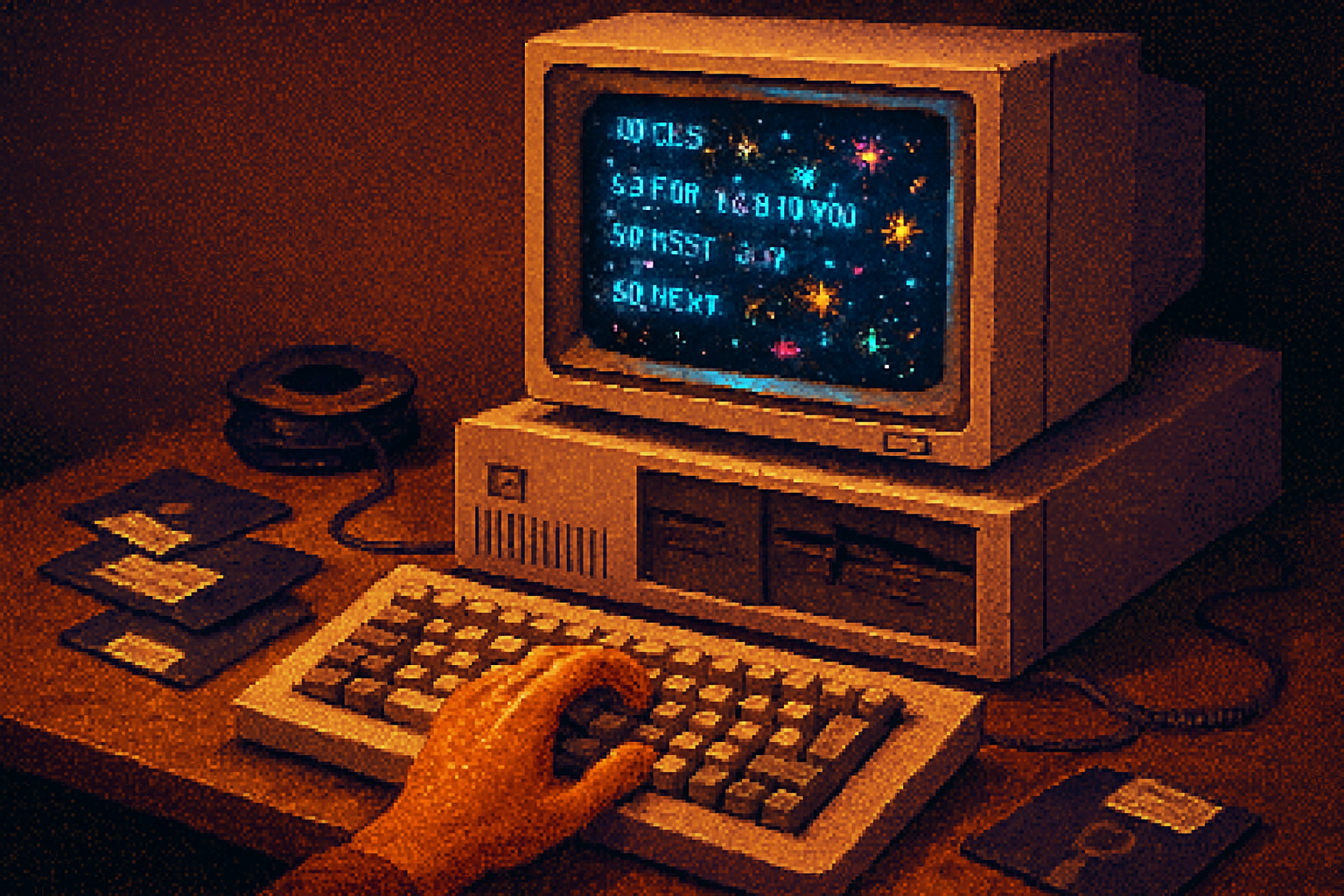
I found an IBM PC XT in a thrift-store box between a stack of user manuals and a broken dot-matrix ribbon. I booted it, and the little beige beast coughed up a black screen with a white prompt like a stern librarian who refuses to speak unless you know Latin. I wrote a ten-line BASIC program that drew random stars on the CGA screen, pressed Run, and felt - absurdly, violently - delighted.
That delight is the point. When your palette is four colors, and your CPU is slower than a microwave, code becomes craft. Constraints stop being annoyances and start being the whole plot: the limitation that forces you to invent cleverness. If you want to learn composition, write with a pen not a word processor. If you want to learn creative code, try an IBM PC XT.
Why the XT? Why retro?
- It’s a real constraint engine. The XT shipped in 1983 with an 8088 CPU at 4.77 MHz, 128–640 KB of RAM, and the Color Graphics Adapter (CGA). Those are not limitations to workaround - they are the rules you must turn into art.
- Historical joy. You’ll pick up techniques from the early demoscene and home computing era. Those tricks are elegant because they were necessary.
- Accessibility. You can run everything on an emulator (fast) or real hardware (magical). Either way - immediate feedback, minimal stack overflow.
Read more about the machine itself: IBM PC XT - Wikipedia.
How to get started: hardware vs. emulator
Option A - Real XT
- If you have one - check power, caps, and floppy drive belts. Keep an eye on old batteries (they leak and kill motherboards).
- Copy files via floppy images or a serial link; or swap in a modern ISA card with a CompactFlash adapter.
Option B - Emulators (recommended for most beginners)
- DOSBox - easiest route for BASIC and simple DOS apps. Download at
- PCem or 86Box - for a faithful XT experience (CGA quirks, real BIOS behaviour). See
How to run GW-BASIC in DOSBox quickly
Get a copy of gwbasic.exe (or use QBASIC from MS-DOS if you have it). Classic archive sources exist, e.g. classicdos.org, or use the version that comes with some DOS collections.
Create a folder on your host, e.g. C:\xtwork
In DOSBox:
mount c c:\xtwork c: gwbasic.exe
SAVE and LOAD work as expected to the mounted folder.
DOSBox is very forgiving; PCem/86Box are for when you want the exact XT weirdness.
The languages: BASIC (GW-BASIC/BASICA/QBASIC), assembly, and more
- Start in GW-BASIC. It’s immediate, interactive, has SOUND, SCREEN, PSET, LINE, CIRCLE, and file I/O. It’s slow, but that’s part of the constraint.
- When you need speed - embed small machine-code routines or switch to ASM with tools like DEBUG or MASM (running on an XT is part of the challenge). You can also write binary blobs and CALL them from BASIC.
Quick tutorial: a CGA pixel-noise generator in GW-BASIC
This is the kind of 15-line program that makes you feel like a wizard. It runs in SCREEN 1 (CGA 320x200, 4 colors).
Copy this into GW-BASIC and RUN.
10 SCREEN 1
20 RANDOMIZE TIMER
30 DIM X(200), Y(200), D(200)
40 FOR I=1 TO 200
50 X(I)=INT(RND*320)
60 Y(I)=INT(RND*200)
70 D(I)=RND*3+0.5
80 NEXT I
90 CLS
100 FOR T=1 TO 2000
110 FOR I=1 TO 200
120 XP=INT((X(I)-160)/D(I)+160)
130 YP=INT((Y(I)-100)/D(I)+100)
140 C=INT(3*(1/D(I)))
150 PSET (XP,YP),C
160 D(I)=D(I)*0.985
170 IF D(I)<0.6 THEN X(I)=INT(RND*320):Y(I)=INT(RND*200):D(I)=RND*3+0.5
180 NEXT I
190 NEXT T
200 END
What’s happening:
- The program initializes 200 “stars” with random positions and depths.
- Each loop the stars move toward you (depth decreases), making them appear to speed up as they approach.
- When a star passes the viewer it resets.
This is gloriously slow on real hardware, which gives it an analog, tactile feel. On a modern emulator it’s snappier, but still charming.
Adding sound: PC speaker from BASIC
GW-BASIC supports SOUND frequency,duration. Frequencies are integer values; durations are in game ticks (roughly hundredths of a second, varies).
Try blending sound into the animation - a simple ping on reset:
5 SOUND 440,6
10 ' (rest of program)
Or create a simple arpeggio loop:
FOR F=220 TO 880 STEP 20
  SOUND F,3
NEXT F
Sound on an XT is primitive and nasal. Use it anyway. The limitations make melody design unexpectedly interesting.
From BASIC to the metal: pokes, text modes, and CGA quirks
If you want to be audacious, BASIC lets you POKE memory and I/O ports. That means you can:
- POKE video memory for fast pixel updates.
- Toggle the palette and use CGA artifact colors (the famous NTSC composite artifact trick that produced 16 colors out of CGA) - a favorite demoscene hack.
- Reprogram the character set in text mode for tile-based graphics.
Warning: POKEing can crash emulators or hardware. Save your work first.
Resources:
- CGA technical notes and artifact color history: Color Graphics Adapter - Wikipedia
- Demoscene archive/pouet for inspiration: pouet.net
Project ideas and creative prompts
- CGA Generative Portraits - Restrict your palette and generate portraits with few shapes. Think of color like punctuation: strong, deliberate, scarce.
- STAR JAM - a 48-hour challenge - make a program under 512 bytes that produces a convincing starfield (byte-counted, as in the old tiny demo contests).
- Composite-Artifact Landscapes - exploit NTSC artifact colors on a CRT to produce impossible palettes. Document the visual differences between composite output and RGB monitor output.
- Text-mode tile engine - redefine characters to make a low-res tile set, then write a tiny map renderer in BASIC.
- PC-speaker chiptune sequencer - write a BASIC editor that encodes melodies into arrays and plays them back - export as a data file.
- Port modern generative algorithms (Perlin noise, cellular automata) to BASIC - the code will be slow, but the result will teach you efficiency and mathematical thinking.
Tips for creative success
- Embrace slowness. Frame it as a feature. Slow rendering invites composition and subtlety.
- Think in primitives. When you have few colors and limited resolution, every dot and line must have meaning.
- Measure and optimize. Once you’re hooked, try replacing slow routines with tiny assembly stubs for big performance gains.
- Document your process. Screenshots, animation recordings, and the short programs themselves are what make the community thrive.
Where to share and learn
- Twitter/X, Mastodon, and Reddit have active retro-computing communities.
- The demoscene (pouet.net) archives old tricks and modern reinterpretations.
- GitHub and itch.io are great for sharing source and compiled floppy images.
Further reading and tools
- DOSBox: https://www.dosbox.com/
- PCem: https://pcem-emulator.co.uk/
- 86Box: https://86box.net/
- IBM PC XT: https://en.wikipedia.org/wiki/IBM_PC_XT
- Color Graphics Adapter (CGA): https://en.wikipedia.org/wiki/Color_Graphics_Adapter
- Demoscene resource: https://www.pouet.net/
Final provocation
The IBM PC XT is not a museum prop. It’s a design language. It whispers rules: you can’t have every color, you can’t have every pixel, you must choose. Those whispers are the teacher. If you want clarity in your modern creative code, go retro for a weekend: swap infinite choices for a handful of resonant constraints and see what you invent.
Save your program, blow into a virtual floppy, and post the result. The XT won’t forgive sloppy thought - but it will reward cleverness with something that looks like magic.