· retrotech · 7 min read
Old But Gold: Why the IBM PC AT is the Ultimate Gaming Machine for Retro Gamers
The IBM PC AT (5170) is more than an old beige box - it's a time machine that plays by different rules. This deep dive explains why the AT is such an addictive retro-gaming platform, which classic titles it handles best, and the practical modern upgrades (Gotek, CF/IDE, ISA sound cards, USB adapters) that make playing on real hardware both practical and delightful.
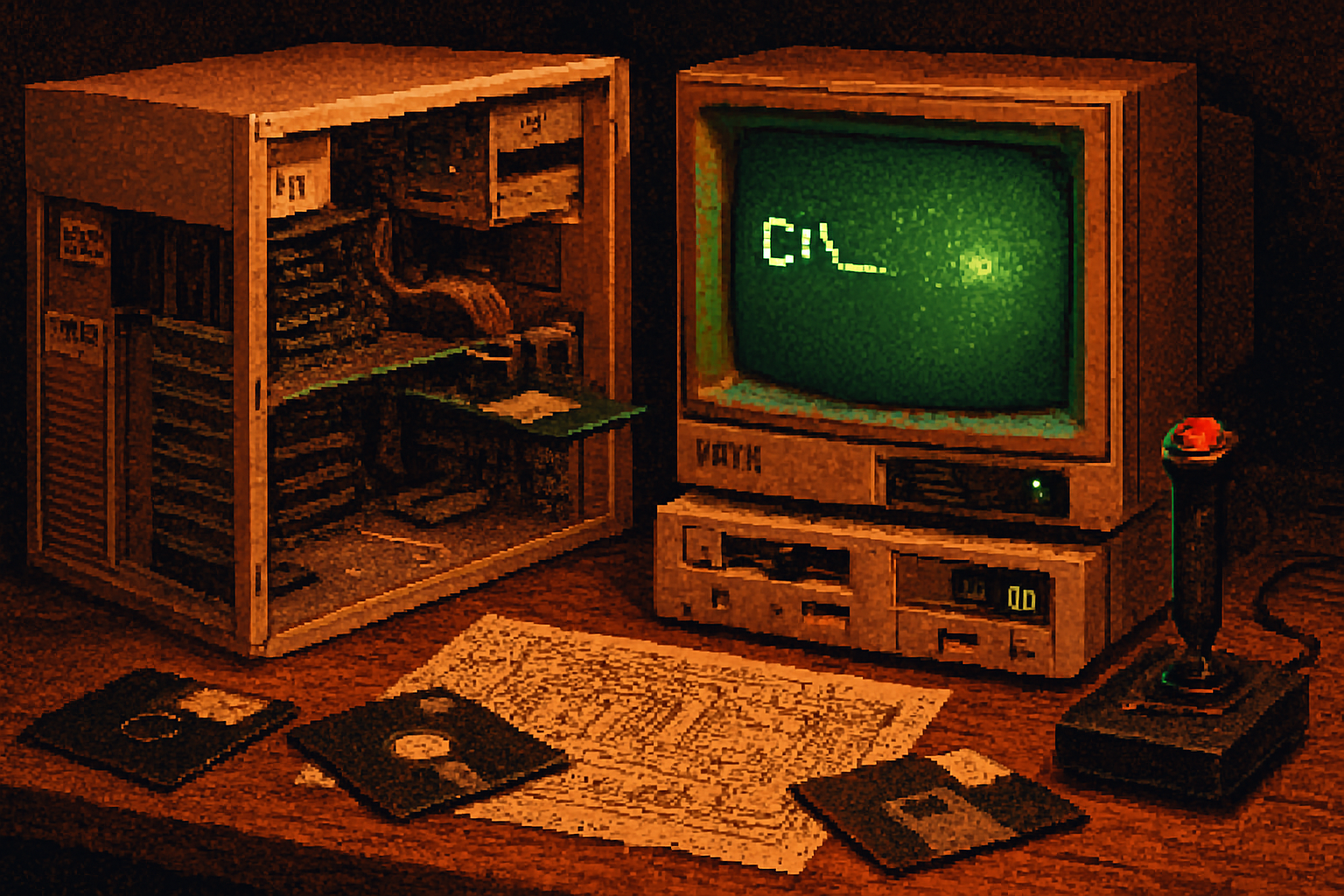
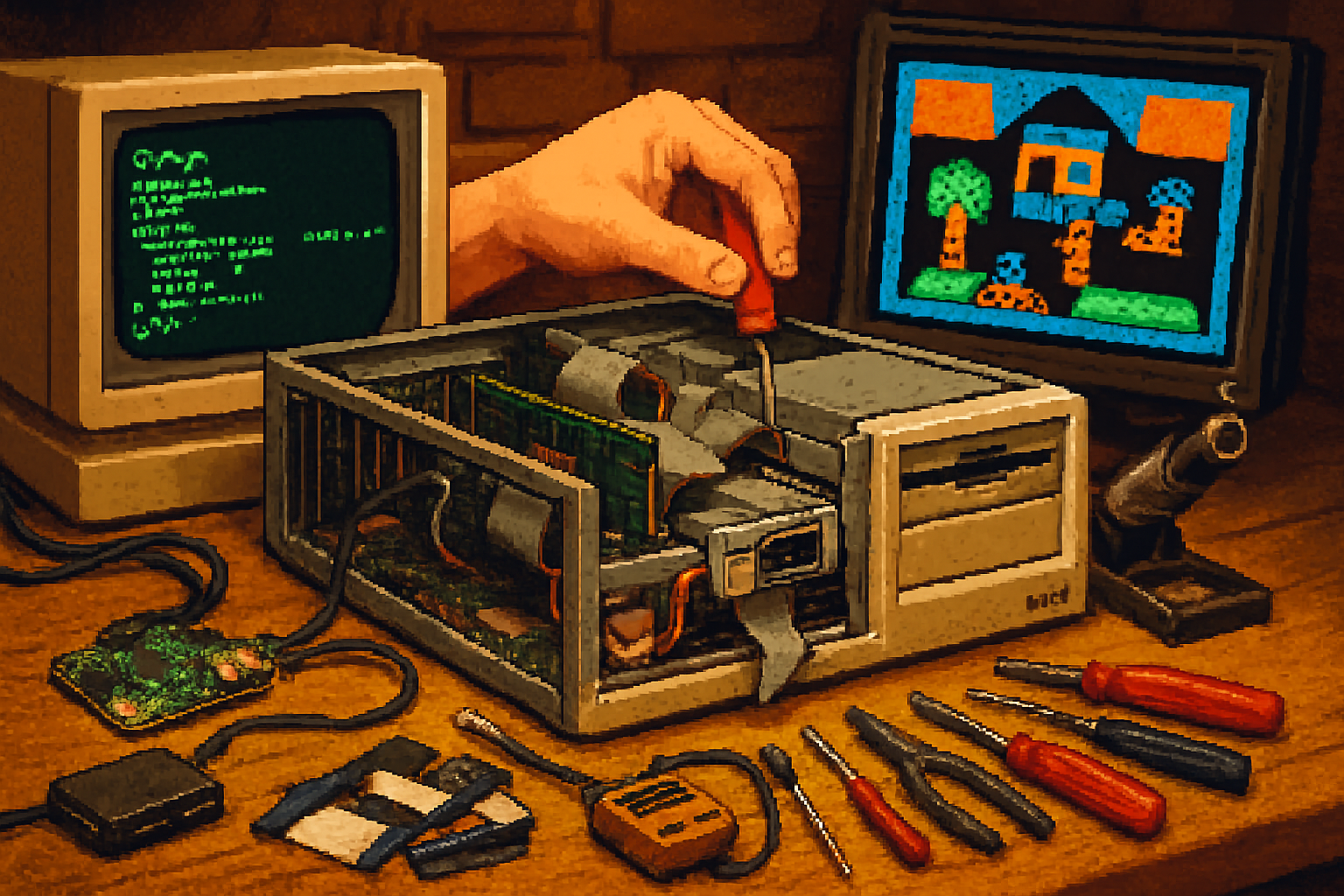
A friend once found an IBM PC AT in a church basement and asked if it was “broken.” I propped open the case, slapped in a floppy, and watched a 6 MHz 80286 cough the words “A:”> onto a green-phosphor monitor like a Victorian gentleman clearing his throat. It sounded slow. It was glorious.
What the AT lacks in clock speed it makes up for in personality. The machine is not merely a platform for old games; it’s an artifact with its own rhythms, glitches, and rewards. For retro gamers who want something tactile and historically correct, the IBM PC AT is the ultimate compromise between authenticity and practicality.
Why the AT still matters (and why you’ll care)
- The AT was the archetype of the PC-compatible workstation - IBM’s 5170 (released 1984) introduced the 80286 CPU, a true protected-mode architecture and a roomy ISA bus that invited expansion [
- It’s fast enough to run a huge swath of DOS-era classics natively, while still begging you to tinker - install an AdLib card, replace the floppy with a Gotek, or tweak IRQ settings until something magical happens.
- Compared with XT-era machines, the AT gives you more memory headroom, better storage options (hard drives become realistic), and a richer expansion ecosystem. Compared with later 386/486 boxes, it has character - games behave a bit differently here, and often better, than in emulation.
If vintage hardware is wine, the AT is the well-aged bottle that still smells faintly of the cellar.
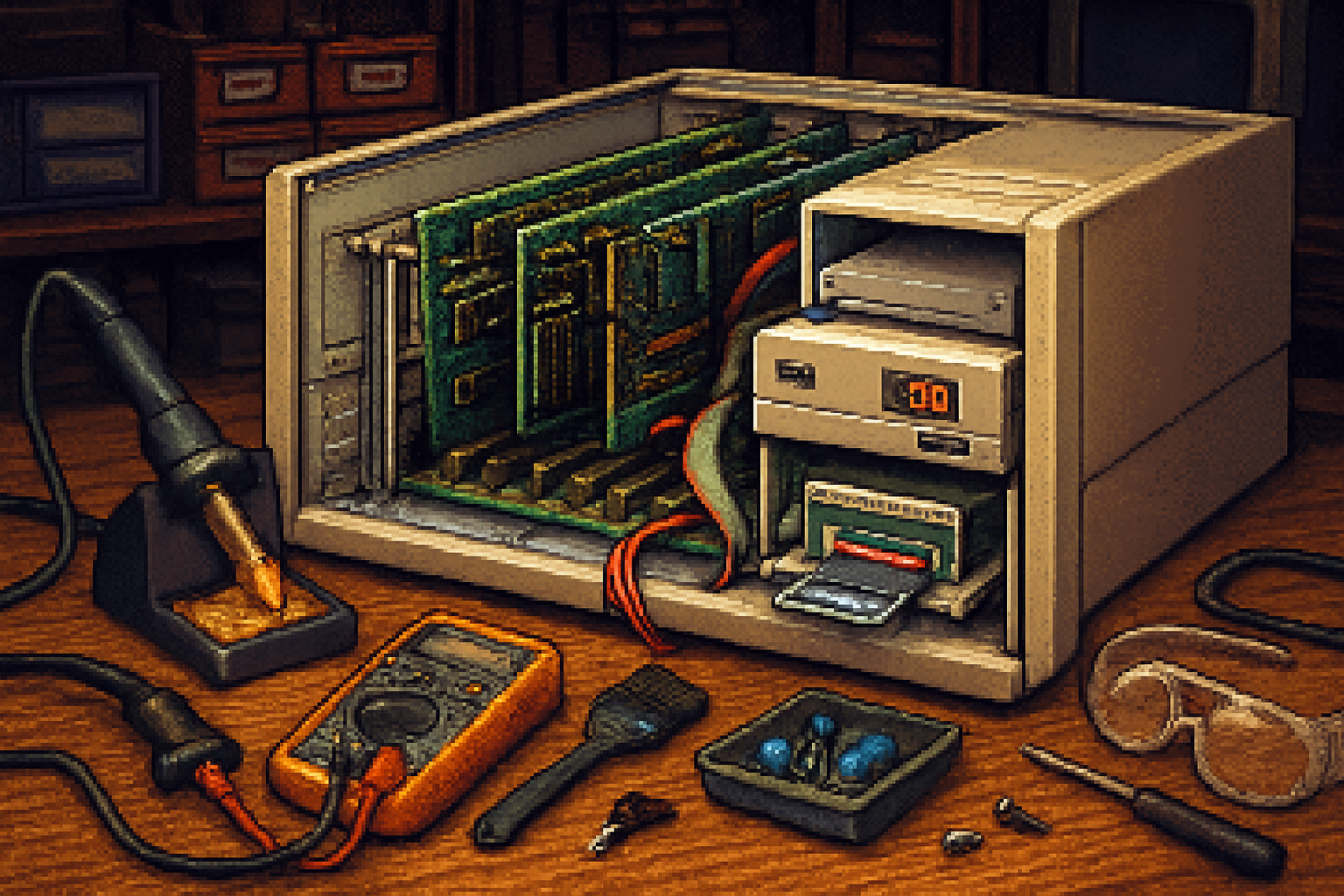
A concise hardware tour (what’s under the hood)
- CPU - Intel 80286 at ~6–8 MHz (early machines), though later AT-class machines and aftermarket CPU upgrades pushed higher clocks. The jump from 8-bit to 16-bit buses mattered - for speed, but also for expandability.
- Memory - Starts at 512 KB, expandable into the megabytes using ISA memory cards or early memory controllers. How you manage conventional/extended/expanded memory matters for games.
- Video - CGA and EGA were common on ATs; you can add ISA VGA cards later to support higher resolutions and nicer colors.
- Sound - The motherboard offers only the PC speaker. For real music and digitized sound, add an ISA card - AdLib and early Sound Blaster cards are the classic choices.
- Storage - 5.25” floppy standard; many ATs shipped with ST-506 hard drives. Modern upgrades let you replace floppies with USB devices and hard drives with CF adapters.
Classic games that sing on an AT
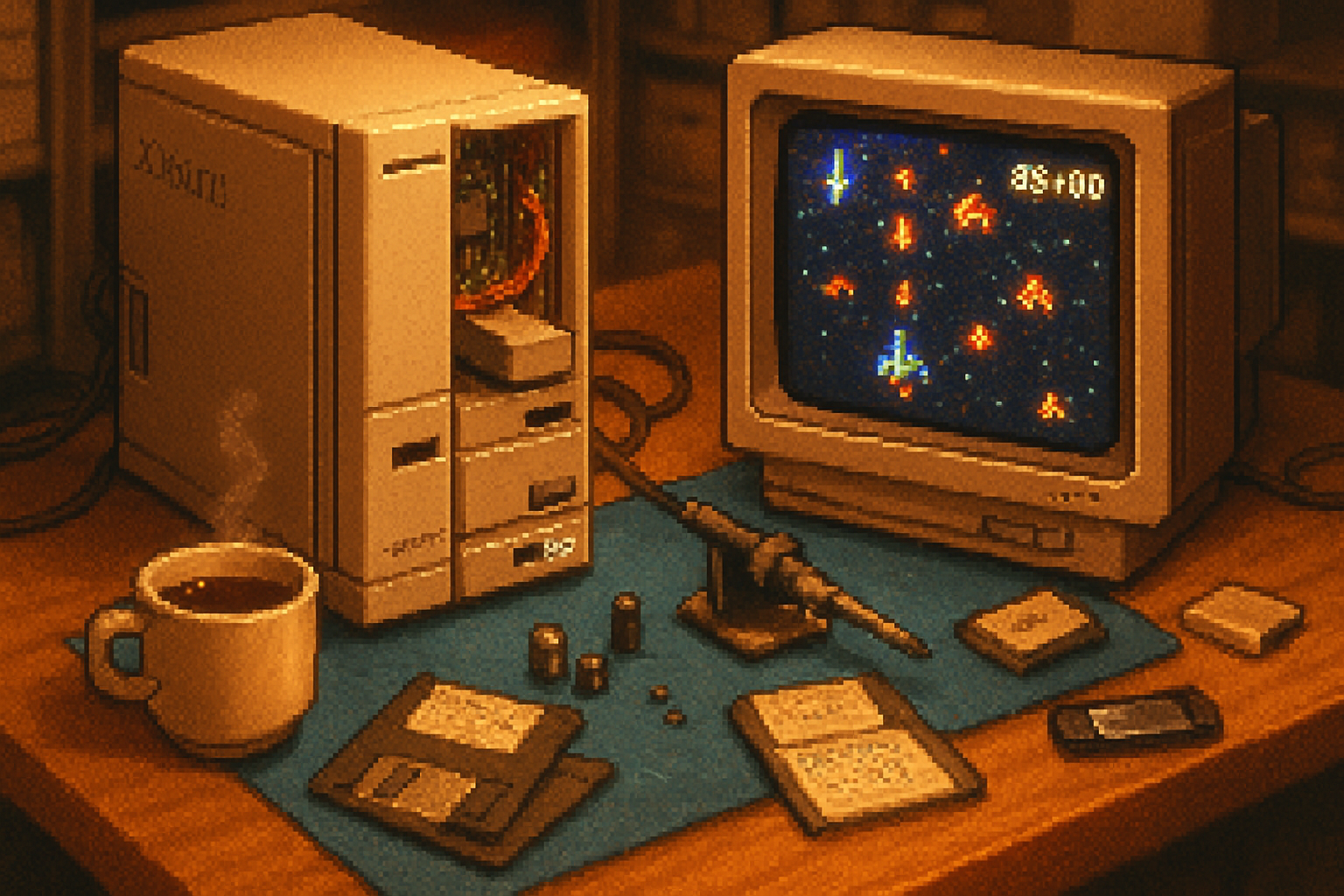
These are titles that feel right on a 286-era machine - they were designed with the performance, sound and graphics limitations of the time in mind.
- King’s Quest I–III (Sierra) - adventure gaming at its narrative best. Runs well in EGA.
- Leisure Suit Larry (Sierra) - humor, puzzles, and text parsing; the slower CPU actually makes timing puzzles tolerable.
- Prince of Persia (1989) - fluid animation and precise timing; works great on a high-clock 286.
- Wing Commander (early entries) - early flight-sim action; EGA/VGA versions can be run depending on the video card.
- Doom (early 1990s) - ambiguous territory - the original Doom runs better on 386/486 hardware, but with the right VGA card and CPU upgrades some AT-class machines can handle small-map Doom or earlier 2D shooters very well.
Notes: game compatibility often depends on the video card, sound card and memory configuration. Later titles that depend on 386-specific features or DOS extenders (DOS4GW) may need a CPU upgrade or emulation.
Modern upgrades that keep the vintage soul
If you love the look and feel of the AT but also want less fiddling and more playtime, these modern add-ons are your friends.
- Gotek USB “floppy” emulator (with FlashFloppy firmware)
- Replace failing 5.25” drives with a compact USB stick that mounts disk images. It’s the single most liberating upgrade; you keep the original OS and games but lose the anxiety of corrupt floppies. (See FlashFloppy/Gotek guides: https://github.com/keirf/FlashFloppy/wiki)
- IDE/CF adapter or XT-IDE-style solutions
- Replace the old ST-506 or MFM drive with a CompactFlash or modern IDE SSD via an adapter for faster boot times and large storage.
- ISA sound cards - AdLib, Sound Blaster (1.0/2.x) and clones
- For authentic music and digitized effects, add a Sound Blaster-compatible card. Creative’s Sound Blaster series is the historical standard (https://en.wikipedia.org/wiki/Sound_Blaster).
- VGA upgrade cards
- Swap EGA/CGA for an ISA VGA card if you want nicer resolutions and better compatibility with later DOS titles.
- USB keyboard/mouse adapters
- Modern USB keyboards can be made to work with AT systems via PS/2 adapters or specialized USB-to-AT/XT converters. If you want true period feel, hunt down an AT or AT-compatible mechanical keyboard.
- Serial/parallel DACs and weird sound hacks
- Projects like Covox (parallel-port DAC) offer inexpensive digital audio for machines without sound cards.
- Network and storage bridging
- ISA Ethernet cards exist (NE2000-compatible). You can bridge your AT to a modern machine to transfer disk images or to play old LAN-enabled games.
Practical how-to: set up an AT for gaming (checklist)
- Power and safety
- Inspect capacitors, belts and the PSU. Old electrolytics can leak. If you don’t know how to recap or replace a PSU, ask a specialist.
- Backup before you touch anything
- Image hard drives and floppies with dd, WinImage or KryoFlux. Make copies of ROMs and configuration files.
- Floppy management
- Use a Gotek emulator to simplify swapping disk images. Keep a small set of verified images for your favorite titles.
- Memory and drivers
- Learn the dance of CONFIG.SYS and AUTOEXEC.BAT. Many games require memory managers; on a 286 you’ll often rely on LIM EMS (hardware-based or via the game), since EMM386 needs a 386.
- Sound card IRQ/DMA conflicts
- ISA is an IRQ minefield. Turn off onboard peripherals if necessary, set jumpers on the sound card, and ensure no two devices share IRQ/DMA lines unless they’re designed to.
- Video
- Match the game to the card - CGA games look harsh on VGA; EGA titles prefer an EGA/VGA card to render properly.
- Cooling and case cleanliness
- Remove dust, check connectors, and use low-profile fans if you plan long sessions.
Emulation vs. real hardware: the honest compromise
- DOSBox - easiest, cross-platform, and excellent for most 8086/286/386-era games - but it’s an approximation of hardware timing and quirks (
- PCem and 86Box - cycle-accurate emulators that reproduce specific machines and expansion cards. These are the route to faithful behavior without tracking down rare hardware (
If your goal is historical authenticity and the tactile joy of mechanical switches, use real hardware. If your goal is convenience and speed, emulate. Many enthusiasts maintain both: a real AT for ritual, and PCem for the quick replay.
Common traps (and how to avoid them)
- Timing-sensitive games - some titles were written with the CPU speed in mind. A faster 286 may break animation or game logic. Use the turbo switch (or software throttles) to slow the machine when needed.
- IRQ/DMA drama - ISA devices fight like old relatives. Read jumpers, keep a notepad of IRQ assignments, and remove devices you don’t need.
- Power supply failures - PSU parts become unavailable; don’t power a suspected-dead PSU without testing. Consider getting a replacement or have it recapped.
Where to find parts and knowledge
- eBay and specialized retro-hardware sellers for boards and cards.
- Retro forums and Discord servers - people trade images, BIOS dumps, and practical advice.
- Reuse and salvage - many ISA cards are abundant and cheap if you’re patient.
A brief moral: what the AT teaches you about games
Playing games on the AT is an act of negotiation. You accept limits - slow CPUs, quirky graphics, IRQ voodoo - and in return the machine forces you to experience the games as designers once intended: close to the metal, tactile and occasionally unforgiving. It teaches patience and care, and rewards curiosity with unadorned fun.
If nostalgia makes you misty-eyed for simplicity, you’ll find the AT honest. If you love tinkering and scoring tiny technical victories (the floppy boots! the AdLib music plays!), you’ll find it addicting.
Boot it, tweak it, and for the love of all that is pixelated, keep a spare Gotek handy.
References
- IBM Personal Computer/AT (Wikipedia): https://en.wikipedia.org/wiki/IBM_Personal_Computer/AT
- FlashFloppy (Gotek firmware): https://github.com/keirf/FlashFloppy/wiki
- Sound Blaster (Wikipedia): https://en.wikipedia.org/wiki/Sound_Blaster
- DOSBox: https://www.dosbox.com/
- PCem emulator: https://pcem-emulator.co.uk/
- 86Box emulator: https://86box.net/