· retrotech · 7 min read
From Past to Present: The Legacy of the IBM PC XT in Today's Computing
The IBM PC XT introduced a set of hardware and firmware decisions whose echoes are still audible in modern PCs. This post traces the XT's architecture, software compatibility mechanisms, and the pragmatic stubbornness of legacy support - and explains why engineers should study these old machines.
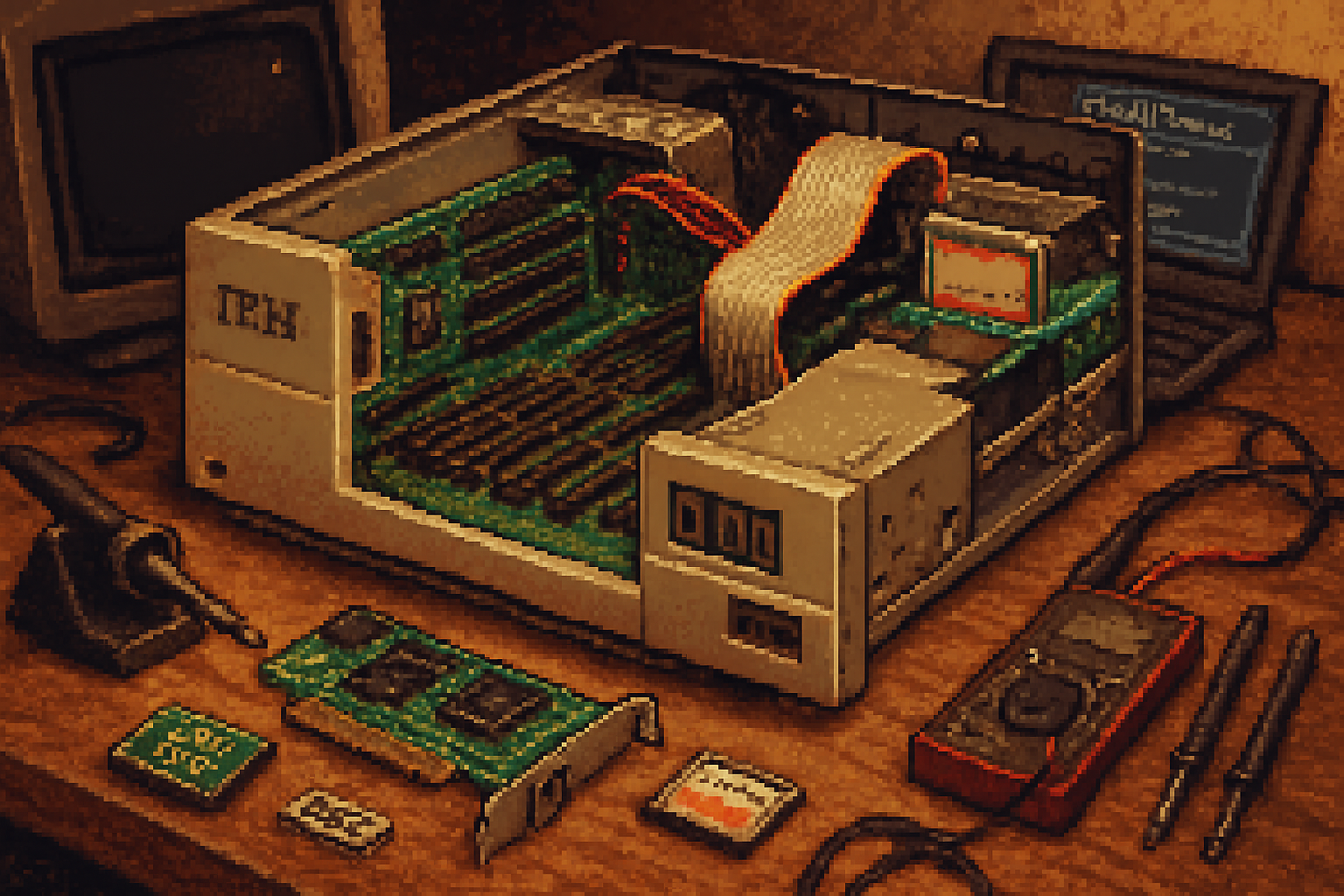
I once pried open an IBM PC XT’s case in a museum and lifted its 10 MB hard disk. It felt like holding a small, dignified brick. The curator smiled and said, “That used to be luxury.” He was right: the XT made luxury ordinary - and by doing so, it baked choices into the PC ecosystem that last to this day.
The little brick that changed expectations
The IBM Personal Computer XT (Model 5160), introduced in 1983, wasn’t a revolutionary rewrite so much as a decisive negotiation with the present: keep what works, make a few smart upgrades, and ship. It added a built-in hard drive, more expansion slots, and a firmer contract between software and hardware. Those changes look modest in isolation. Together they altered incentives and created an ecosystem that rewarded compatibility above novelty.
Source reading: the XT’s basic specs and historical context are summarized in the IBM PC XT article and related primary sources: https://en.wikipedia.org/wiki/IBM_Personal_Computer_XT
What the XT actually introduced (and why it mattered)
Key innovations and durable decisions:
- Built-in hard disk (typically 10 MB) - made disk-based software practical and accelerated the move from floppies to persistent storage.
- More expansion slots (8 instead of 5) - encouraged third-party cards and an aftermarket of peripherals.
- Standardized BIOS and published architecture - allowed clones and software vendors to target a common platform.
- Baked-in expectation of MS-DOS/PC DOS compatibility - software assumed DOS services and BIOS interrupts would be present.
These are not flashy features. They are governance: rules that told the market what to optimize for.
The XT’s operational architecture - the plumbing behind the myth
If you want to know how modern PCs can boot Windows, Linux, or a dozen hypervisors, start with the XT’s plumbing.
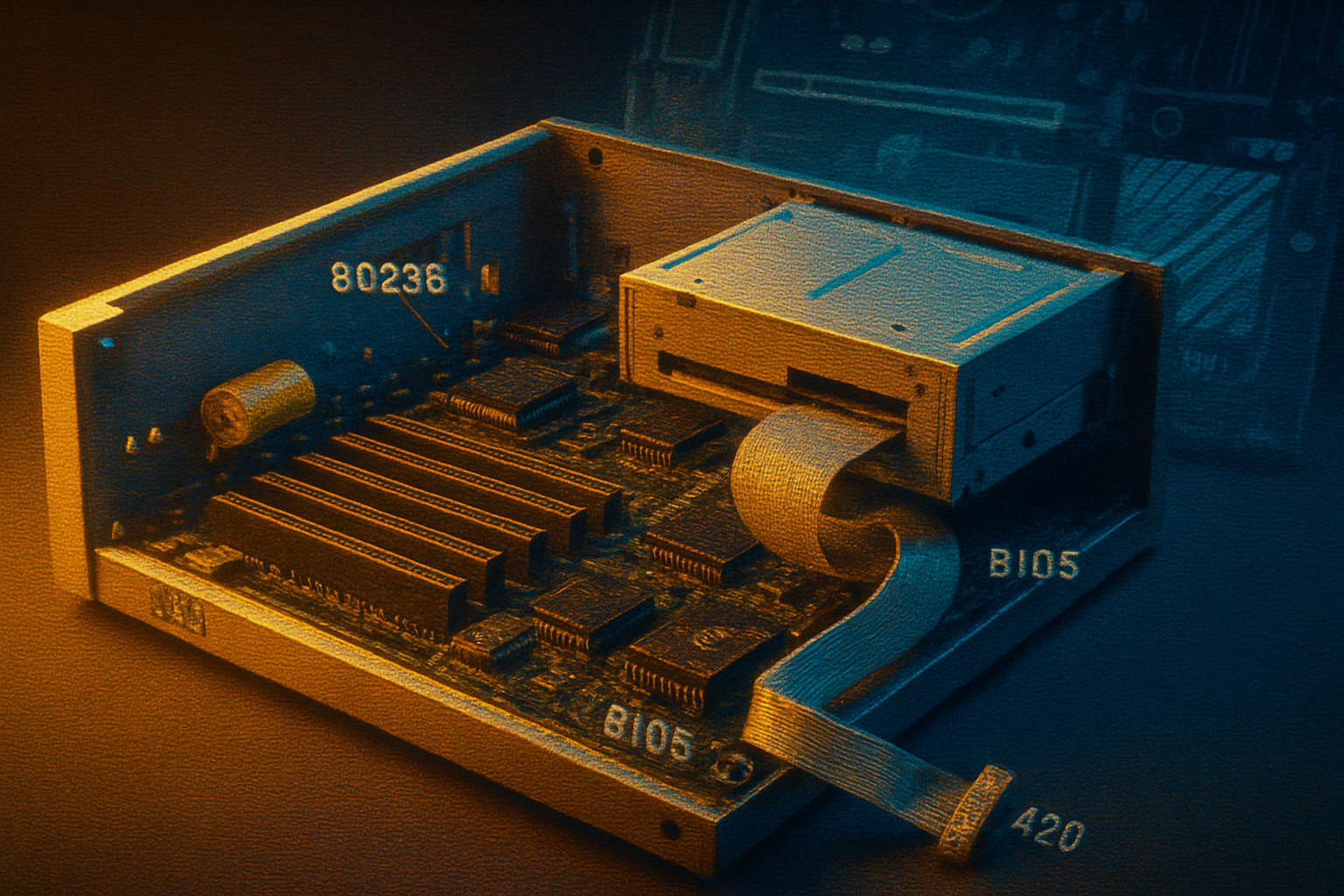
CPU and bus - the XT used the Intel 8088 (4.77 MHz) - an 8-bit external bus feeding a 16-bit internal architecture. That decision, and the XT’s 8-bit expansion bus, helped standardize the Industry Standard Architecture (ISA) that third parties adopted:
Memory map and the 640 KB conventional memory - the XT inherited the IBM PC’s memory layout that reserved the upper 384 KB of the first megabyte for ROMs and memory-mapped I/O. The result was the now-famous 640 KB upper limit for conventional RAM and a raft of hacks (EMS, XMS) to push past it:
ROM BIOS and interrupts - the XT’s BIOS provided a small set of well-documented services (keyboard, disk I/O, display) via software interrupts. Programs could call these interrupts rather than talk to hardware directly. That simple abstraction is the ancestor of modern firmware interfaces:
Disk I/O assumptions - early PC DOS/PC BIOS designs assumed CHS (cylinder-head-sector) addressing. That was fine for 10 MB drives, less fine as capacities ballooned; the limitations produced a chain of stopgap protocols (INT 13h extensions, LBA) and eventually new partition schemes (MBR -> GPT):
The upshot: the XT created a minimal hardware abstraction layer - BIOS - that was small, stable, and widely implemented by clones. Once software relies on that layer, the layer becomes sacred.
Software compatibility: the social contract
The XT era formalized a social contract between hardware vendors and software authors:
BIOS = lowest-common-denominator service. Programs could rely on a handful of calls to perform disk and keyboard operations without caring about controller vendors.
DOS became the user-facing API. A large and growing body of software wrote to MS-DOS/PC DOS, which in turn talked to BIOS and hardware. PC DOS 2.0, shipped around the XT era, added support for subdirectories and hard disks - exactly the features the XT made useful: https://en.wikipedia.org/wiki/PC_DOS
Clones enforced the contract. IBM published specs and its competitors implemented compatible BIOS behaviors. Once software ran on one machine, it ran on many. That network effect is the origin of “PC compatible” dominance.
This compatibility-first culture solved a classic coordination problem: software authors could target a single platform and reach many customers. The market rewarded slavish adherence to the emergent interface.
Legacy support: a blessing and a tax
Compatibility is an economic force as much as a technical one. The constraints the XT introduced have had long tails:
BIOS longevity and the rise of UEFI - the BIOS model persisted for decades. When UEFI finally arrived, systems shipped with Compatibility Support Modules (CSM) to emulate BIOS services for older OSes and bootloaders. That is compatibility as insurance policy:
Disk addressing and partition tables - early BIOS and DOS assumptions led to MBR and CHS-based limits. Workarounds (LBA, INT 13h extensions, partitions) carried old assumptions forward until GPT and UEFI could break them cleanly:
Hardware and software debt - the x86 instruction set, I/O port conventions, and a raft of little quirks remain because the cost of removing them would break software. The result is complexity: modern CPUs and firmwares must emulate legacy behaviors for compatibility’s sake.
Compatibility buys adoption. It also forces future architects to carry dead weight.
Concrete examples of the XT’s legacy in modern systems
The 640 KB story - the XT-era memory map created the so-called 640 KB “conventional memory” region that later DOS-era tools and drivers had to work around. The memory managers and EMS/XMS standards are a direct consequence.
MBR limits and the 2 TB wall - MBR’s 32-bit addressing (in combination with BIOS/OS quirks) eventually produced practical disk-size ceilings, forcing a transition to GPT and UEFI.
Device enumeration and drivers - the practice of providing software-visible, standardized firmware services led to plug-and-play expectations - but the initial model (BIOS interrupts) scaled poorly. Modern systems replaced it with richer firmware and driver models, but the migration required years of compatibility layers.
Emulation and preservation - tools like DOSBox and QEMU keep vintage software alive by emulating XT-era hardware and BIOS behavior. They are living proof that ancient architecture decisions still matter:
Why engineers and designers should study vintage tech
This is not nostalgia. It’s strategic intelligence.
Compatibility is policy, not just code. The XT shows how small design choices become social contracts. If you design an API or ABI today without thinking about long-term compatibility, you are choosing the opposite of robustness.
Surprises come from assumptions. The XT’s CHS assumptions, safe in 1983, created hard limits later. Studying those mistakes teaches you to question assumptions that look ‘obvious’ today.
Security and maintenance are long games. Much modern malware and exploits rely on legacy behaviors and poorly understood corners of ancient code. Knowing the past helps you find the present’s attack vectors.
Preservation and reproducibility matter. For historians, researchers, and engineers reproducing experiments, the ability to boot and run old software matters. Emulators and firmware dumps are not quaint hobbies - they’re infrastructure for knowledge.
A final, slightly cruel observation
The XT did not set out to trap the future. It shipped because it solved immediate customer problems: more storage, more expandability, and a reliable firmware contract with software. The market rewarded that pragmatism, and pragmatism turned into orthodoxy.
Compatibility is a merciless teacher: it rewards the practical and punishes the novel. The XT teaches us to build for people, not for elegance alone. It also teaches that every architecture decision is political - it privileges some futures and forecloses others.
Understanding vintage tech is not about romanticizing cables and Beeps. It’s about learning how practical decisions ossify into constraints. If you want to shape the next 40 years of computing, study the machines that shaped the last 40.
References and further reading
- IBM Personal Computer XT - Wikipedia: https://en.wikipedia.org/wiki/IBM_Personal_Computer_XT
- Intel 8088 CPU - Wikipedia: https://en.wikipedia.org/wiki/Intel_8088
- BIOS - Wikipedia: https://en.wikipedia.org/wiki/BIOS
- Industry Standard Architecture (ISA) - Wikipedia: https://en.wikipedia.org/wiki/Industry_Standard_Architecture
- PC DOS / MS-DOS history - Wikipedia: https://en.wikipedia.org/wiki/PC_DOS
- Master boot record - Wikipedia: https://en.wikipedia.org/wiki/Master_boot_record
- The 640 KB barrier - Wikipedia: https://en.wikipedia.org/wiki/640_KB_barrier
- UEFI - Wikipedia: https://en.wikipedia.org/wiki/Unified_Extensible_Firmware_Interface
- DOSBox (emulator): https://www.dosbox.com/
- QEMU (emulator): https://www.qemu.org/