· retrotech · 7 min read
From Works to Online: The Journey of Productivity Software
A nostalgic look at the move from compact, local suites like Microsoft Works to sprawling cloud ecosystems. We trace what users gained, what they lost, and what developers must do to reconcile convenience, privacy, and resilience in a permanently connected world.
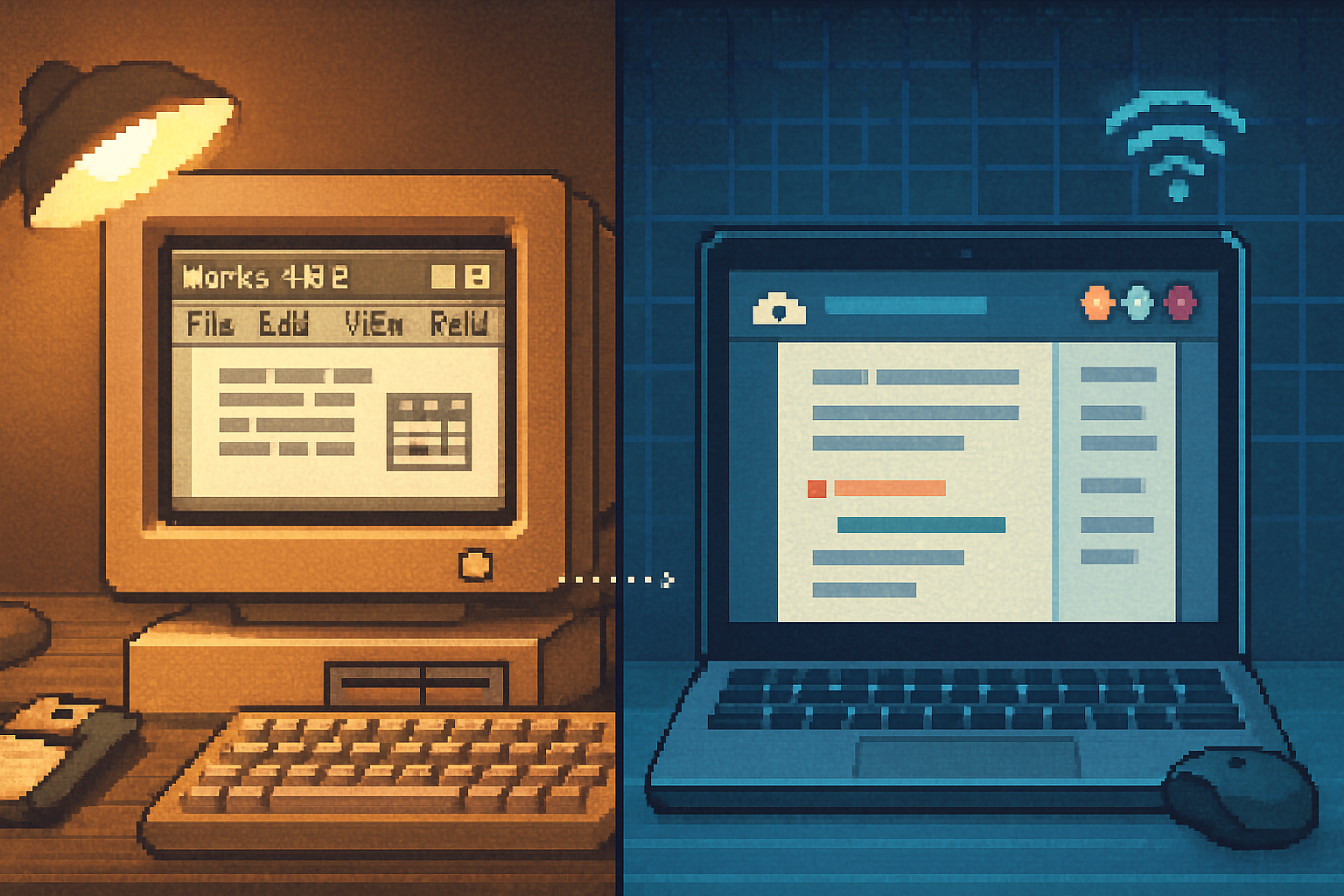
I still remember the satisfying clunk of a 3.5” floppy sliding into the drive, Microsoft Works loading in under a minute, and a small, trustworthy program that did just enough - word processing, spreadsheet, and a database - without calling home. It was tidy. It was local. It was yours.
That was the late 1990s and early 2000s: software as an object, not a service. Fast-forward a couple of decades and the same tasks live inside browsers, sync obsessively across devices, and are monetized as subscriptions. The world gained real-time collaboration, automatic backups, and instant updates. It also gained dependency: if the internet hiccups, so does your work.
This essay examines that journey - from compact desktop suites like Microsoft Works to cloud-first ecosystems such as Google Workspace and Microsoft 365. We’ll unpack the nostalgia for simplicity and local storage, explain what changed for users and developers, and offer practical principles for living and building in a world that is simultaneously online and yearning for local control.
The tidy past: why Microsoft Works felt right
Microsoft Works was not ambitious. It had no pretensions of replacing heavy-duty spreadsheets or desktop publishing tools. Its charm lay in restraint. A single-install program, modest system requirements, files saved on your machine. No login, no telemetry, no updates that arrived in the middle of a term paper.
Why that felt good:
- Simplicity - one app, a predictable UI, no constant prompts.
- Determinism - your file is your file. No mystery about where the latest version lived.
- Speed - small binaries, local I/O, instant launching, no network latency.
- Ownership - data lived on your disk; backups were your responsibility and your control.
Those virtues are not merely sentimental. They correspond to real affordances: autonomy, privacy, robustness when disconnected, and predictable costs (buy once, keep forever).
The cloud: staggering conveniences and subtle costs
Cloud-based productivity delivered what desktop suites rarely could at scale:
- Real-time collaboration (instant edits, no email attachments).
- Seamless sync across devices and platforms.
- Automatic cloud backups and version history.
- Rolling updates and feature delivery without reinstalling.
These are not small wins. They rewired how teams work. The caveat is that convenience carries trade-offs.
Costs of the cloud model:
- Dependence on connectivity and vendor uptime. When the cloud goes down, so does your workflow. Outages from major providers have happened and are expensive.
- Subscription economics. The one-time-purchase era rewarded thrift; subscriptions create ongoing costs and churn.
- Data opacity and vendor lock-in. Files may be trapped in proprietary formats or APIs, complicating migration.
- Surveillance risks and privacy erosion. Even well-meaning telemetry collects behavioral traces that can be misused.
Cloud computing didn’t just change where your bytes lived; it changed who controlled the plumbing.
Nostalgia is not a bug - it’s a signal
The yearning for Works-era simplicity is not merely tech nostalgia; it’s a signal about unmet needs:
- Desire for agency - users want clear ownership of their data and the ability to access it without permission slips.
- Aversion to complexity - not everyone wants a hundred features; many prefer predictable, focused tools.
- Fear of exposure - persistent connectivity invites privacy concerns in a surveillance economy.
This explains the resurgence of “local-first” and “offline-first” tools like Obsidian, Joplin, and even new local-first frameworks that emphasize end-user control. These projects are not Luddites - they are responses asking: can we have modern collaboration and privacy without full dependence on centralized cloud services?
What users should care about today
If you feel a pang of nostalgia, here are practical things to do that don’t require living under a rock:
- Prefer open formats and exportable data. Use .docx/.odt/.csv or markdown where feasible.
- Keep local backups. Cloud backup is convenient; redundancy is wiser. A 3-2-1 backup rule still works.
- Choose tools with clear export policies and offline modes. Google Takeout and similar services are good to know about.
- Consider “local-first” apps for personal knowledge management - they often store files in a folder you control, and sync is an add-on rather than the source of truth.
- When using cloud SaaS, read the privacy policy or at least the summary of data use. GDPR and other laws require disclosures but they are not a substitute for vigilance.
What developers and product teams learned - and must still learn
The transition to cloud-first changed how software is built, shipped, and monetized. Some lessons are obvious; others require re-learning.
Technical and product realities:
- Continuous delivery - code is never “done”. That yields faster bug fixes but demands disciplined release engineering and monitoring.
- Backend complexity - you’re not shipping one binary - you’re operating servers, databases, and sync services. That means ops, SLAs, and high ongoing costs.
- Real-time sync is genuinely hard. Correctness at scale requires algorithms beyond naive timestamp merging. Teams now rely on Operational Transforms (OT) or Conflict-free Replicated Data Types (CRDTs) to reconcile concurrent edits (CRDT primer).
- Offline-first architecture is possible but needs investment - local storage, robust conflict resolution, and syncing strategies. Service Workers and other browser APIs make this feasible in modern web apps (
- Security and privacy are no longer optional. Encryption-at-rest, end-to-end encryption options, and transparent data practices are selling points and sometimes legal necessities (see GDPR).
Business and design realities:
- Monetization shifted to recurring revenue. That stabilizes teams but creates subscription fatigue among users.
- Feature bloat is tempting. Offerings balloon to justify subscriptions, often at the cost of coherence and speed.
- UX must handle connectivity gracefully. Users hate error states where their work vanishes into the network ether.
Concrete design principles for developers building productivity tools
- Design for disconnect - provide a full offline experience and ensure data is always recoverable locally.
- Make export first-class - allow users to dump data in open formats with metadata and history where feasible.
- Respect resource constraints - optimize for low-latency local I/O before relying on cloud acceleration.
- Fail loudly, but safely - surface sync conflicts early and offer deterministic conflict resolution rather than magical guesses.
- Offer choice - a purely cloud-hosted option for teams, and a local-first path for privacy-minded users.
- Use proven sync algorithms - rely on CRDTs or OT where real-time collaboration matters, and document limitations clearly.
- Be candid about telemetry - explain what you collect, why, and how long you keep it.
The middle way: hybrid models and federated alternatives
Not everything needs to be either wholly local or wholly cloud. Hybrid approaches can deliver the best of both worlds:
- Local-first apps that optionally sync via your choice of cloud storage (Dropbox, Nextcloud, or your own server).
- Federated services that distribute trust and avoid single-provider lock-in (examples include Matrix for messaging and Nextcloud for files).
- End-to-end encrypted collaboration where servers only relay ciphertext, not plaintext.
These approaches require more engineering than “everything in our cloud,” but they meet users halfway: convenience without wholesale surrender of control.
Where we are: manifest gains, enduring anxieties
The march from Works to Online is not a moral tale of good versus evil. The cloud solved real coordination problems. It enabled teams to iterate faster and to collaborate across time zones effortlessly. It also created centralized chokepoints and recurrent anxieties about privacy, control, and cost.
Nostalgia for simpler software is understandable. But desiring the virtues of Microsoft Works - predictability, local ownership, performance - doesn’t mean rejecting modern capabilities. It means demanding better design: software that gives users agency, clear export paths, robust offline behaviour, and transparent business models.
Final prescriptions - for users and builders
For users
- Prioritize tools that let you export your data and work offline.
- Keep local backups and understand your cloud provider’s policies.
- Mix cloud convenience with local control - use cloud sync as one of several safety nets, not the only copy.
For developers
- Build offline-first, ship sync second. Make local data the primary truth when possible.
- Invest in robust conflict-resolution and clear UX around sync states.
- Consider offering self-hosting or federation to reduce lock-in.
- Be transparent about data collection and make exporting easy.
The irony is delicious: the future of productivity might look a lot like the past. Not because we want to return to floppies and single-install binaries, but because the old virtues-simplicity, ownership, and predictability-still matter. Modern engineering must learn to hold both hands: the communal power of cloud collaboration in one, and the stubborn, ordinary dignity of local control in the other.