· retrogaming · 6 min read
Comprehensive Guide to TurboGrafx-16 Emulators: Best Options Reviewed
A hands-on comparison of the best TurboGrafx-16 (PC Engine) emulators - what they do well, where they fail, and which one you should choose depending on whether you prize accuracy, convenience, or nostalgia.
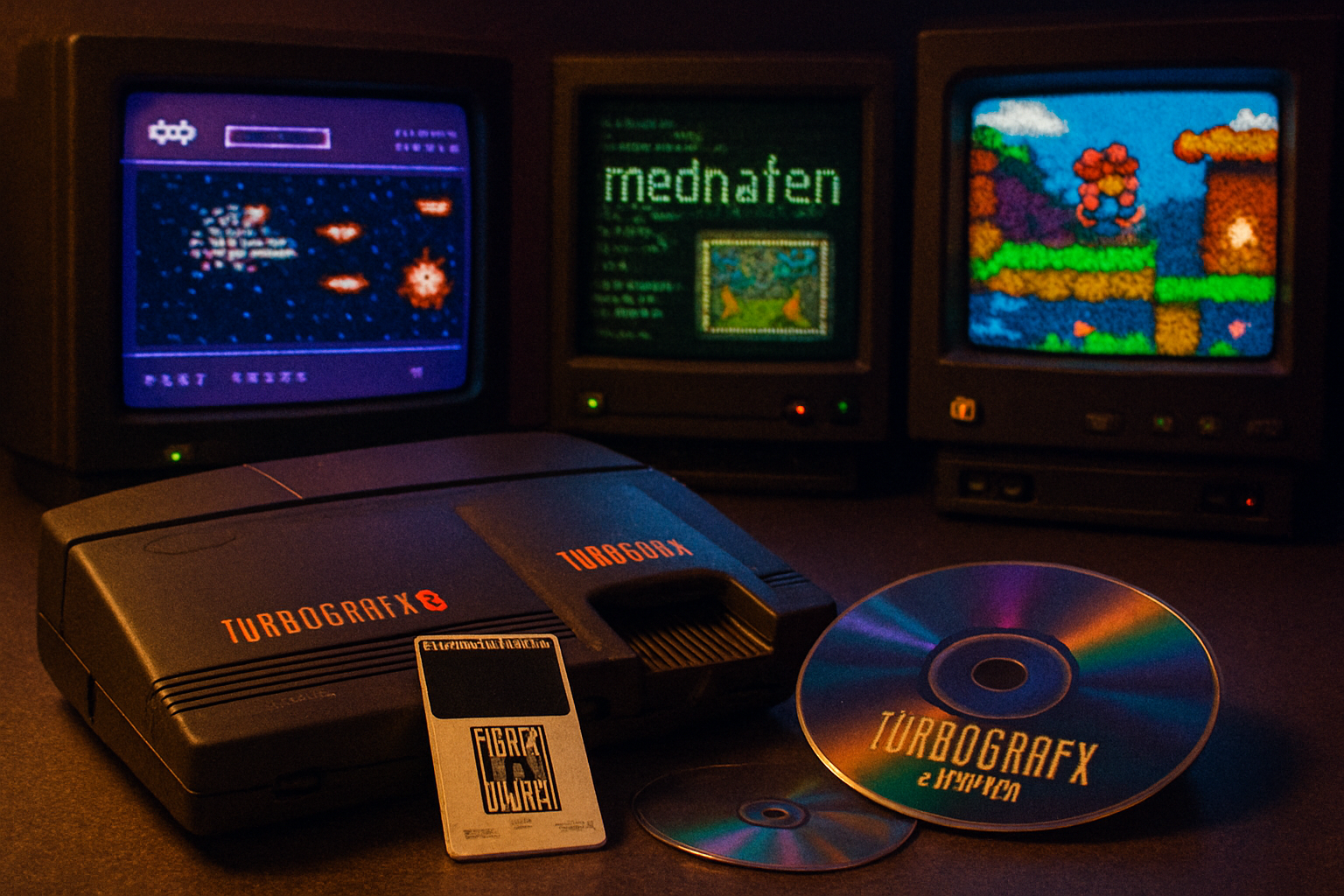
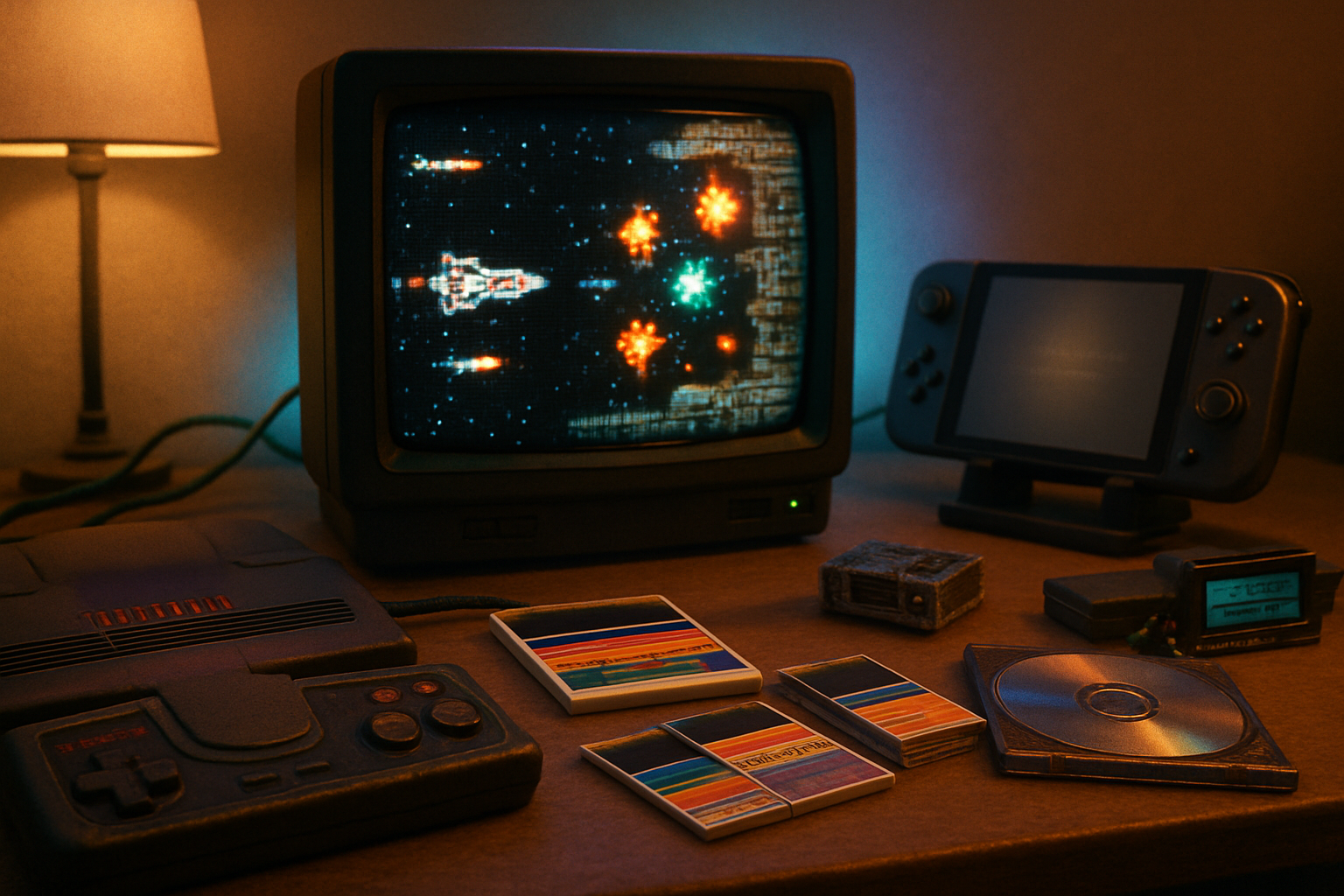
A sixteen-year-old in 1989 blows on a HuCard, prays to whichever deity rules plastic connectors, slides it in, and-for a glorious thirty seconds-plays a game without slowdown. Decades later, you want the same tiny miracle on a modern screen, but you want better audio, crisp scaling, and a sane save system. Welcome to TurboGrafx-16 emulation: where the hardware is tiny, the fandom is fierce, and the emulator landscape is gloriously messy.
Why this matters
The TurboGrafx-16 (PC Engine in Japan) was an oddball success: a HuCard-based 8/16-bit hybrid with an early CD add-on that produced some of the era’s most atmospheric games. That CD support is simultaneously its greatest charm and the emulation community’s recurring headache: accurate CD audio, redbook timing, and sometimes BIOS quirks complicate the picture.
This guide cuts through the heat-signals. I’ll tell you which emulators are worth your time, what tradeoffs they require, and how to get the best experience for your priorities-accuracy, convenience, or pure nostalgia.
Top emulators at a glance
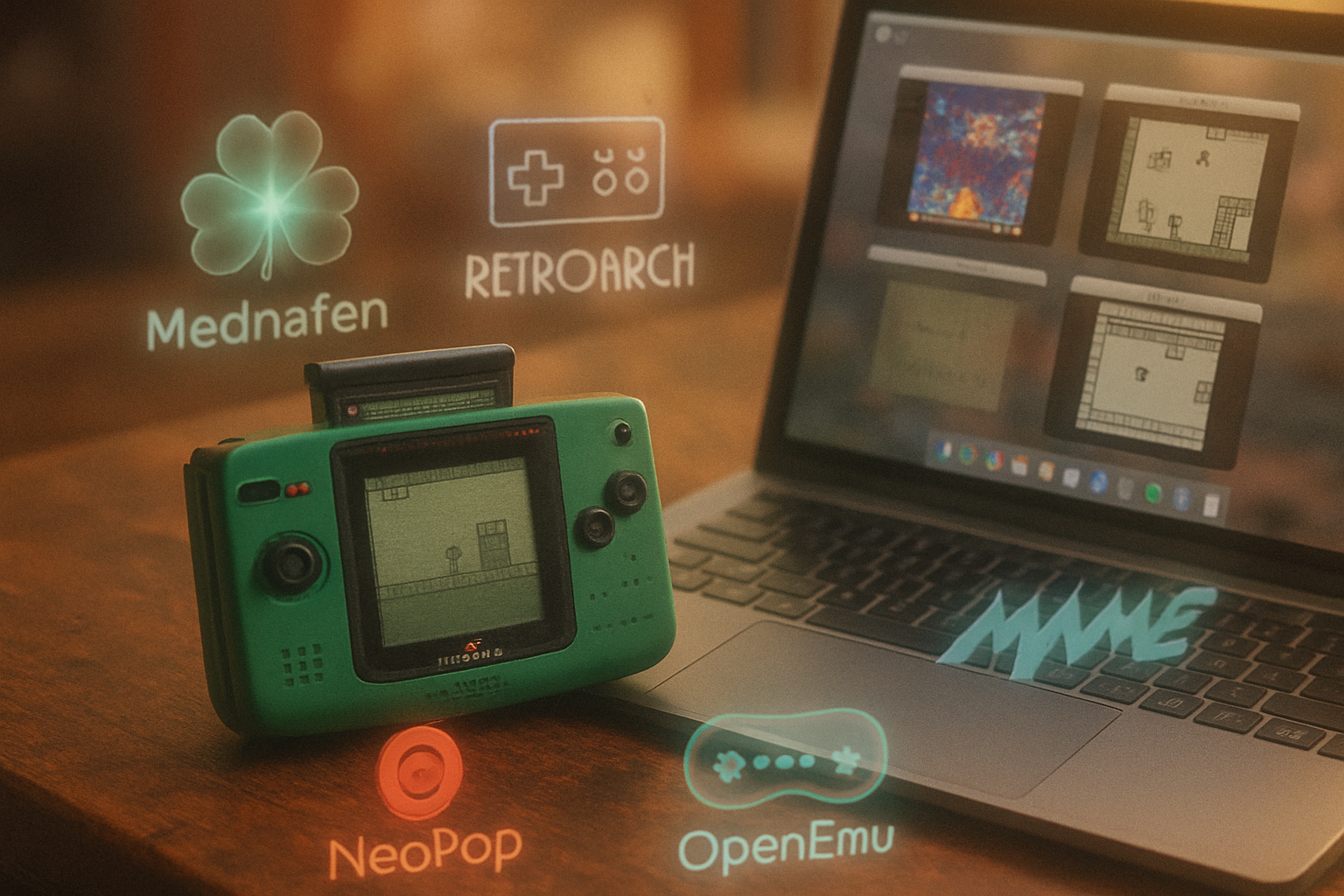
- Mednafen (and its Libretro/Beetle PCE derivatives) - accuracy-first, multi-platform, powerful but not cuddly.
- RetroArch + Beetle PCE core - best all-in-one front-end with modern conveniences.
- Ootake - Windows-focused, user-friendly, excellent HuCard/CD support.
- PCE-Reloaded / PCE projects (various builds) - community options for Linux and niche needs.
- Magic Engine (legacy) - lightweight and historically significant, but increasingly dated.
If you want quick advice
- Want the most accurate, preservation-minded emulation? Use Mednafen or Beetle PCE (Libretro) via RetroArch.
- On Windows and want a GUI that “just works”? Ootake.
- On macOS, RetroArch/Beetle PCE (or OpenEmu where Beetle is available) is the practical choice.
- Want to play every CD-heavy gem without fighting cues and BIOS? RetroArch + Beetle PCE with the right syscard is your friend.
Deep dive: the contenders
Mednafen
- What it is - A multi-system emulator focused on accuracy and faithful hardware behavior.
- Strengths - Exceptional timing, robust HuCard and CD support, faithful audio emulation, strong SuperGrafx support. Excellent for preservation and TAS work.
- Weaknesses - Command-line-driven by default; less approachable for casual users. Some advanced features require reading docs.
- Best for - People who want near-reference accuracy and are comfortable with a steeper setup curve.
Notes: Mednafen’s PC Engine support handles many of the quirks that make some CD games finicky. Starting it is often as simple as:
mednafen mygame.pceBut CD images usually need a cue/bin set and, in some cases, an appropriate system card (BIOS) file.
RetroArch + Beetle PCE (Libretro)
- What it is - RetroArch is a frontend that runs emulator “cores.” Beetle PCE is the Libretro core that implements PC Engine emulation (a descendant of Mednafen-derived work).
- Strengths - User-friendly GUI, shaders, netplay (if supported), rewind, easy controller mapping, cross-platform, and lots of convenience features (savestates, achievements, overlays).
- Weaknesses - A few accuracy-sensitive edge cases may still favor raw Mednafen builds. Core settings are plentiful and can confuse newcomers.
- Best for - Players who want modern features (scaling, shaders, save states) without losing solid emulation accuracy.
RetroArch lets you toggle between accuracy and performance modes via the Beetle PCE core options (for example, “fast” vs “accurate” modes), making it an excellent compromise.
Ootake
- What it is - A Windows-native, GUI-driven TurboGrafx/PC Engine emulator that has long been a favorite among western fans.
- Strengths - Very approachable UI, strong compatibility with HuCard games, good CD-ROM support, lots of display/filter options, cheat support, easy controller setup.
- Weaknesses - Windows-only; while accurate for most games, it isn’t the preservationist’s final word. Development has been sporadic.
- Best for - Casual Windows users who want hassle-free playing with modern conveniences.
PCE-Reloaded and other community builds
There are several community-driven builds and forks that target niche needs: older Linux systems, embedded friendliness, or experimental features. They can be useful but vary wildly in quality and support. Use them only if you have a specific need.
Magic Engine
An older, lean emulator that was beloved in the 1990s and early 2000s. It runs on older systems with minimal fuss, but it lacks many modern conveniences and accuracy improvements. Nostalgia only.
Critical features to evaluate
- CD-ROM handling - Does the emulator support multi-track cue/bin, BIN+TOC, and raw audio tracks? Can it handle CD copy protections or non-standard TOC layouts? Beetle/Mednafen generally excel here.
- BIOS/syscard requirements - Some games (especially early CD games) behave better with the correct syscard BIOS. Check emulator docs for required filenames (e.g., syscard3.pce).
- SuperGrafx support - If you care about titles that used SuperGrafx hardware, ensure the emulator supports that mode.
- Audio fidelity and latency - CDDA track accuracy and latency matter for music-heavy games. Mednafen and Beetle often lead here.
- Save systems - Save states vs in-game saves - RetroArch adds convenience like quick savestates and rewind.
- Input and controllers - Does the emulator handle multi-button pads, turbo functions, and mapping to modern controllers gracefully?
- Performance/scaling - Can the emulator upscale without artefacts? Are shaders supported for CRT aesthetics?
Practical setup tips
- CD images - Prefer a clean cue/bin dump. If you only have an ISO, some emulators accept it, but multi-track audio often breaks without the cue.
- BIOS files - Legally, you should own original system files; many emulators expect a syscard ROM named in a specific way. Read each emulator’s docs before tossing files into directories.
- Controllers - Map a modern gamepad’s face buttons to TurboGrafx inputs and use hotkeys for save/load. For precision platformers, lower audio latency in the emulator and enable VSync in your driver to avoid screen tearing.
- Upscaling - Use integer-scaled output or a high-quality shader in RetroArch to maintain pixel crispness. Avoid arbitrary non-integer scales that blur edges.
Troubleshooting common problems
- Audio pops or stuttering - Increase audio buffer/latency; ensure your audio driver (ASIO/WASAPI/CoreAudio) is stable.
- CD games refuse to load tracks - Confirm the CUE file points to the right BIN files and that your emulator supports multi-track discs.
- Controller not recognized - Check that the emulator’s input settings show your device and that any security/driver software isn’t blocking inputs.
Legality and ethics
You must own the original hardware and game media to be on solid legal ground for BIOS files and ROMs. I won’t moralize at length, but don’t be surprised when grey areas turn into headaches-especially for BIOS redistribution and copyrighted CD audio.
Recommendations by use-case
- Preservation and accuracy (TAS, research, clean rip playback) - Mednafen or Beetle PCE (Libretro) running on a modern OS.
- Casual gaming on Windows (easy GUI, fast setup) - Ootake.
- Cross-platform, modern conveniences (shaders, rewinds, controller overlays) - RetroArch + Beetle PCE.
- Mac users - RetroArch/Beetle PCE (or OpenEmu if it bundles the core) is the easiest route.
References and further reading
- TurboGrafx-16 / PC Engine overview: https://en.wikipedia.org/wiki/TurboGrafx-16
- Mednafen official site and docs: https://mednafen.github.io/
- RetroArch (Libretro) and Beetle PCE core documentation: https://www.retroarch.com/ and https://docs.libretro.com/library/beetle-pce/
- Ootake (Windows emulator) homepage: http://ootake.toshistory.org/
Parting sentence - the real decision
Do you want a museum-quality reproduction of what a TurboGrafx-16 did, or do you want to play with the least fuss? If you choose the former, buckle up and use Mednafen/Beetle. If the latter, Ootake or RetroArch will get you to the credits and back without making you learn shell commands. Either way, the goofy little machine that spat out HuCards is alive on your screen again-only now it sounds better, scales better, and lets you save anywhere. Which is to say: progress.