· retrogaming · 5 min read
Top 5 Neo Geo Pocket Color Emulators: Which One Fits Your Retro Gaming Needs?
A hands-on, no-nonsense comparison of the five best Neo Geo Pocket Color emulators - who they serve, how accurate they are, and which one you should pick for preservation, convenience, or mobile play.
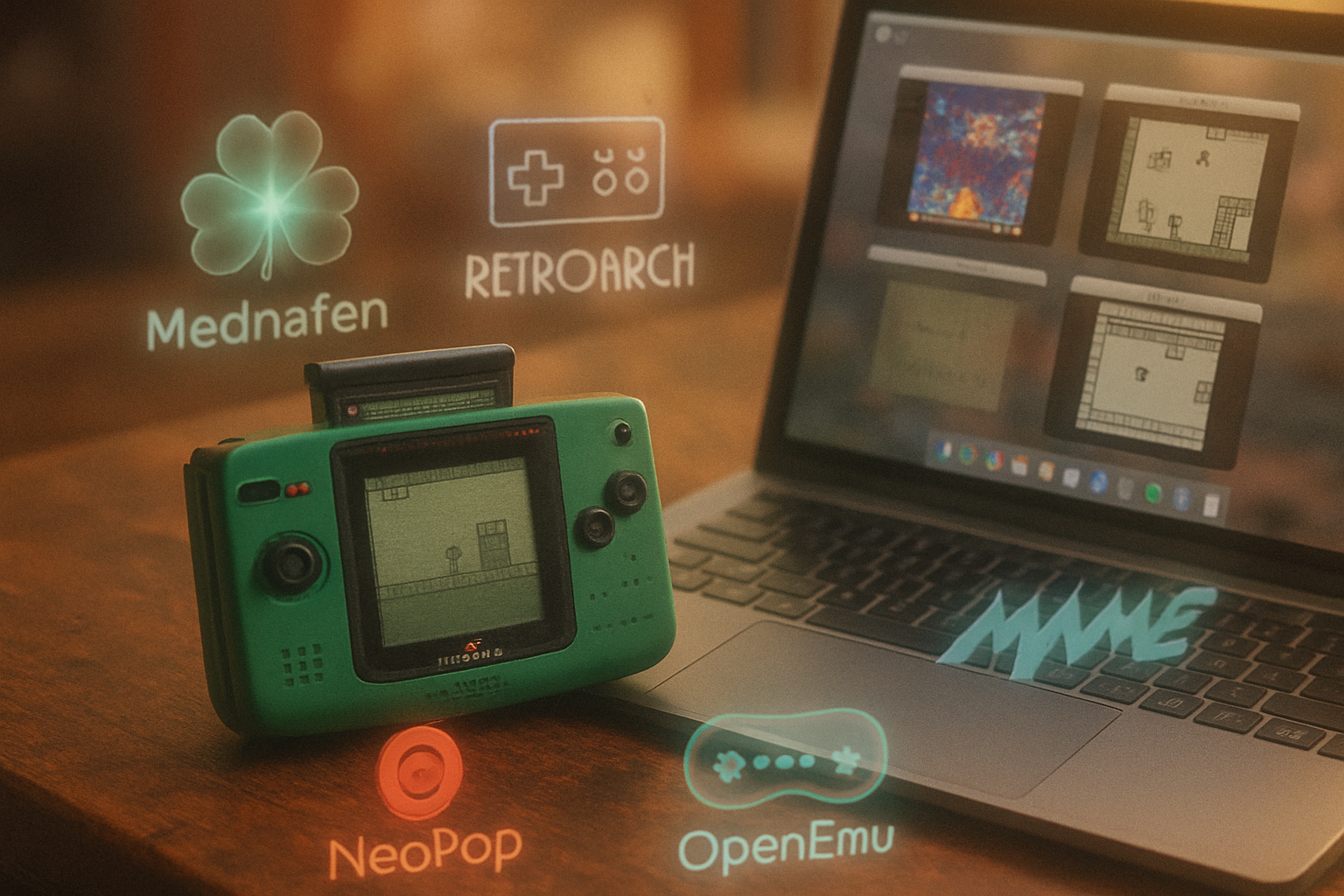
I still remember blowing dust off a thrift-store Neo Geo Pocket Color, sliding in Metal Slug: 2nd Mission, and thinking: small cartridge, enormous attitude. The NGPC felt like a toy designed by people who hated compromise. Today, your phone or PC can reproduce that experience - if you pick the right emulator.
Emulation is an act of translation: fidelity versus convenience, archival seriousness versus plug-and-play. Below I critique five emulators that let you relive (or discover) the NGPC’s weird, charming catalogue - and tell you which one to pick depending on what kind of player you are.
TL;DR - Quick Recommendations
- Best for accuracy and preservation: Mednafen (or Mednafen via RetroArch)
- Best all-around, cross-platform front-end: RetroArch (with the Mednafen NGPC core)
- Best for macOS users who want a GUI: OpenEmu
- Best lightweight, old-school Windows option: NeoPop
- Best if you want a museum-grade approach and toolset: MAME
Read on for the deep dive.
Why the NGPC matters (and why emulation isn’t trivial)
The Neo Geo Pocket Color was built with an edge: crisp monochrome-ish sprites, a distinctive clicky d-pad, and cartridges full of small, tight games. Its quirks - palette handling, screen orientation quirks, link-cable quirks - mean that doing NGPC “good” requires more than a generic handheld core.
Emulators differ in two big ways:
- Accuracy - how closely the emulator reproduces hardware timing, audio quirks, and graphical oddities.
- Usability - how easy it is to set up, map controls, save states, or use on mobile.
These axes shape the five entries below.
1) Mednafen - The purist’s machine
Website: https://mednafen.github.io/
Pros
- Extremely accurate emulation for NGPC.
- Low input latency and faithful audio/timing.
- Configurable for advanced users (controller mapping, verbose logging, cheat support).
Cons
- Command-line focused; no polished GUI out of the box.
- Setup can be intimidating for newcomers.
Who it’s for
You care about preservation, correct behavior, and playing games the way they were designed. If you want perfect frame timing and accurate sound, Mednafen is the baseline.
Notes
Mednafen is a multi-system emulator that treats NGPC as one of its supported systems. It doesn’t require a separate BIOS for NGPC titles, but do ensure you use legally obtained game dumps.
2) RetroArch (with Mednafen/Libretro cores) - The “one frontend to rule them all” option
Website: https://www.retroarch.com/
Pros
- Cross-platform - Windows, macOS, Linux, Android, iOS.
- Easy core switching - use the libretro Mednafen core (or other NGPC cores) from one interface.
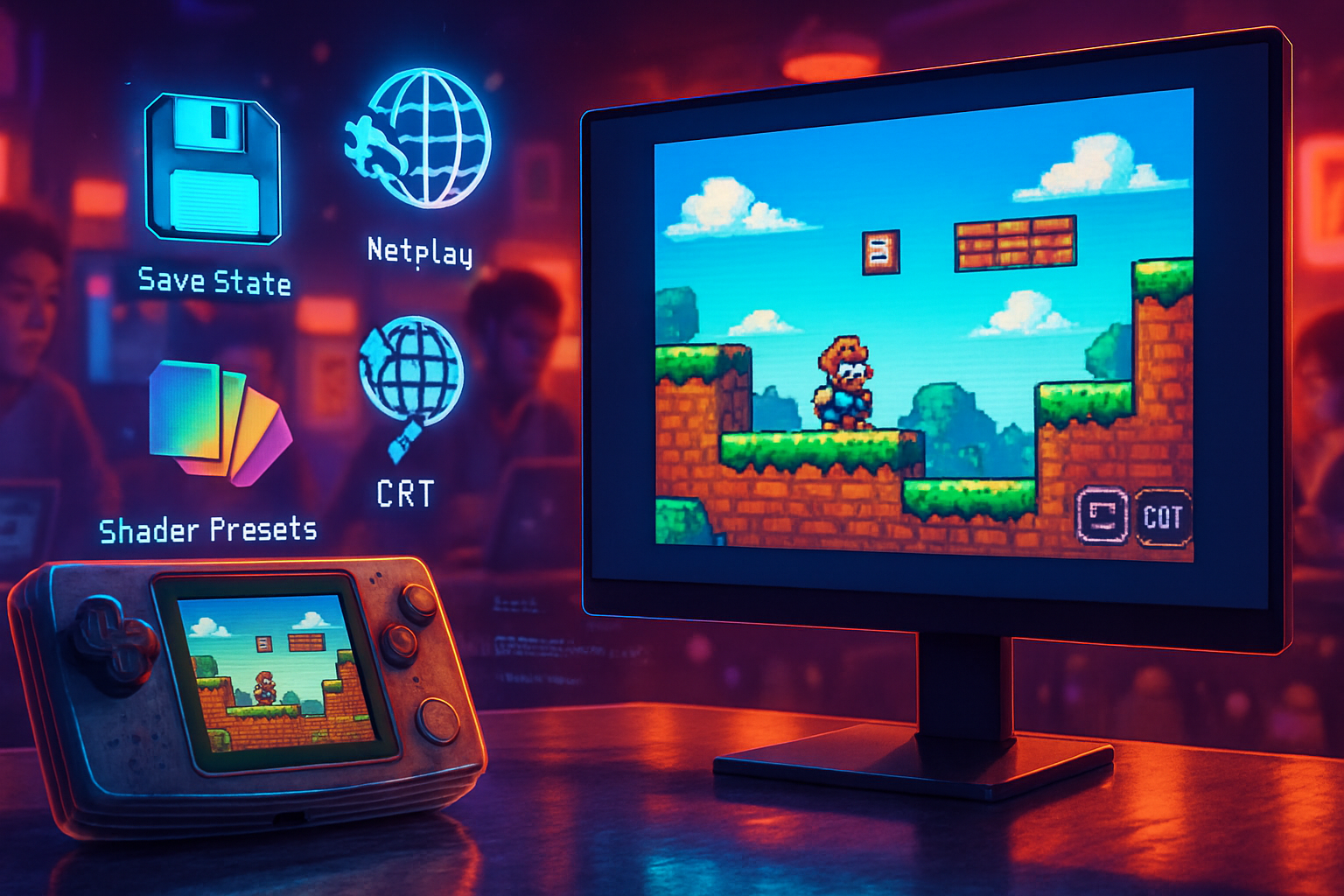
- Built-in shaders, netplay, rewind (where supported), and advanced input remapping.
- Strong mobile support.
Cons
- Slightly more moving parts - core + frontend = more potential config confusion.
- Some features depend on the core’s implementation; not every core exposes every Mednafen option.
Who it’s for
You want modern conveniences (shaders, overlays, easy save states, mobile) without sacrificing accuracy. Use RetroArch with the libretro mednafen_ngp core for the best balance.
Notes
RetroArch’s active ecosystem and Android availability make it the pragmatic choice for most users: accurate enough, highly configurable, and friendly to gamepads and touchscreens.
3) OpenEmu - The macOS hug for retro collection keepers
Website: https://openemu.org/
Pros
- Beautiful, native macOS interface with drag-and-drop ROM library.
- Uses Mednafen cores under the hood for NGPC, giving you accuracy with a GUI.
- Perfect for cataloging a ROM collection and simple plug-and-play use.
Cons
- macOS-only.
- Less transparent about low-level options - not ideal if you need fine-tuned emulation settings.
Who it’s for
Mac users who want zero-fuss setup, a clean library UI, and the accuracy of Mednafen without the command line.
4) NeoPop - The lightweight, old-school emulator
Project page (archive/source): https://sourceforge.net/projects/neopop/
Pros
- Historically one of the earliest NGPC emulators and still functional for many titles.
- Lightweight and simple on older Windows machines.
Cons
- Development has long since slowed; compatibility and accuracy lag behind Mednafen.
- Fewer modern conveniences (shaders, advanced netplay, reliable mobile ports).
Who it’s for
You want a simple, old-school Windows emulator for casual play, or you’re resurrecting an older machine and don’t need perfect fidelity.
Notes
NeoPop is great nostalgia candy. But for competitive or preservation-minded play, Mednafen/RetroArch is preferable.
5) MAME - The archival, swiss-army preservation tool
Website: https://www.mamedev.org/
Pros
- Designed with preservation and accuracy in mind; often used by museums and archivists.
- Active development and a robust debugging toolset.
- Cross-platform.
Cons
- Can be more complex to configure than RetroArch for casual play.
- Historically oriented toward arcade hardware; NGPC support is present but not presented like a front-end dedicated to handheld gaming.
Who it’s for
Archivists, researchers, and people who want the most instrumented emulation environment possible - for debugging, TASing (tool-assisted speedruns), or scholarly work.
Feature checklist: what to look for in an NGPC emulator
- Accuracy of timing and audio - critical for games that rely on precise input.
- Save-state quality and reliability.
- Controller mapping and analog support (many NGPC games depend on crisp d-pad input).
- Link-cable emulation (if you want to play multiplayer or trade features).
- Shaders and scaling filters for authentic or stylized display.
- Cross-platform availability (desktop vs. mobile vs. macOS-specific).
Real-world use cases - Which one should you install?
- You want pixel-perfect, archival-quality play - Install Mednafen directly or use RetroArch with the mednafen_ngp core.
- You play on Android or want one app on every device - RetroArch (Mednafen core) is your best bet.
- You use macOS and want a beautiful library and drag-and-drop ease - OpenEmu.
- You want a light, simple Windows emulator and don’t need perfect accuracy - NeoPop.
- You’re doing research, TASing, or archival work - MAME.
Practical tips and legal notes
- Emulators themselves are legal. Distributing or downloading copyrighted ROMs without permission usually isn’t. Use your own cartridge dumps or buy digital re-releases where available.
- Always check for the correct region and dump integrity for best compatibility.
- Be mindful of control latency on wireless controllers. Wired gamepads often give the best, most faithful experience.
Final verdict - the pragmatic hierarchy
- For most people today, RetroArch + Mednafen NGPC core is the sweet spot: cross-platform, mobile-capable, full-featured, and accurate.
- If you’re a strict purist who prefers minimal layers between you and the emulator, run Mednafen directly.
- If you’re on macOS and want polished UX with the same accuracy, OpenEmu is the civilized choice.
- Keep NeoPop around if you want something lightweight and nostalgic. Keep MAME if you need archival tools.
The NGPC’s games are small but particular. Pick the emulator that honors that particularity - or at least doesn’t blunt it. If you want exact setup commands, controller mappings, or the best shader settings for a specific display, tell me what platform you’re using and I’ll lay out a step-by-step setup.
References
- Neo Geo Pocket Color - Wikipedia: https://en.wikipedia.org/wiki/Neo_Geo_Pocket_Color
- Mednafen official site: https://mednafen.github.io/
- RetroArch: https://www.retroarch.com/
- OpenEmu: https://openemu.org/
- NeoPop project page (archive): https://sourceforge.net/projects/neopop/
- MAME: https://www.mamedev.org/