· retrogaming · 7 min read
Top 10 Game Boy Emulators to Relive Your Childhood – A Comprehensive Review
A curated, in-depth look at the ten best Game Boy and Game Boy Color emulators today - what they do well, where they stumble, and which one to pick depending on whether you want accuracy, convenience, mod tools, or pure nostalgia.
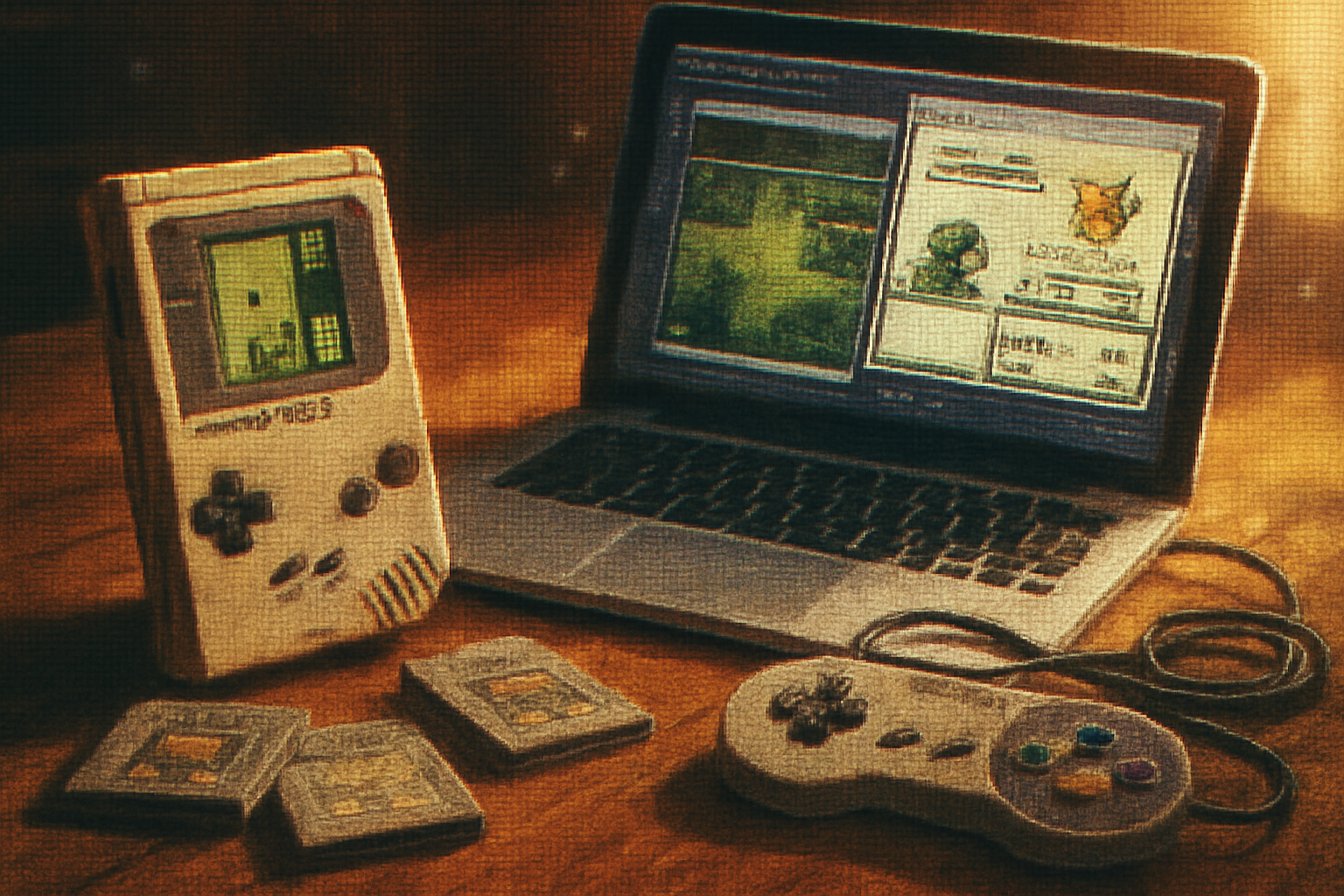
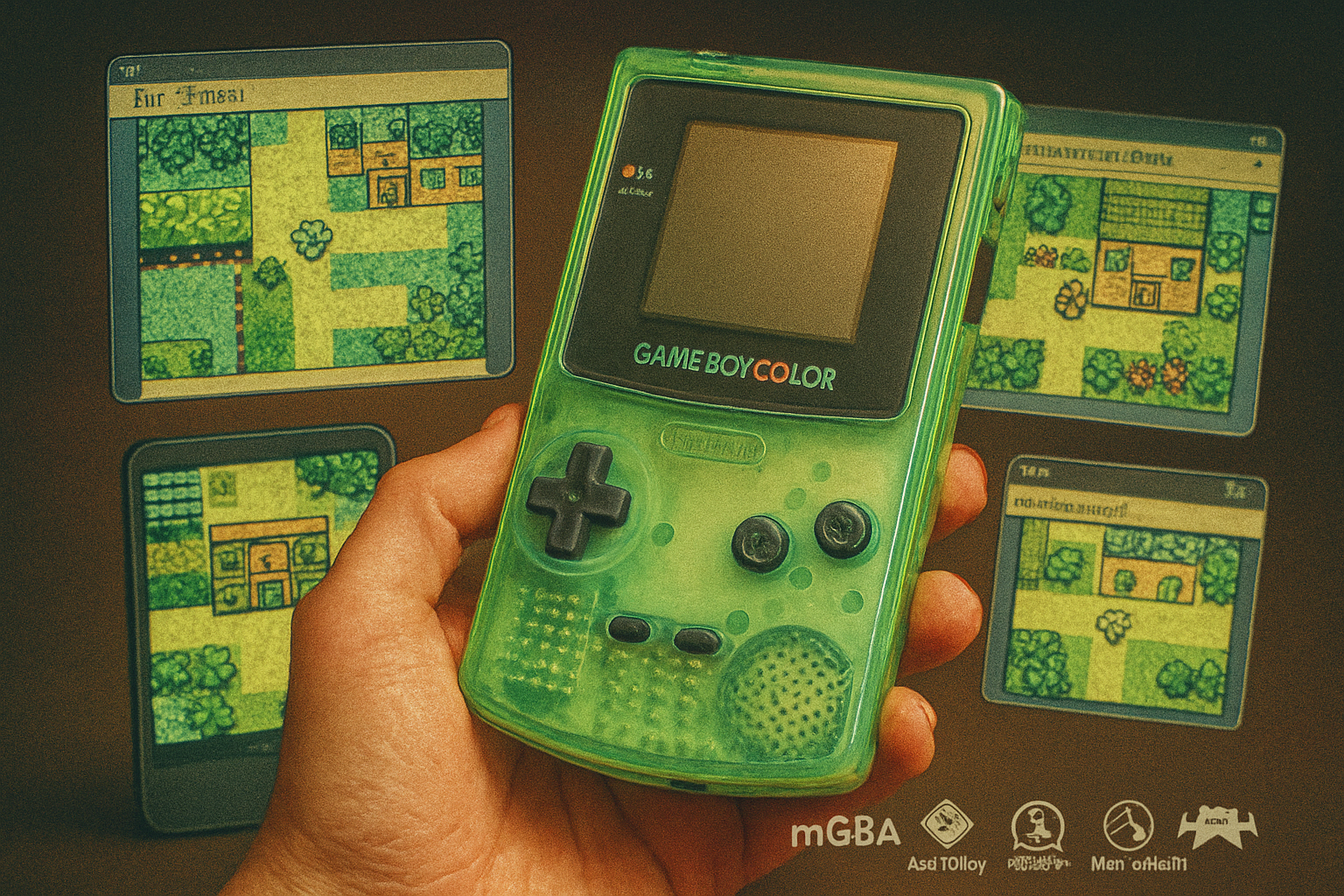
I remember the precise sound of joy: the tiny click of a Game Boy cartridge sliding home, the faint hum of the speaker, and the unofficial ritual of blowing on the contacts as if exhaling life back into the machine. You probably have a sound like that lodged in your hippocampus too. Emulation isn’t just about playing old games - it’s about plumbing the past for a rush of uncomplicated pleasure.
If you’re here to chase that high - to make Link walk again, to replay Tetris on a greenish palette, to test ROM hacks - this guide will save you hours of trial and error. I tested and compared the leading Game Boy (DMG), Game Boy Color (GBC), and Game Boy Advance (GBA-briefly) emulators and explain what each does best.
How I picked these emulators
I prioritized accuracy, compatibility, maintenance (is the project still active?), user-friendliness, and useful extras like debugging tools, netplay, shaders, and save/rewind features. I also factored in platform support (Windows/macOS/Linux/Android/iOS) and the surrounding ecosystem (frontends, cores, plugins).
Quick legal note: emulators themselves are legal. Distributing or downloading copyrighted ROMs without permission is not. For an overview of the legal landscape, see the Electronic Frontier Foundation’s page on emulation EFF.
What to look for in a Game Boy emulator
- Accuracy vs. convenience - Do you want pixel-perfect behavior (for preservation and ROM-hacking) or lots of QoL features?
- Platform support - Desktop? Mobile? Mac-only frontends?
- Extras - cheats, save states, rewind, network play, high-resolution scaling, shader/CRT filters.
- Debugging - necessary if you’re into ROM hacking or TAS (tool-assisted speedruns).
Top 10 Game Boy emulators (and why each matters)
Below: short verdict, notable features, pros, cons, and best use-case.
1) mGBA
Platform: Windows, macOS, Linux, Switch Verdict: The everyday champion - fast, accurate, actively maintained.
- Features - GBA-first emulator that also supports GB/GBC via compatibility layers, high performance, cheat support, savestates, scripting, Lua, and a steadily improving feature set.
- Pros - Speed + accuracy balance; modern UI; good debugging tools; active development.
- Cons - GBA-centric design means some GB/GBC-specific edge-cases are less emphasized than dedicated GB emulators.
- Best for - Players who want a robust, maintained emulator for both GBA and legacy Game Boy titles.
Official: https://mgba.io
2) VisualBoyAdvance-M (VBA-M)
Platform: Windows, macOS, Linux Verdict: The familiar classic - still useful for casual play, ROM hacks, and cheat-heavy sessions.
- Features - Wide feature set (cheats, links, savestates, screen recording), long-standing community support.
- Pros - Easy to set up; many tutorials and community knowledge exist; supports GBA along with GB/GBC via ports.
- Cons - Accuracy is middling by modern standards; development is slower and fragmented; some builds are dated.
- Best for - Casual players who want a familiar UI and lots of convenience features.
Repo: https://github.com/visualboyadvance-m/visualboyadvance-m
3) SameBoy
Platform: Windows, macOS, Linux, Web builds Verdict: The clinical historian - extremely accurate GB/GBC emulation with excellent debugging.
- Features - Cycle-accurate emulation for GB and GBC, a full debugger, accurate sound emulation, link cable emulation, and a growing set of compatibility fixes.
- Pros - Best-in-class accuracy for GB/GBC, strong debugging tools for ROM hackers and TASers.
- Cons - UI is utilitarian; less focus on flashy QoL features.
- Best for - Preservationists, ROM hackers, speedrunners, and anyone who demands faithful behavior.
Repo: https://github.com/LIJI32/SameBoy
4) Gambatte
Platform: Windows, Linux, macOS (via cores) Verdict: The accuracy workhorse; many modern frontends rely on Gambatte cores.
- Features - Highly accurate GB/GBC emulation and used as a core in RetroArch, BizHawk, and others. Good compatibility and timing fidelity.
- Pros - Superb emulation accuracy; widely used as a reference.
- Cons - Standalone UI is spartan; typically used through frontends.
- Best for - Competitive players and anyone using RetroArch or other multi-system frontends.
Repo: https://github.com/sinamas/gambatte
5) BGB
Platform: Windows only Verdict: The Windows-only perfectionist - accurate emulation plus industry-grade debugging.
- Features - Very accurate Game Boy/GBC emulation, frame advance, disassembler, memory viewers, and an excellent debugger used by developers.
- Pros - Arguably the best debugging environment for GB; excellent sound emulation.
- Cons - Windows-only; not open-source; dated UI.
- Best for - Developers, hackers, and Windows users who need top-of-class tools.
Official: https://bgb.bircd.org
6) Higan (formerly bsnes)
Platform: Windows, macOS, Linux Verdict: The purist’s choice - obsessive accuracy across multiple systems, including Game Boy.
- Features - Extremely accurate emulation philosophy, multi-system support with emulation fidelity prioritized over convenience.
- Pros - Preservation-grade behavior; excellent for archival work.
- Cons - Heavy on system resources; a steeper learning curve and fewer QoL features.
- Best for - Archivists and those who treat emulation like digital archaeology.
Official: https://byuu.org/higan/
7) RetroArch (with Gambatte / mGBA cores)
Platform: Windows, macOS, Linux, Android, iOS Verdict: The Swiss Army knife - a frontend that turns emulator cores into a uniform experience.
- Features - Cores (Gambatte, mGBA, etc.), shader support (CRT filters), netplay, rewind, advanced input remapping, achievements via RetroAchievements.
- Pros - Cross-platform consistency; massive feature set and customizable shaders; one-stop-shop for multi-system emulation.
- Cons - Setup can be confusing; the learning curve is real; finding the right core/settings takes patience.
- Best for - Users who want a single app to manage everything and who enjoy tweaking.
Official: https://www.retroarch.com
8) OpenEmu
Platform: macOS Verdict: The macOS delight - elegant UI that makes emulation approachable for Apple users.
- Features - Frontend that aggregates cores, controller mapping, save states, and a polished library UI.
- Pros - Beautiful macOS-friendly experience; plug-and-play controller support; good for casual users.
- Cons - macOS-only; relies on cores which may vary in accuracy.
- Best for - Mac users who want aesthetics and simplicity over granular emulation control.
Official: https://openemu.org
9) Mednafen
Platform: Windows, macOS, Linux Verdict: The command-line perfectionist - accurate emulation with a no-frills approach.
- Features - Multi-system, accurate emulation, movie recording, netplay in some builds, and robust input handling.
- Pros - Accurate and lightweight; scriptable.
- Cons - Minimal GUI; command-line setup can intimidate newcomers.
- Best for - Advanced users who prefer control and scripting to flashy interfaces.
Official: https://mednafen.github.io
10) GBC.emu (by Robert Broglia)
Platform: Android, Windows Verdict: The mobile go-to - optimized for phones and tablets without sacrificing compatibility.
- Features - Good performance on mobile devices, save states, cheat support, controller support (Bluetooth), and fast-forward.
- Pros - Smooth mobile performance; regularly updated by a well-known emulator developer.
- Cons - Mobile-first UI; desktop version is less featured than some desktop-only rivals.
- Best for - Players who want to play on the go with a near-native experience.
Play Store: https://play.google.com/store/apps/details?id=com.rabidgremlin.gbc
Which one should you choose?
- If you want the modern all-rounder - mGBA.
- If you want accuracy for GB/GBC specifically - SameBoy or Gambatte.
- If you want an elegant macOS app - OpenEmu.
- If you’re on Windows and want the best debugger - BGB.
- If you like tinkering and a single unified experience across dozens of systems - RetroArch with Gambatte or mGBA core.
- For mobile - GBC.emu (Android) or RetroArch (cross-platform mobile).
Setup tips and QoL tweaks
- Shaders - If you crave nostalgia, look for CRT or dot-matrix shaders in RetroArch or mGBA. Shaders mimic the blur and scanlines of old displays.
- Controllers - Bluetooth controllers (Xbox, DualShock/DS4, Nintendo) map nicely. On desktop, use the OS mapping UI or RetroArch’s input menu.
- Save states vs. battery saves - Save states are life; battery saves are canonical. Use both for convenience and authenticity.
- Netplay - Supported in RetroArch and some standalone emulators. For link-cable games, latency can be finicky.
- Debugging - If you’re ROM-hacking or TASing, prefer BGB or SameBoy for advanced memory views and cycle-accurate timing.
Common pitfalls
- Expect minor differences - No emulator is a perfect replica of original hardware in every corner case.
- ROM sources - Many sites host ROMs illegally. Stick to backups of cartridges you own or homebrew repositories.
- Performance - Modern laptops and phones handle Game Boy emulation easily, but heavy shaders and scaling can tax older devices.
Final verdict
There’s no single “best” Game Boy emulator for everyone. The right choice depends on your priorities: fidelity (SameBoy/Gambatte/BGB), convenience (mGBA/VBA-M), aesthetics (OpenEmu), or cross-platform power (RetroArch). For most people who simply want to relive a childhood afternoon of simple pleasures and blue-tinted sprites, mGBA or RetroArch with the Gambatte core will do everything you need while keeping the experience pleasant and modern.
If you’re a ROM hacker, preservationist, or competitive runner, install SameBoy and BGB and stop compromising. Otherwise: pick one, load up Pokémon or Zelda, and for the love of small green rectangles, remember to save.
References and further reading
- mGBA - https://mgba.io
- VBA-M - https://github.com/visualboyadvance-m/visualboyadvance-m
- SameBoy - https://github.com/LIJI32/SameBoy
- Gambatte - https://github.com/sinamas/gambatte
- BGB - https://bgb.bircd.org
- Higan - https://byuu.org/higan/
- RetroArch - https://www.retroarch.com
- OpenEmu - https://openemu.org
- Mednafen - https://mednafen.github.io
- GBC.emu (Google Play) - https://play.google.com/store/apps/details?id=com.rabidgremlin.gbc
- Legal overview on emulation - EFF: https://www.eff.org/issues/emulation