· retrogaming · 7 min read
From Hardware to Software: The Evolution of Neo Geo Pocket Emulators
How did a tiny 1999 handheld become a beloved emulation target? This deep dive traces the technical and cultural arc of Neo Geo Pocket emulators - from crude ports to high‑fidelity, feature‑rich experiences that in many ways improve on the original hardware.
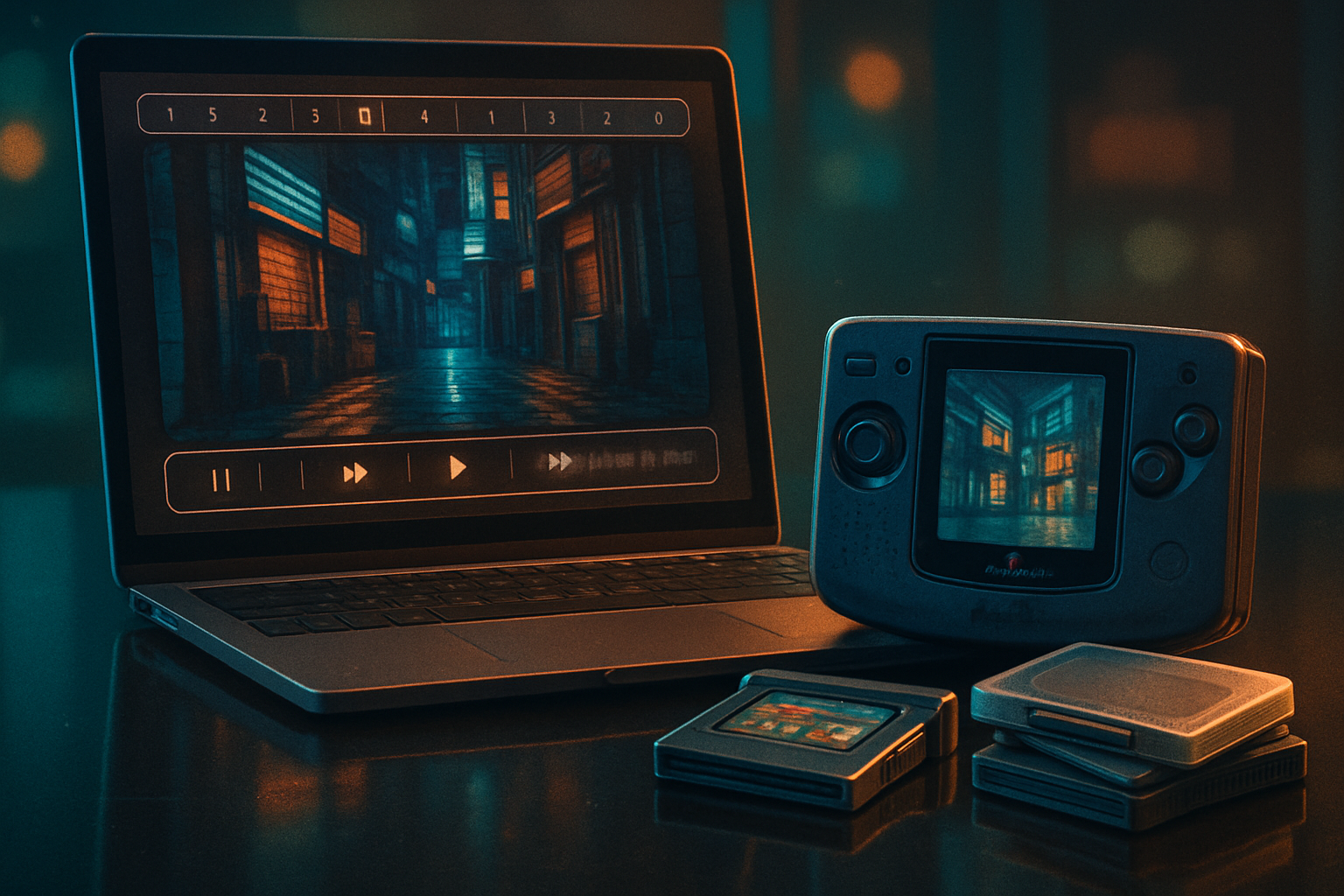
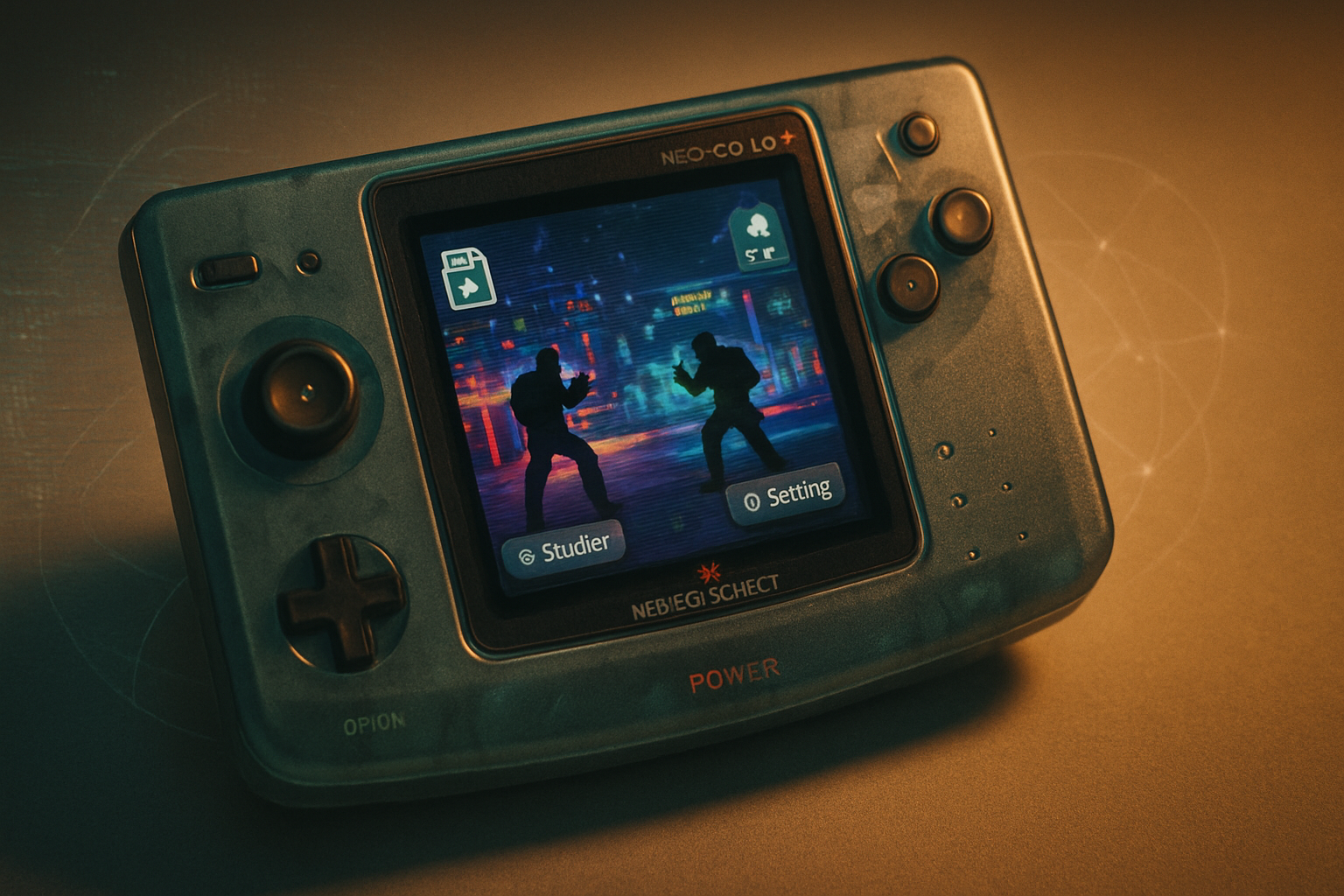
It begins with a small, yellow rectangle on your desk - the Neo Geo Pocket Color, its screen a modest window into a late‑90s aesthetic. You press the d‑pad and, for a fraction of a second, the world narrows to a ribbon of pixels and a tinny chiptune. Then you open an emulator on your laptop, toggle a shader, increase the sampling rate, hit “rewind,” and realize you just altered memory, timing and history at once.
That tug between nostalgia and modern convenience is the story of Neo Geo Pocket emulators: a transition from brittle hardware replication to flexible, powerful software ecosystems that both preserve and reimagine. This article walks that transformation - the engineering decisions, the features that matter, and why faithful emulation is more than nostalgia dressed in a pixel filter.
Why the Neo Geo Pocket matters to emulation
The Neo Geo Pocket (1998) and Neo Geo Pocket Color (1999) are compact laboratories of design: modest screens, unique color palettes, and fast, arcade‑leaning games from SNK. Preserving that tactile, musical, timing‑sensitive experience is trickier than dumping ROMs into a player and calling it a day.
Emulation does two jobs: it replicates the machine’s logic, and it recreates - or sometimes enhances - the player’s experience. The NGPC’s handful of chips meant that early emulators could be simple and fast. But simplicity breeds error. Small timing quirks, palette oddities, and sound latency can turn a precise fighting game into a soggy caricature.
For context on emulators and why they matter, see the general discussion on emulation on Wikipedia.
The early days: portability and pragmatism
The first Neo Geo Pocket emulators were driven by a single impulse: run the games. They were often lightweight, portable programs produced by hobbyists who reverse‑engineered chips and mapped memory. These projects prioritized performance on limited PCs of the time and on early mobile devices.
Strengths of early emulators:
- Very low system requirements - ran on modest hardware.
- Simple UIs and direct ROM playback.
- Rapidly implemented features like save states and basic input mapping.
Shortcomings:
- Inaccurate timing and audio glitches.
- Poor palette and LCD emulation - games looked different than on hardware.
- Limited debugging or preservation tools.
Those tradeoffs were acceptable in an era when running the ROM at all felt like a small miracle. But accuracy was sacrificed for convenience.
The turning point: accuracy, preservation, and standardization
Over the 2000s and 2010s a few trends reshaped the landscape:
- A push for cycle‑accurate or near‑cycle‑accurate emulation. Emulators began modeling hardware behavior in much richer detail rather than simulating only the visible effects.
- The rise of multi‑system emulators and front‑ends like Libretro/RetroArch, which packaged accurate cores with polish and cross‑platform features.
- Inclusion of NGPC support in preservation‑focused projects such as MAME, which treats emulation as archival work, not just gaming.
- Mature projects like Mednafen focusing on accurate audio/video/timing reproduction.
These developments shifted priorities. Emulation ceased to be merely “playable” and became archival: faithful enough that developers and historians could study software behavior, and good enough that a competitive match would feel authentic.
For background on a critical technical technique often used in emulation, see dynamic recompilation on Wikipedia.
Why accuracy matters (and how it’s achieved)
At a human level, accuracy is about expectations. Fighting games depend on frame‑exact timing. Audio cues inform reaction times. Palette quirks can be part of level design. When emulation ignores those, the game becomes a different animal.
Technical approaches that improved NGPC emulators:
- Cycle‑oriented timing - modeling CPU and peripheral cycles tightly so that interrupts and scanline‑dependent effects behave correctly.
- Accurate sound emulation - higher sample rates, proper envelope synthesis and latency reduction make music and effects punchier.
- Precise palette reconstruction - some emulators rebuild the original palette math to avoid washed‑out or oversaturated colors.
- Input latency mitigation - frame buffering strategies combined with low‑latency controller APIs.
These improvements often come at a cost - CPU or memory overhead - but modern machines are generous, and many emulators offer modes to prioritize performance or accuracy.
Features that transformed the user experience
Emulation isn’t just about fidelity. Modern emulators add features that the original hardware never had, and some of those features have become essential:
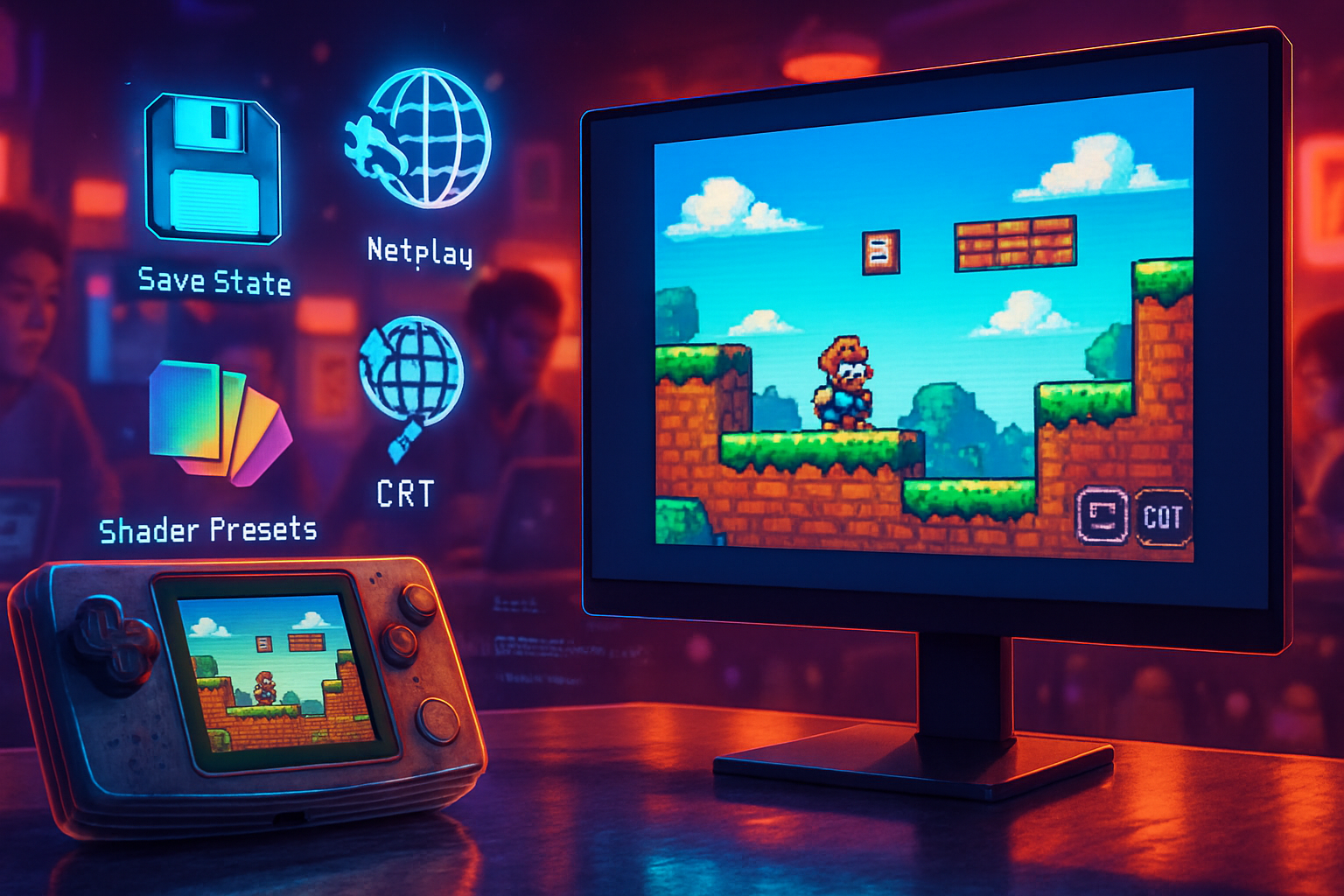
- Save states and multiple save slots - crash recovery and experimentation without penalty.
- Rewind - moral hazard for trial and error; priceless for learners.
- Shaders for screen simulation - from harsh LCD dot‑crawl to subtle phosphor bloom.
- Integer and advanced scaling (xBRZ, HQ2x, nearest‑neighbor) to avoid ugly interpolation or to achieve a “clean” retro look.
- Netplay - turn local handheld experiences into online sessions.
- Input mapping and turbo - modern controllers, comfort features.
- ROM patch and translation support (IPS/UPS) - vital for translations and fan preservation.
Shader work and upscalers are often implemented through the front‑end (RetroArch, OpenEmu) rather than the core emulator, letting players mix and match visual styles; see RetroArch’s guides on shaders and scaling here.
Platforms and ecosystems: where you play matters
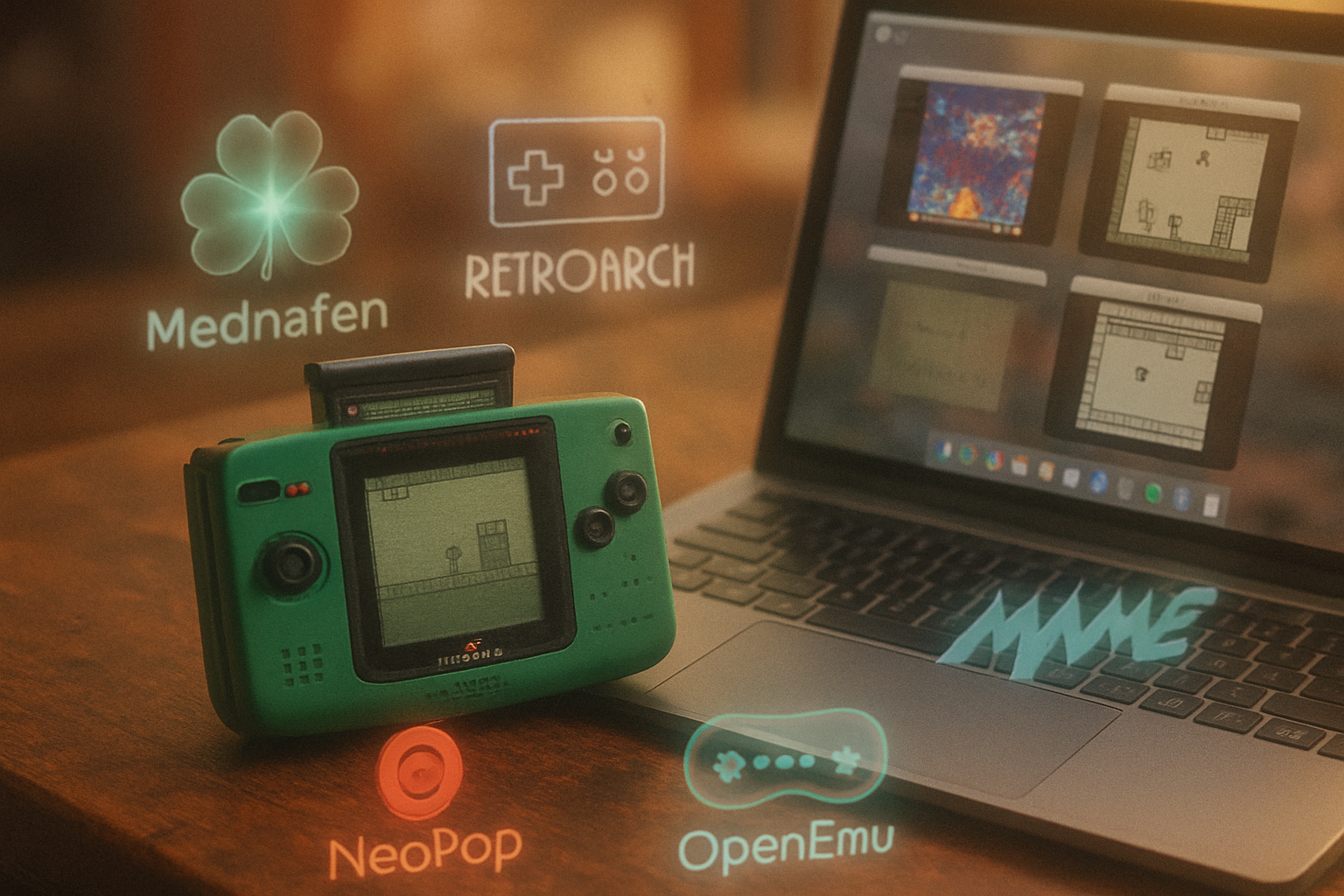
- Mednafen - A favorite for purists who want accurate reproduction and robust logging/debug tools.
- MAME - The archival powerhouse; when accuracy and preservation are the goals, MAME is often the reference.
- RetroArch / Libretro cores - The convenience winner. Easy cross‑platform deployment, unified settings, shaders, and netplay.
- OpenEmu (macOS) - Mac users’ polished frontend, leveraging cores under the hood.
- Mobile and browser builds - Advances in WebAssembly and mobile CPU power brought NGPC libraries to phones and browsers, broadening access.
Choosing an emulator is now a conscious preference: convenience and features vs. absolute fidelity.
A note on legal and ethical lines
Emulation thrives in a gray zone. The software that makes emulators useful - ROMs and occasionally BIOS images - is often copyrighted. There’s an important preservation ethic, but there’s also a rule of law. If your goal is preservation, use archival projects like MAME and support legitimate re‑releases when available. For a primer on the ethics and mechanics of emulation, the general emulator article is helpful: Emulator (computing).
Concrete examples: what modern emulators fix or enhance
- Fighting and timing - Accurate cores remove frame drops and input lag that can turn a precise combo into a guessing game.
- Palette fidelity - Some titles relied on subtle color differences. Modern palette reconstruction restores intended contrast and atmosphere.
- Audio clarity - Increased sample rates and better filtering mean chiptunes sound closer to the original speakers - or better, if that’s what you prefer.
- Accessibility - Rewind and save states make learning difficult SNK fighters far less brutal.
These are not theoretical improvements. They change how people learn, speedrun, and write about games.
The future: preservation, AI, and the line between hardware and software
A few directions to watch:
- Continued improvement in cycle accuracy and automated test suites that compare emulator output against hardware traces.
- AI upscaling and frame interpolation that could make 240×160 games sing on 4K displays - a controversial but tantalizing prospect.
- Better tooling for preservationists to document quirks of specific cartridges and hardware revisions.
In short: the software now not only reproduces hardware, it interrogates and augments it. That raises philosophical questions - when an emulator can create a “better” experience than original hardware, what does authenticity mean? The answer, thankfully, is pragmatic: keep the hardware authentic, but let players choose their comforts.
Practical recommendations (what to choose today)
- If you want authenticity and research value - use Mednafen or MAME. They prioritize accuracy and provide rich diagnostic options.
- If you want convenience, cross‑platform features, shaders and netplay - RetroArch with a reliable NGPC core.
- If you are on macOS and prefer a native UI - OpenEmu is an excellent front‑end.
- If you’re experimenting on web or mobile - look for emulators built with WebAssembly or native mobile ports - but expect tradeoffs in accuracy.
Always consult documentation for the specific core or emulator; many offer accuracy vs performance toggles.
Closing: emulation as resurrection and reinterpretation
The Neo Geo Pocket’s journey from a plastic brick to a software ecosystem is a microcosm of emulation’s broader story. Early projects showed what was possible. Later work insisted on what was true. The newest generation of emulators does both: preserving the quirks that make games unique while offering modern affordances that expand access and enjoyment.
Emulation is not mere mimicry. It’s a conversation between the past and present where software, finally, learns to wear the hardware’s clothes without forgetting how to walk in them. And if sometimes it walks a little faster, with crisper sound and a rewind button, well - that’s not sacrilege. It’s evolution.
References
- Neo Geo Pocket / Neo Geo Pocket Color - general history: https://en.wikipedia.org/wiki/Neo_Geo_Pocket and https://en.wikipedia.org/wiki/Neo_Geo_Pocket_Color
- Emulator (computing): https://en.wikipedia.org/wiki/Emulator_(computing)
- Dynamic recompilation: https://en.wikipedia.org/wiki/Dynamic_recompilation
- Mednafen (project): https://github.com/mednafen/mednafen
- Libretro / RetroArch: https://www.libretro.com/
- MAME (Multiple Arcade Machine Emulator): https://www.mamedev.org/
- RetroArch shaders guide: https://docs.libretro.com/guides/shaders/