· retrotech · 6 min read
The Yahoo! Mail Experience: A Trip Down Memory Lane with Email's First Mainstream Player
A nostalgic look at Yahoo! Mail's early days: the playful interface, the small revolutions (address books, filters, free web access) and how a generation learned to live online through a blue-and-white inbox.
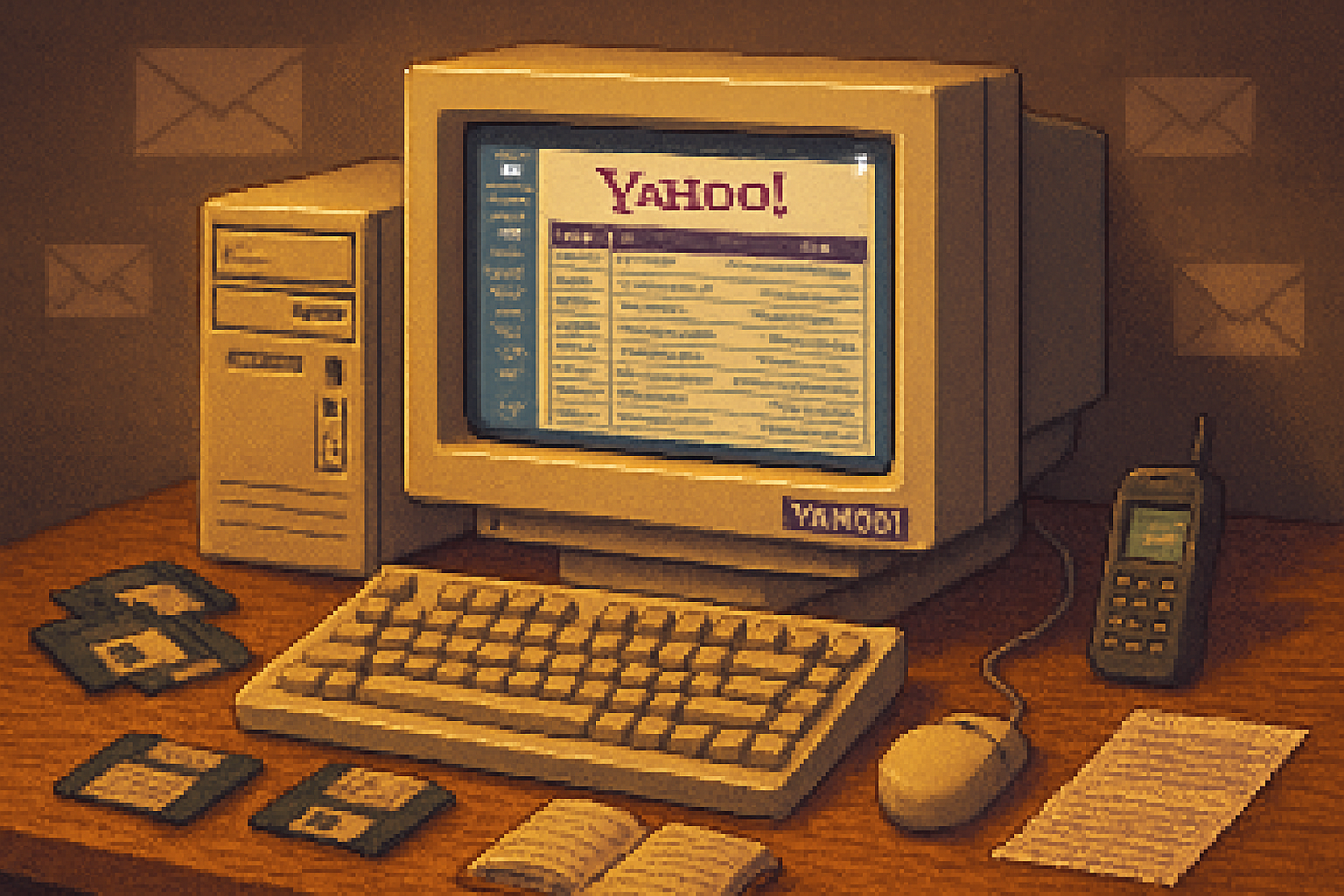
I remember the first time I opened a Yahoo! Mail inbox: a small, blazing rectangle on a CRT, the Yahoo! purple like a flag marking the new territory. You clicked, typed your password, and for the first time your messages lived outside your ISP, your dorm, or your office machine. Email stopped being tethered to place and became something you could carry in your head.
How Yahoo! Mail arrived - and why it mattered
Webmail didn’t start with Yahoo. Hotmail famously began in 1996 and proved the idea: your mailbox could live on the web. Yahoo! launched its mail service in the late 1990s and quickly became one of the first mainstream, consumer-friendly webmail providers that people used every day [https://en.wikipedia.org/wiki/Yahoo!_Mail][https://en.wikipedia.org/wiki/Hotmail].
Why did this matter? Because before webmail, an email address was often an ISP byproduct: boring, tied to billing, and fragile. Yahoo! - with its directory, personality, and ubiquitous brand - gave people a simpler, friendlier gateway to an identity that wasn’t their phone company. It turned email into a consumer product.
The quirks that made Yahoo! feel like Yahoo!
The classic Yahoo! Mail experience had features and personality baked into it:
- A bold, colorful interface - lots of blue and purple, boxed layouts, big buttons. It felt like a cheerful office you could walk into.
- Easy sign-up - a low barrier to entry meant teenagers, grandparents, and anyone with curiosity could claim an email handle.
- Address book and attachments - simple, approachable tools that made sending photos and keeping contacts straightforward.
- Integration with other Yahoo services - news, groups, and Messenger made Yahoo a mini-Internet ecosystem.
- Advertising as background scenery - banner ads and promotions were unavoidable, but they subsidized free accounts and tasted like the Web of the era.
That mix of convenience, whimsy, and corporate scaffolding gave Yahoo! Mail a personality. It felt less like a productivity tool and more like a place you visited.
Small features, big cultural effects
Some features that now feel mundane had outsized consequences:
- Web access - being able to check mail from any machine rewired daily life. No longer did you need a specific computer or phone line to get your messages.
- Easier accounts = new norms - the proliferation of personal email addresses birthed forwarding chains, email signatures (“Sent from my…”), and countless “reply-all” disasters.
- The address book - you stopped needing to memorize numbers or keep dog-eared rolodexes; social graphs slowly moved online.
Webmail democratized communication. It took something technically arcane and made it ordinary - and then normal.
What Yahoo! Mail got right (and wrong)
They got a lot right. Yahoo! made email approachable and visible. But there were also mistakes - not always technical, often strategic:
- Right - Accessibility. A browser login made email universal.
- Right - Consumer focus. Yahoo built features for everyday people, not just IT departments.
- Wrong - Slow to innovate on storage and search. When Gmail launched with massive storage and search-centric design in 2004, it forced a rethink across the industry [
- Wrong - Ads and clutter. Monetization mattered, but the visual cost was often a noisier inbox.
Those tensions - convenience versus control, free access versus ad-driven revenue - define many modern services.
The interface that trained a generation
Think of old Yahoo! Mail as a teacher with a loud laugh. It taught millions of users basic email literacy: folders, subject lines, attachments, and filtering. That training shaped expectations. People expected an inbox to be simple, forgiving, and forgivingly simple - until enterprise email and later mobile UX raised the bar.
There are features we miss:
- Simplicity and predictability - no endless threaded mess, just messages stacked clearly.
- Charm - little visual cues and friendly language that made technology feel less bureaucratic.
And things we don’t miss:
- Banner-blindness (ads you couldn’t escape).
- Slower search and clumsy spam controls of the early 2000s.
Competition changed the game
Webmail birthed an arms race. Hotmail brought ubiquity, Yahoo! brought familiarity and ecosystem, and Gmail brought large storage, threading, and search-first thinking. Each arrival pushed the others to evolve. The result: better spam filters, mobile-friendly design, and features like priority inboxes and powerful search.
The arc is familiar: early simplicity, then feature accretion, then a new player upends expectations and forces reinvention.
The human side: memories, manners, and mistakes
Email wasn’t just a technology; it was training in new social norms. Consider the rituals:
- Chain messages and forwards, which circulated jokes and superstition more efficiently than any town crier.
- The first time a parent or boss got an email with a typo, and the awkward etiquette conversations that followed.
- The thrill of winning a free inbox name, or the decades-long regret of an embarrassing handle.
These are mundane stories, but they illuminate a bigger point: digital communication shapes character. It teaches patience, brevity, and sometimes cruelty.
Legacy: what Yahoo! Mail left behind
Yahoo! Mail’s true achievement wasn’t a single feature. It was normalization. It made email a consumer utility rather than a geeky convenience. By lowering the barrier, Yahoo! accelerated social adoption and seeded the modern expectation that one’s digital life should be portable and persistent.
That’s why Yahoo matters in the history of email: it was where millions first learned that email didn’t belong to their modem or their office - it belonged to them.
A quick checklist for nostalgia seekers
- Did you have a Yahoo! handle? What was it? (We all wish we could un-see some of them.)
- Remember the first attachment you ever opened? A picture? A scan? A terrible ringtone?
- Did you ever use Yahoo! Groups or Messenger connected to your mail account?
If you can answer yes to any of these, you were part of the era Yahoo! Mail helped define.
Where we went from there - and what to remember
Email matured. It got faster, smarter, and more crowded. Spam filters improved, storage ballooned, and mobile apps made the inbox omnipresent. But the critical early lesson - that personal communication should be accessible and persistent - remains.
Email is like water: you don’t notice how fundamental it is until the tap feels slow or the pipes clank. Yahoo! Mail was one of the first faucets, the one many of us leaned on while the plumbing was installed.
Questions to take with you
- When did email stop being novel and start being necessary for you?
- Which early email habit would you change if you could (subject lines? attachments? gratuitous emoji?)
- What from the old inboxes do you wish modern email would bring back?
Think about those, and you’ll see how much of everyday digital life is built on small design choices from services like Yahoo! Mail.
References
- Yahoo! Mail - Wikipedia: https://en.wikipedia.org/wiki/Yahoo!_Mail
- Hotmail - Wikipedia: https://en.wikipedia.org/wiki/Hotmail
- Gmail - Wikipedia: https://en.wikipedia.org/wiki/Gmail