· retrotech · 8 min read
Reviving the ZX Spectrum: A Contemporary Guide to Building Your Own Retro Gaming Setup
Step-by-step guide for hobbyists to experience the ZX Spectrum today - choose between emulation, original hardware restoration, or FPGA recreations, and connect modern displays, storage, and controllers while preserving vintage electronics.
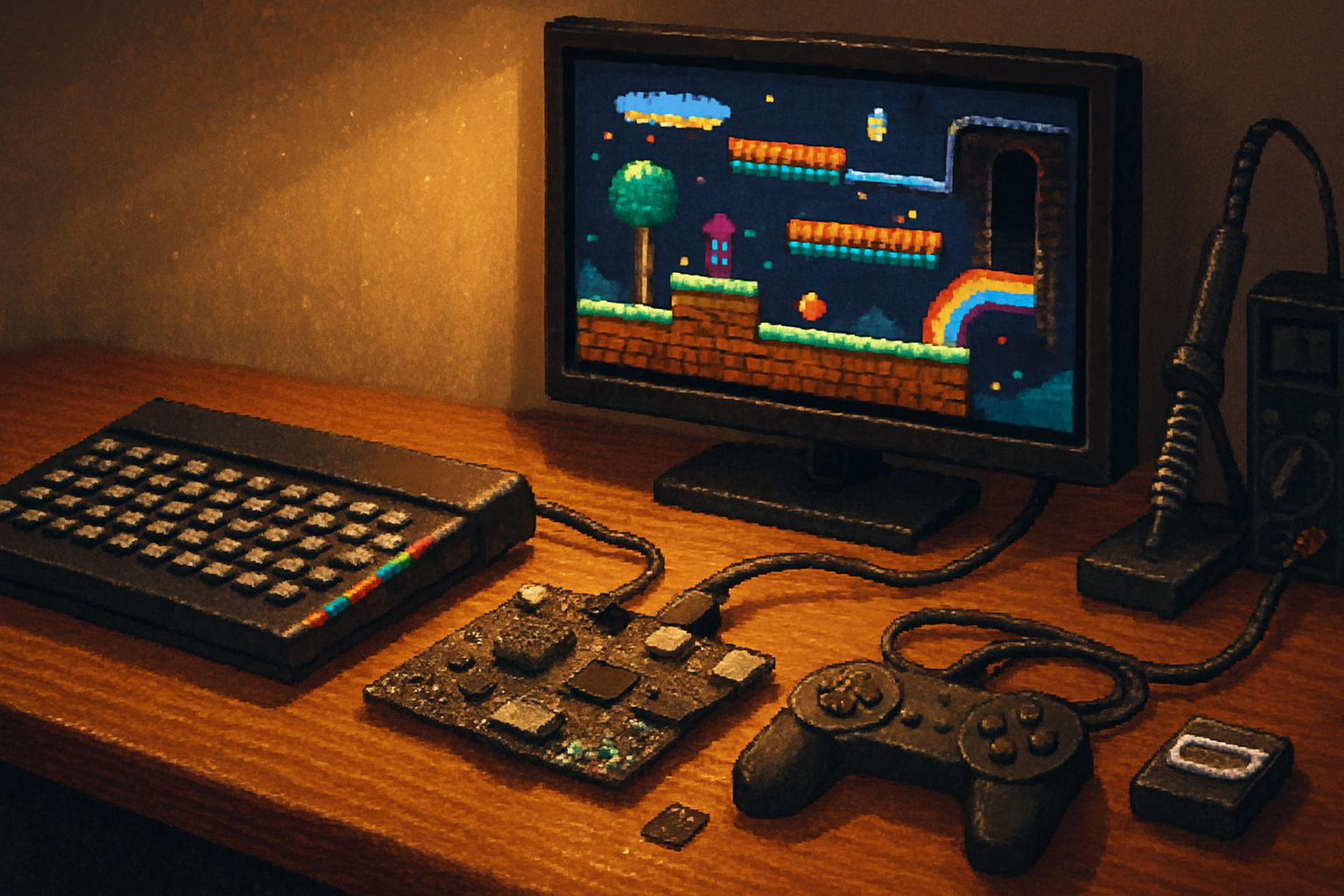
It was 1984. You had a cassette player, a patience the size of a saint’s, and a TV that gladly accepted video input in exchange for static. A three-minute tape squealed; a blocky spaceship appeared; you felt victorious. That uneasy, charming ritual is why the ZX Spectrum still matters: it demanded attention, rewarded curiosity, and made games feel like discoveries.
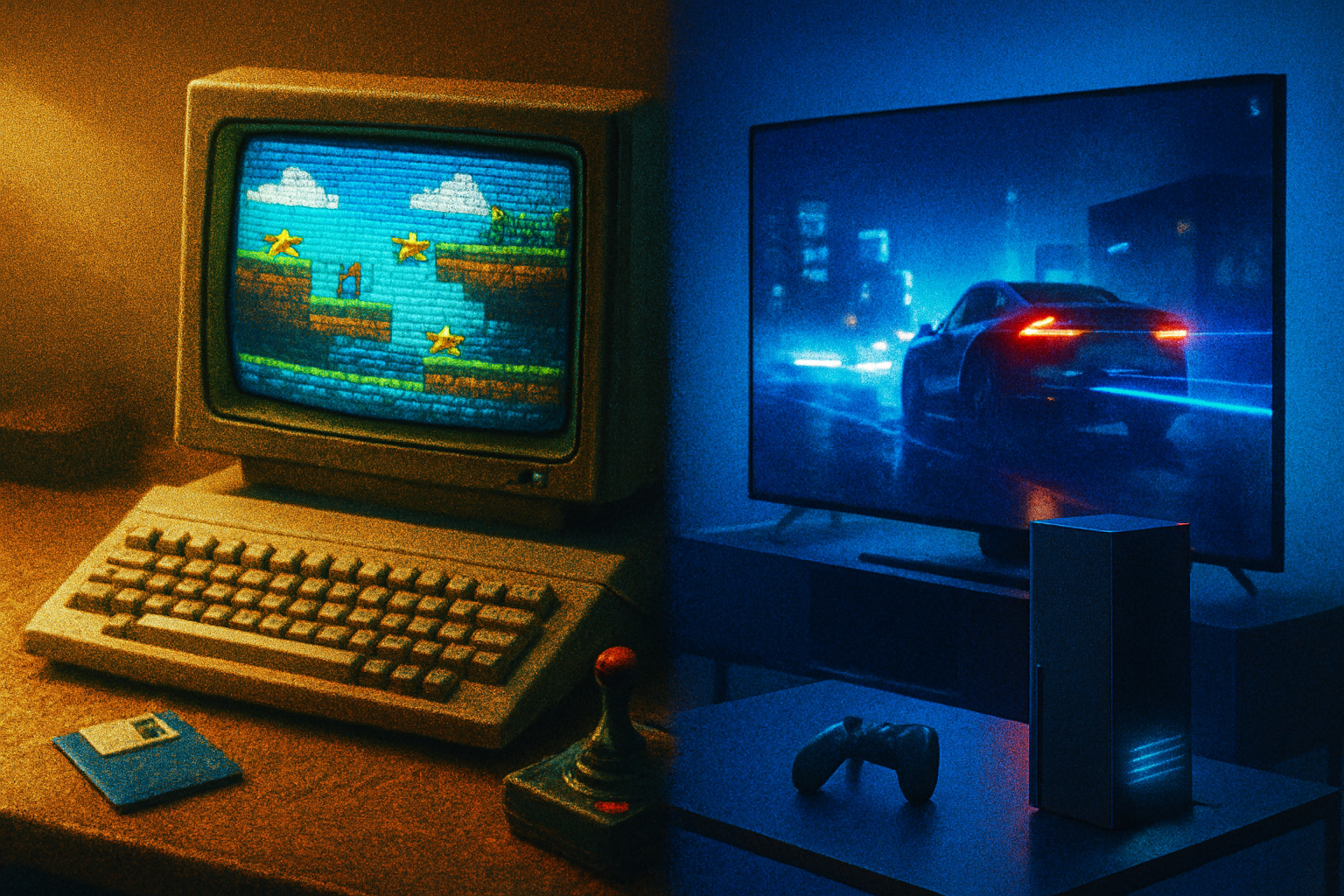
If you want to recreate that feeling today without drilling a hole through your living room wall for a 1980s RF connector, this guide is for you. Whether you want pixel-perfect authenticity, a plug-and-play HDMI experience, or something in-between, here’s how to bring the Spectrum into the present without turning it into a museum piece.
Quick map: three practical paths
- Emulation (fastest, cheapest) - Run Spectrum games on modern hardware (PC, Mac, Raspberry Pi). Best for convenience and for newcomers.
- Original hardware (most authentic) - Restore and use a real Spectrum 16–40K or 48K, or the later 128K/+2/+3 models. Requires careful preservation and some electronics skills.
- FPGA / re-implementations (best of both worlds) - Devices like the ZX Spectrum Next or ZX-Uno emulate the original silicon’s quirks while providing HDMI, SD storage, and modern I/O.
Choose one. Or, if you’re indecisive (and honest), do all three.
Step 1 - Decide your fidelity budget
Short decision guide:
- If you want instant play and large libraries - Emulators on PC or Raspberry Pi (RetroPie).
- If you want original feel (keyboard clack, hardware bugs) - Restore an original Spectrum.
- If you want the quirks but with HDMI and SD cards - Buy (or build) an FPGA clone like the ZX Spectrum Next.
Regarding models: the 48K is the archetype; the 128K family adds better sound and memory; +2/+3 models add built-in tape/drive options. The difference matters if you care about music channels or certain later games.
Step 2 - Emulation: the fast lane
Why emulate: instant access to thousands of games, savestates, easy joystick mapping, screenshotting, rewinding, and none of the capacitor drama.
Recommended emulators and resources:
- FUSE - Free Unix Spectrum Emulator (cross-platform): http://fuse-emulator.sourceforge.net/
- Spectaculator - polished Windows emulator (paid): https://www.spectaculator.com/
- RetroArch - central hub with libretro cores, including Spectrum cores: https://www.retroarch.com/
- Game libraries and metadata - World of Spectrum (historical archive):
Minimum setup (PC or Raspberry Pi):
- Install your emulator of choice (FUSE on PC, RetroPie on Raspberry Pi for a living-room box).
- Obtain legal game images (.tzx, .tap, .sna, .z80). Use your own dumps or public-domain / permissioned files. See World of Spectrum for status and resources.
- Map controls - USB gamepad or keyboard. Most emulators support modern Xbox/PlayStation controllers.
- Configure display - native windowed/fullscreen. If you want authentically awful scanlines and colour clash, enable shader filters; if you want crisp pixels, use nearest-neighbour scaling.
Pro tip: On a Raspberry Pi, RetroPie + the FUSE core gives a console-friendly experience. Use a USB hub if you want multiple controllers and a keyboard.
Step 3 - FPGA and modern recreations: the sensible rebellion
FPGA clones aim to recreate the silicon rather than emulate it in software. That yields near-authentic behavior (including the Spectrum’s quirks), plus modern conveniences like HDMI, SD-card loading, and RTC.
Two widely known projects:
- ZX Spectrum Next (a crowd-funded, professionally manufactured re-implementation with HDMI, SD, enhanced video modes): https://zxnext.org/
- ZX-Uno (an FPGA-based multi-system board that supports Spectrum cores among others): https://zx-uno.com/
Why pick FPGA: hardware-accurate games, modern outputs, and often active developer communities. If you want to tinker with cores or load .sna/.z80/.tap files from an SD card, this is where to look.
Short setup:
- Acquire an FPGA board (Next or ZX-Uno).
- Update firmware and copy game files to SD (follow the project’s instructions).
- Connect via HDMI to a modern TV or monitor; plug in USB gamepad or a real keyboard if you like typing like a millennial.
Step 4 - Restoring an original Spectrum (preservation primer)
Restoring is rewarding and fragile. You’ll need patience, a modest toolset, and a willingness to unscrew things that look like they belong in a museum.
Checklist:
- Power supply - measure the original PSU. Many old PSUs fail or output the wrong voltage - use a modern regulated 9V supply rather than risk frying the board.
- Visual inspection - swollen capacitors, crusted connectors, and leaky batteries (if present) are red flags.
- Cleaning - remove dust, use isopropyl alcohol for contact cleaning, and a soft brush for dust.
- Keyboard/contacts - membrane keyboards often need contact cleaning with DeoxIT or replacement of worn pads.
- Capacitor replacement - electrolytics dry out over decades; a selective recap (replace old electrolytic capacitors) can stabilize the unit. If you’re not comfortable with soldering, seek a trusted retro repairer.
- Tape interface - the cassette port is fragile; consider an audio-to-WAV loader for less wear.
Helpful general repair guides: ifixit for general electronics repair techniques: https://www.ifixit.com/Guide
Safety note: unplug before probing; if you don’t know how to use a multimeter, get help. Electrolytic replacement and power rails are straightforward but not for the faint of heart.
Step 5 - Modern storage and tape alternatives
Loading games from magnetic tape can be romantic. It’s also unreliable and noisy. Modern workflows:
- SD/USB adapters (hardware solutions) - Many Spectrum owners use microSD adapters (DivMMC-style interfaces, various DIY boards) that let the Spectrum load .TAP/.TZX files like they were tapes.
- USB/Audio - Record your tapes to WAV using a cassette deck and Audacity. Emulators and FPGA boards typically accept WAV/TAP.
- For FPGA/emulator - copy .tap/.tzx/.z80 files to SD and load instantly.
Files and archives: World of Spectrum and Spectrum Computing host big libraries and documentation: https://worldofspectrum.org/ and https://spectrumcomputing.co.uk/
Step 6 - Display and video output: how to stop your TV from laughing at the Spectrum
Original Spectrums used RF and composite-fine on CRTs, catastrophic on modern flatscreens. Options:
- FPGA/Next - output HDMI directly. Plug and play.
- RGB/SCART - many older monitors/European TVs accept RGB/SCART and give the best picture. Use a SCART-to-HDMI converter for modern TVs.
- Composite/AV - use a good composite-to-HDMI scaler if you must; expect artefacts.
- Upscaling - For pixel-perfect, use scalers with nearest-neighbor scaling and integer multiples. Avoid aggressive deinterlacing.
If you’re chasing authenticity, get a small CRT. If you’re not, buy an FPGA or use an emulator and skip the cathode drama.
Step 7 - Controllers, joysticks and keyboards
- Keyboard - Original keys are part of the experience, but USB mechanical keyboards mapped to Spectrum keys are practical. Some FPGA builds allow PS/2 or USB keyboards.
- Joysticks - Modern USB gamepads are easiest; configure them in the emulator or FPGA menu. If you crave authenticity, use a Kempston-compatible joystick through an adapter.
- Specialist adapters - USB-to-joystick adapters and keyboard matrix converters let you use classic hardware with modern devices.
Step 8 - Software and community resources
- Game repositories - World of Spectrum -
- Game metadata and management - Spectrum Computing -
- Emulation software - FUSE -
- FPGA projects and support - ZX Spectrum Next -
- Raspberry Pi / RetroPie for living-room emulation: https://retropie.org.uk/
Legal note: Many Spectrum games are still under copyright. Use your own dumps or content from sites that have permission. Read each archive’s legal page before downloading.
Step 9 - Troubleshooting cheat sheet
- No video on modern TV - check HDMI vs SCART vs composite. If using SCART-to-HDMI, try a better scaler or change output mode on your FPGA.
- Unit won’t power - test the PSU with a multimeter. Replace with regulated 9V supply if values are off.
- Tape won’t load - convert cassette to WAV and load via emulator/FPGA; check audio levels and polarity.
- Keyboard misses keys - clean contact pads; consider replacement membrane or use a USB keyboard.
- Strange glitches in games - try native .z80/.sna snapshots first; some games rely on exact timing.
Parts list (starter shopping list)
- For emulation - Raspberry Pi 4 (or modern PC), USB controller, microSD card, RetroPie or RetroArch.
- For FPGA - ZX Spectrum Next kit or prebuilt, HDMI cable, SD card, USB controller.
- For originals - multimeter, regulated 9V supply, DeoxIT contact cleaner, replacement electrolytic capacitors (if recap needed), small soldering iron, anti-static mat.
Preservation ethics: do this for the games, not the greed
The archival impulse matters. Back up cassette tapes to WAV. Document serial numbers and ROM versions. Share knowledge and scans of manuals instead of hoarding. We owe these machines the same careful stewardship we reserve for typewriters and jazz records.
Final thoughts - why bother?
Because the Spectrum is a reminder that constraints breed creativity. It forced programmers to do miracles with 48K of temperamental memory. Playing on one (or its faithful clone) is not just nostalgia - it’s an encounter with design that was ruthless, witty, and occasionally absurd. Modern convenience is seductive. But sometimes, you want the screech of tape, the slow load, and then-like lightning-the joy of a pixelated revelation.
If you want a simple recommendation: start with an emulator to learn the catalogue. Then, if nostalgia or curiosity bites, pick up a Next or restore a battered 48K. You’ll learn electronics, patience, and the correct swear words for when a game refuses to load. And you’ll get, again, that peculiar satisfaction of coaxing a blocky rocket onto a black screen and calling it a triumph.
(Selected resources cited above.)