· retrotech · 7 min read
Retro Coding with the BBC Micro: Reviving a Forgotten Language
Take a seat in front of a warm, monochrome CRT and learn why BBC BASIC - terse, immediate, and a little mischievous - still teaches programming better than many modern toolchains. This deep dive includes setup, hands-on tutorials, and comparisons to Python and JavaScript.
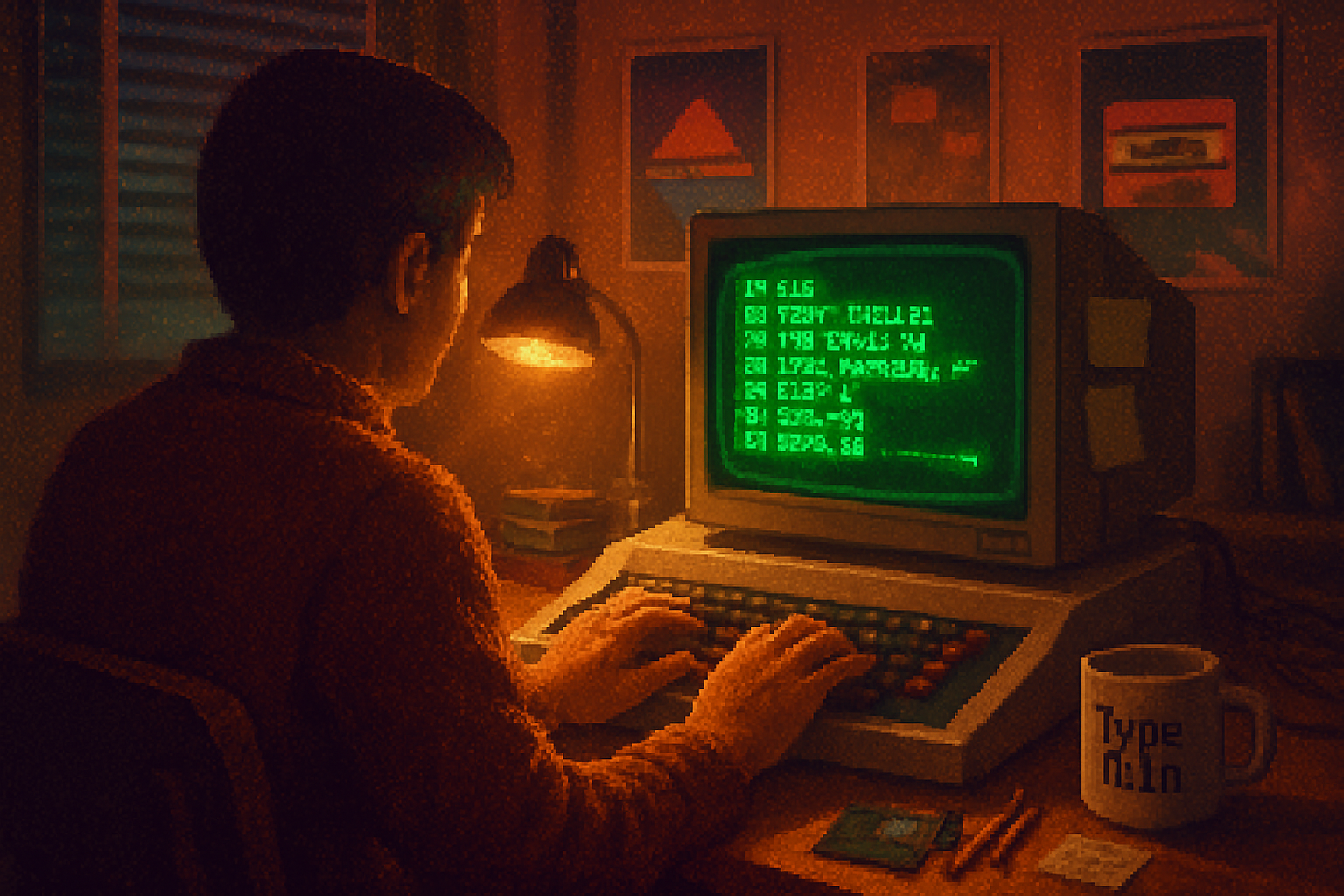
It began with a flicker and a prompt.
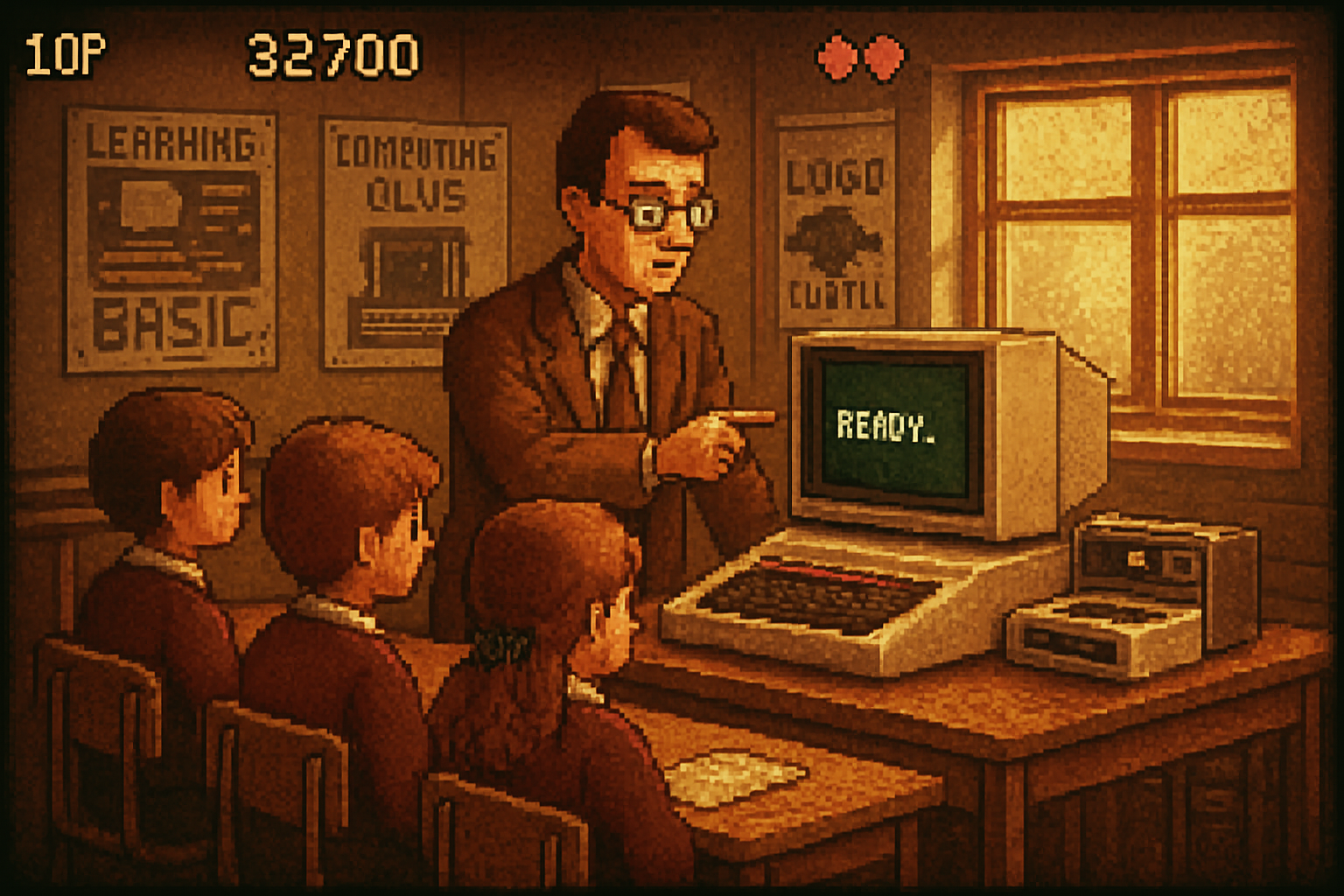
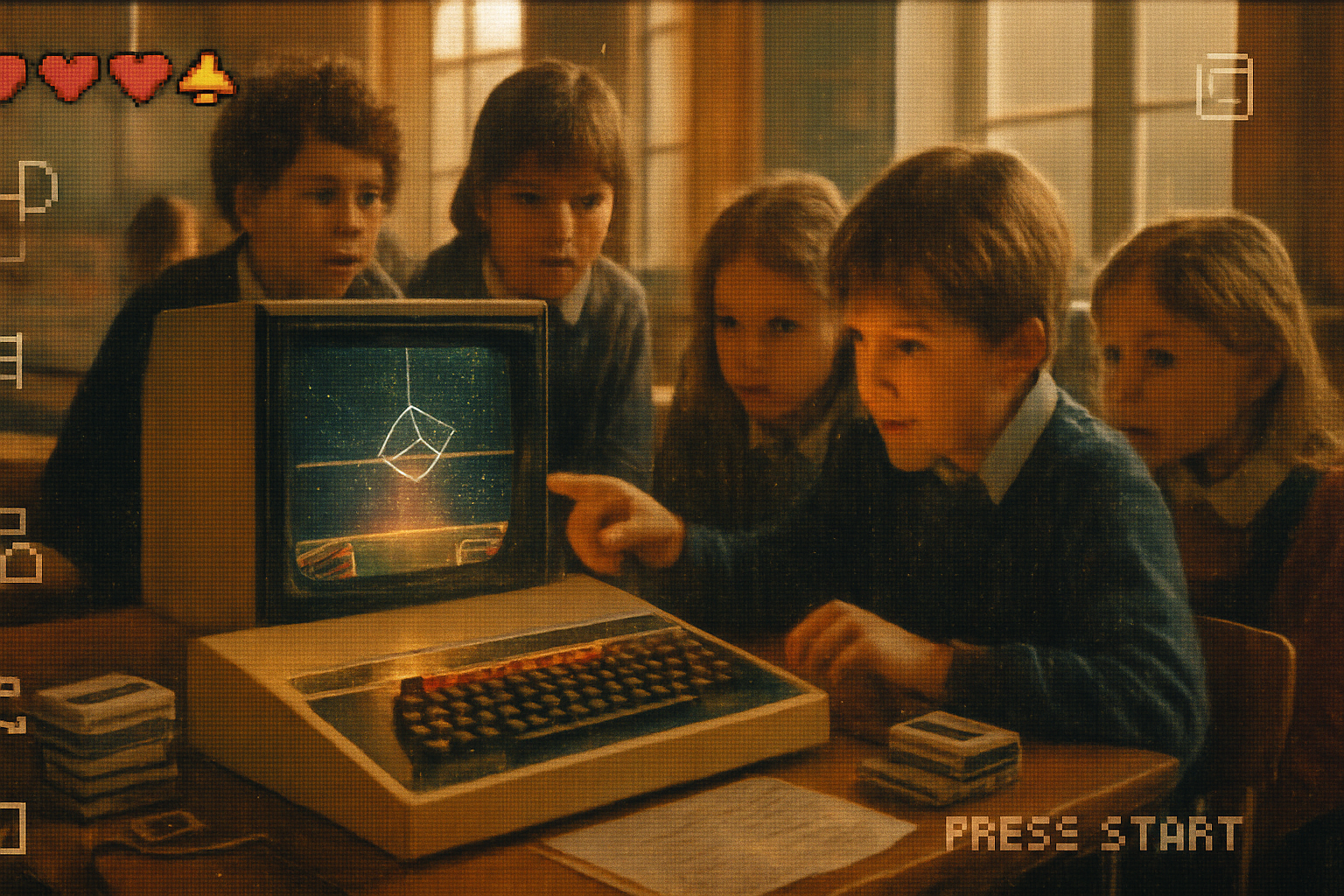
In 1981, classrooms across Britain saw teachers hand a child a sheet of paper containing a single, absurdly powerful instruction set and say: “Type this.” They typed. The BBC Micro rewarded them with results on the screen in seconds. That immediacy - the sense that code is conversation, not liturgy - is why BBC BASIC still bites.
A short history (the one your teacher glossed over)
The BBC Micro was commissioned as part of the BBC Computer Literacy Project and built by Acorn. It wasn’t merely a toy: it was a curriculum, a standardized environment for an entire generation. The machine’s bundled language, BBC BASIC, was designed by a compact team led by Sophie Wilson and others to be both friendly and unambiguously powerful: structured constructs, graphics commands, sound, and - famously - built-in assembly access for those who wanted to go nuclear on speed.
- Quick references - the machine and language are documented on Wikipedia (
Why learn BBC BASIC in 2025? (Yes, you have better editors - and still, yes)
Modern languages are impressive. They are vast, modular, and blessed with package managers. But BBC BASIC gives you something many modern stacks do not: immediate feedback in a tiny, consistent runtime. It’s ideal for learning how programs actually flow, for rapid prototyping of game ideas, and for understanding low-level trade-offs without needing OS-level bureaucracy.
Think of modern ecosystems as a metropolis: feature-rich, efficient, but you sometimes need a permit to run a hello-world. BBC BASIC is a village green: you shout, and you are heard.
Setup: get running with an emulator (fast path)
You don’t need ancient hardware. Two good routes:
- Run an in-browser emulator or a community JavaScript port (search for jsbeeb or try the stardot/jsbeeb project: https://github.com/stardot/jsbeeb).
- Install a native emulator like BeebEm (search for BeebEm) or use a preserved build of “BBC BASIC” implementations.
Emulators give you the original prompt. You can type immediately - no project scaffolding, no package.json: just a blinking cursor and the delicious risk of syntax mistakes.
The BBC BASIC mindset: immediate, imperative, friendly
BBC BASIC is compact and direct. Here are a few idioms you will see again and again:
- PRINT, INPUT - instant I/O for experimenting.
- FOR…NEXT - classic loops.
- GOTO and GOSUB (older style) and single-line IF…THEN.
- DEF FN - lightweight functions.
- Graphics commands (MODE, PLOT, MOVE, DRAW) and sound commands - built into the language.
- Inline assembler (ASM blocks) for when curiosity turns into obsession.
Let’s stop the abstraction parade and show code.
Hello, world - BBC BASIC, Python, JavaScript (side-by-side)
BBC BASIC (line-numbered classic style):
10 REM Hello, world 20 PRINT “Hello, world!” 30 END
Python equivalent:
print("Hello, world!")Node/JavaScript equivalent:
console.log('Hello, world!');The difference is only style. BBC BASIC forces you to be explicit about flow in a tiny space, which is a pedagogical virtue.
A tiny interactive program: Guess the Number
This is everything a beginner needs: input, randoms, branching, looping.
BBC BASIC (simple, line-numbered):
10 REM Guess the number (1-100) 20 RANDOMIZE 30 N = INT(RND * 100) + 1 40 PRINT “I’m thinking of a number between 1 and 100” 50 INPUT “Your guess: ” G 60 IF G = N THEN PRINT “Correct!”: END 70 IF G < N THEN PRINT “Too low”: GOTO 50 80 PRINT “Too high” 90 GOTO 50
Python (same idea, clearer control flow):
import random
n = random.randint(1, 100)
print("I'm thinking of a number between 1 and 100")
while True:
    g = int(input("Your guess: "))
    if g == n:
        print("Correct!")
        break
    print("Too low" if g < n else "Too high")
JavaScript (Node):
const readline = require('readline').createInterface({
  input: process.stdin,
  output: process.stdout,
});
const n = Math.floor(Math.random() * 100) + 1;
console.log("I'm thinking of a number between 1 and 100");
readline.on('line', line => {
  const g = Number(line.trim());
  if (g === n) {
    console.log('Correct!');
    readline.close();
  } else console.log(g < n ? 'Too low' : 'Too high');
});
Notice the trade-offs: BBC BASIC is verbose in control flow (GOTO), but you get immediate predictability. Python gives you structured loops; JS shows the ceremony needed for asynchronous stdin handling.
Graphics in BBC BASIC: surprisingly powerful
BBC BASIC provides primitives to do vector drawing without importing anything. Here’s a very small, high-level idea of a moving dot using text-mode animation - safe and emulator-friendly.
BBC BASIC (pseudo-real code - exact commands depend on mode and emulator):
10 REM bouncing star in 1D 20 CLS 30 X = 10: DX = 1 40 FOR T = 1 TO 200 50 CLS 60 FOR I = 1 TO X-1: PRINT ” ”;: NEXT 70 PRINT ”*” 80 X = X + DX 90 IF X > 70 THEN DX = -1 100 IF X < 2 THEN DX = 1 110 FOR DELAY = 1 TO 200: NEXT 120 NEXT
On real BBC hardware you could use MODE and PLOT/DRAW to move pixels, and the machine’s graphics routines were extremely compact compared to opening a graphics window in a modern GUI toolkit.
The secret sauce: assembly and direct hardware access
If you were the sort of person who liked performance, BBC BASIC let you drop into assembly language directly. That meant you could prototype in BASIC, then micro-optimize the hot parts without leaving the environment. Modern languages achieve this via FFI or native modules - it’s similar in spirit but more cumbersome.
Inline assembly made the BBC Micro an educational device for understanding what a CPU actually does, not just a place to install dependencies.
Comparing paradigms: what you gain and what you lose
- Simplicity vs ecosystem - BBC BASIC is small and immediate. Modern languages give you enormous libraries but with complexity.
- Determinism vs concurrency - BBC BASIC’s single-threaded, immediate REPL-like environment is simple; modern apps often need concurrency, async IO, and sophisticated state management.
- Learning curve - BBC BASIC teaches flow control, state, and the machine. Modern languages teach tooling, patterns, and distributed systems.
For a learner, starting in BBC BASIC is like learning to write with a fountain pen before using a keyboard: you’re forced to understand each stroke.
A short project you can finish in one afternoon: a starfield
Goals: practice loops, random numbers, and simple animation. Outline:
- Create an array of star positions and speeds.
- Each frame, move stars toward the screen center (or downwards), wrap them when off-screen.
- Draw frame, wait, repeat.
This demonstrates control flow, arrays, and performance within the language limitations.
Modern lessons from retro constraints
Constraints discipline thought. When memory and CPU were scarce, programmers wrote tighter loops, reused buffers, and profiled obsessively. Those habits are still valuable:
- Measure, don’t hypothesize.
- Favor clarity when the cost is negligible.
- Prototype fast; then optimize the hot path.
Also, retro systems teach you that a minimal API surface can be liberating. There are only a handful of commands - and each one matters.
Where to go next (resources)
- BBC Micro overview: https://en.wikipedia.org/wiki/BBC_Micro
- BBC BASIC language notes: https://en.wikipedia.org/wiki/BBC_BASIC
- jsbeeb (community JS emulator): https://github.com/stardot/jsbeeb
- Vintage community forums and archives (search “Beeb” and “BBC Micro” for active hobbyists)
Final provocation (a brief sermon)
Modern developers often worship at the altar of libraries, then complain when the altar’s flames are cold. BBC BASIC reminds you of something older and useful: that programming is first a conversation between you and the machine. The language will make you explain each step. It will punish sloppy thinking. It will reward curiosity with immediacy.
If you’re a teacher, a tinkerer, or someone who misses simple truths beneath glossy tooling, try typing a small program on a BBC prompt. The machine will not flatter you. It will not autocompile your ennui. It will simply respond. And that, oddly, is enough.