· culture · 7 min read
Nostalgia Unpacked: The Best Retro CD-ROM Drives and Why You Should Own One
A curated tour of collectible portable CD-ROM drives - from chunky SCSI relics to elegant Apple SuperDrives - explaining their historical role, collectible appeal, and why every tech-curious collector should own one.
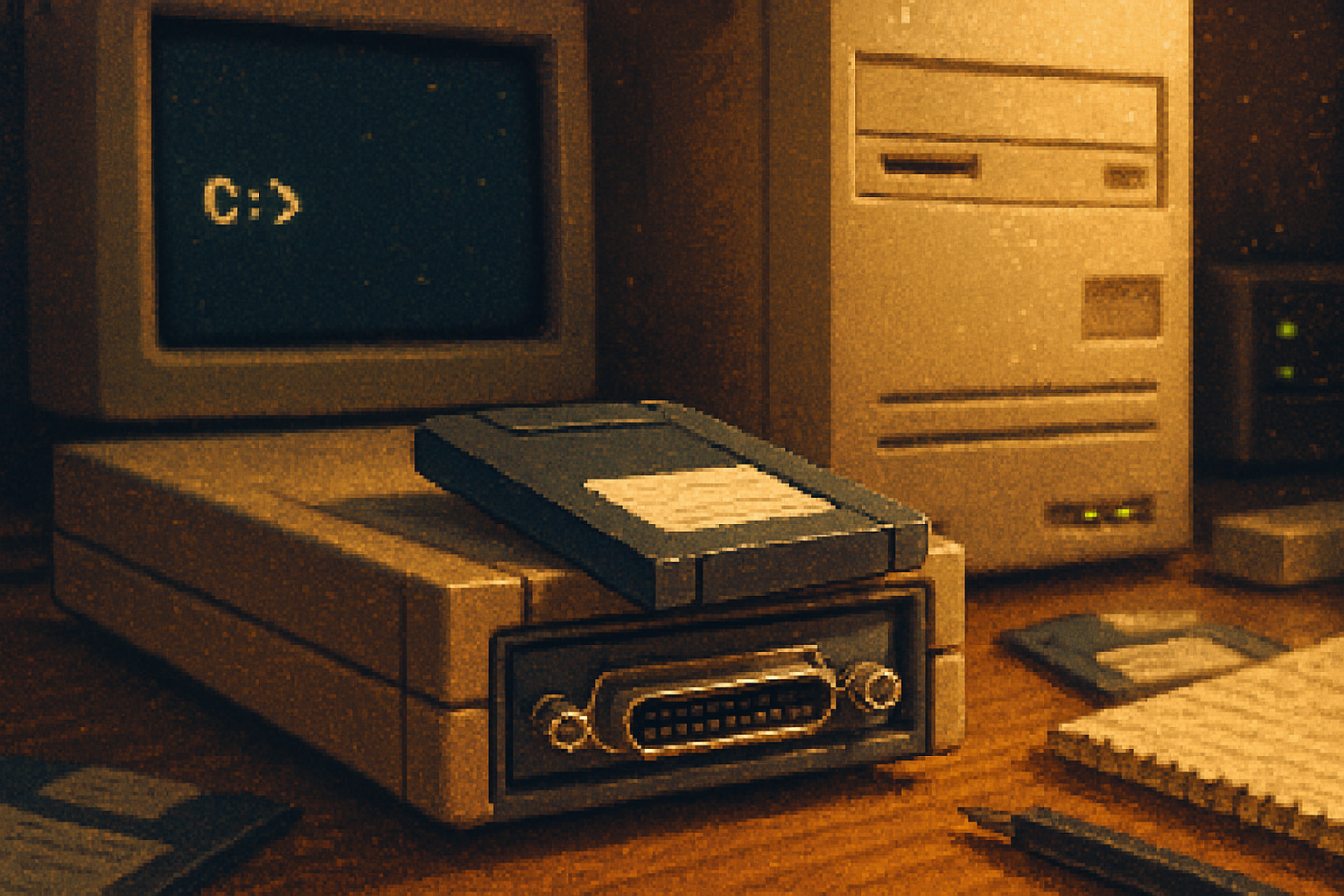
I remember the first time I found a box of old CDs in a friend’s garage: a mound of software installers, a stack of glossy game demos, and, tucked under a tangled SCSI cable, a heavy, beige rectangle labeled AppleCD. It felt like finding a fossil with a power switch.
These little machines are more than plastic and lasers. They are time capsules: the hinge between the floppy-era slow drip of data and the broadband torrent that followed. They carried encyclopedias you could browse offline, demos that seduced a generation, and installation discs that taught us the brittle choreography of drivers, IRQs, and patience.
This article unpacks the best, quirkiest and most collectible portable CD-ROM drives you can still hunt down - why they’re historically important, what makes them desirable, and how to own one without becoming a dusty-curator stereotype.
Why portable CD-ROM drives matter (beyond kitsch)
Think of a CD-ROM drive as a bridge. The bridge carried multimedia, games, and encyclopedias to desktops and laptops before the web matured into what it is now. Owning one is useful for several reasons:
- Software archaeology - Old installers, proprietary formats, vintage games - many are still on optical disc only.
- Design history - External drives are snapshots of industrial design trends - from clunky beige to glossy Apple minimalism.
- Tactile authenticity - There’s a strange pleasure in inserting a disc and watching spinning optics come to life. It’s the tech equivalent of turning a page.
- Resilience and independence - Optical media can be an offline archive that resists some modern failure modes (cloud lock-in, link rot).
For context on the medium itself, the CD and the optical drive revolution are usefully summarized in the Wikipedia entries for CD-ROM and optical disc drive.
How I curated this list
I picked devices that illustrate a particular moment or design choice: early SCSI externals that defined compatibility battles; elegant, design-led drives that came with the last good Apple era; and oddities like LightScribe burners that tried (and failed) to be the new vinyl. Each entry explains why a collector should care.
The curated list: unique and collectible portable CD-ROM drives
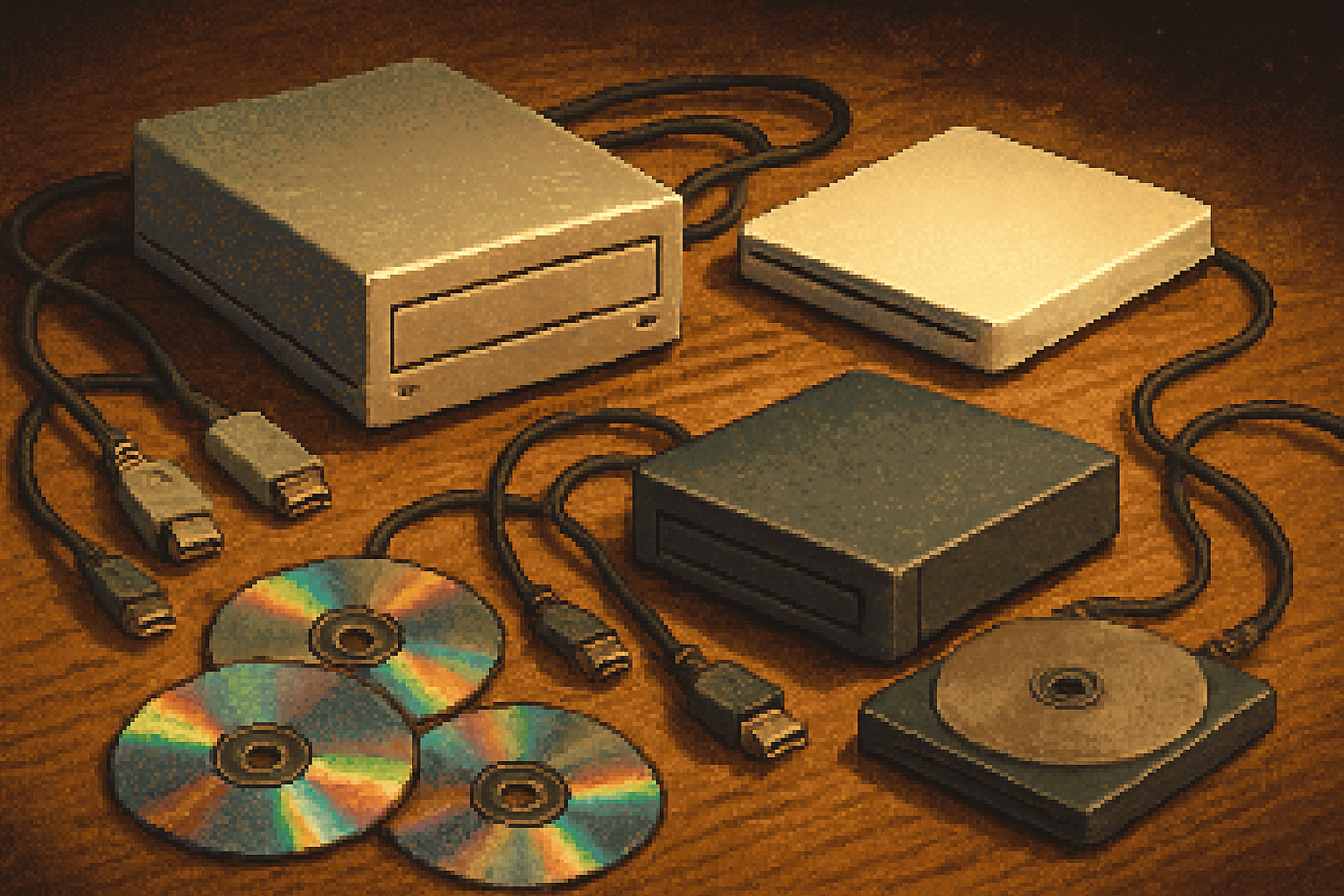
Below are notable examples - a mix of specific models and archetypes you should watch out for.
1) AppleCD SC (and other early Apple external SCSI drives)
- Historical significance - Apple introduced Apple-branded external SCSI drives in the late 1980s and early 1990s to give Macs CD-ROM support before internal drives were common. These are the hardware relics of early Mac multimedia.
- Why collect - They’re heavy, lovingly labeled, and scream classic Mac era. For vintage Mac builders, a period-correct AppleCD SC or its siblings makes a setup feel complete.
- Practical notes - These use SCSI - glorious, fast for the era, and maddeningly configuration-heavy. You’ll need a vintage Mac or a SCSI adapter. Read up on
2) LaCie designer externals (the Neil Poulton era)
- Historical significance - LaCie turned external storage into an industrial-design statement. The brand’s brushed-metal, brightly colored and minimalist externals bridged utility and objet d’art.
- Why collect - They look amazing on a shelf. A LaCie drive - especially early 2000s designs - signals that your collection cares about aesthetics as much as function. See Neil Poulton’s design legacy for context:
- Practical notes - Many LaCie externals are simply rebadged drives in a standout case. They often used USB 1.1/2.0 or FireWire.
3) The slot-loading Apple SuperDrive / iMac-era externals
- Historical significance - Apple’s move to slot-loading optical drives in iMacs and PowerBooks made for sleek, no-tray profiles. The later compact USB Apple SuperDrive became an icon of the Mac laptop era.
- Why collect - They are minimal, well-built, and thematically perfect in a retro Apple collection. Apple’s own documentation on using external drives is still useful today:
- Practical notes - Some later Apple drives are USB-only and refuse to work with non-Apple systems without hacks. Keep that in mind if you want universal compatibility.
4) Plextor and the audiophile/enthusiast burners
- Historical significance - Plextor earned a reputation for precision and quality among CD burners and drives; audiophiles and disc burners swore by them.
- Why collect - Their drives often had better error correction and build quality, which collectors and restorers still value. Plextor’s history is a good read:
- Practical notes - For archival ripping, a good Plextor can be the difference between readable and unreadable disc images.
5) LightScribe-capable external drives (HP / Yamaha / ASUS variants)
- Historical significance - LightScribe was an attempt to re-enchant optical media - burn the data on one side, then flip the disc and etch a label with the laser.
- Why collect - They’re quixotic and charming - a dead-end technology that produced very photogenic discs. The LightScribe concept is documented here:
- Practical notes - Drivers and labeling software may be a challenge today, but the results are satisfying and collectible.
6) Early USB and FireWire slim externals (late 1990s–2000s)
- Historical significance - As laptops shed internal optical drives for thinness, manufacturers created slim portable CD/DVD drives that connected via USB or FireWire.
- Why collect - They mark the transition from internal ubiquity to external optionality. They’re useful for extracting data from old discs without needing a full desktop rig.
- Practical notes - USB 1.1 drives are painfully slow; aim for USB 2.0 or FireWire if you want usable transfer rates.
7) Branded oddities and designer promos (Sony VAIO, Dell glossy, Toshiba special editions)
- Historical significance - OEMs loved slapping brand identities on external drives - translucent plastics, matching laptop colors, or limited-run finishes.
- Why collect - These are the ‘fun’ items for shelf-curation. They show how manufacturers tried to build ecosystem coherence.
- Practical notes - These are often rebadged drives inside, so compatibility is usually fine. Their collectible value is mostly aesthetic.
How to pick one: collector criteria
When you’re shopping, consider these axes:
- Connector - SCSI > FireWire > USB 2.0 > USB 1.1 in terms of period desirability and speed. Adapters exist, but they’re extra work.
- Condition - Optical drives age - belts stretch, motors weaken, and laser diodes degrade. Prefer drives with recent testing or known-good lasers.
- Rarity / design - Is it a unique color, designer collaboration, or limited edition?
- Utility - Want it for table display or ripping old games? Make the purpose first.
- Documentation & software - Does it come with drivers or can you find them archived online?
Practical tips: restore, test, and use
- Clean discs carefully. Start with compressed-air, then a microfiber wipe from center outward.
- Test reading with multiple drives if possible - some discs only become readable in a particular tray due to laser strengths or wobble.
- For data preservation, rip with software that supports error correction (Exact Audio Copy for audio; ImgBurn or dd for data on Windows/Linux).
- Replace belts and lubricate spindles if you’re comfortable - there are many guides in vintage-hardware communities like the Vintage Computer Federation.
Why you should own one (final pitch)
Owning a retro portable CD-ROM drive is less about utility and more about context. It’s telling the story of how we migrated from physical media to the cloud. It’s about rescuing a half-forgotten piece of your digital life - an old install disk, a family slideshow, a long-lost MP3 rip.
More prosaically: the drives are conversation pieces that reward exploration. They demand literal engagement; you put the disc in, you wait, you watch. In an age where interactions are speed-optimized and friction-free, sitting with slow, deliberate hardware feels almost subversive.
If you collect anything in tech, collect context. A well-chosen retro CD-ROM drive gives you a hook into every story on your shelf: the software, the designers, the silly marketing copy, and the earnest startup screenshots that once promised to change the world.
Quick buying checklist (print this)
- Decide why you want it (display vs. ripping)
- Aim for USB 2.0 / FireWire for usability
- Check for drivers, especially if the OS you use is modern
- Inspect mechanical condition and ask if the laser has been tested
- Prefer branded quality (Plextor, LaCie, Apple) if you want reliable ripping
If you want, next time I’ll point you to specific auction searches and keywords to find each of these on eBay, Etsy, or the vintage-hardware groups. But for now: go find a box of CDs and a machine with a spinny light. The past still reads.