· retrogaming · 6 min read
Enhancing Your Retro Experience: How to Mod Your Sega Genesis Emulator for an Authentic Feel
Make your Sega Genesis ROMs stop looking like sterile PNGs and start looking, sounding and feeling like they did in the living rooms of 1992. This guide covers shaders, audio tweaks, controller mapping, and hardware options to restore authenticity without sacrificing modern convenience.
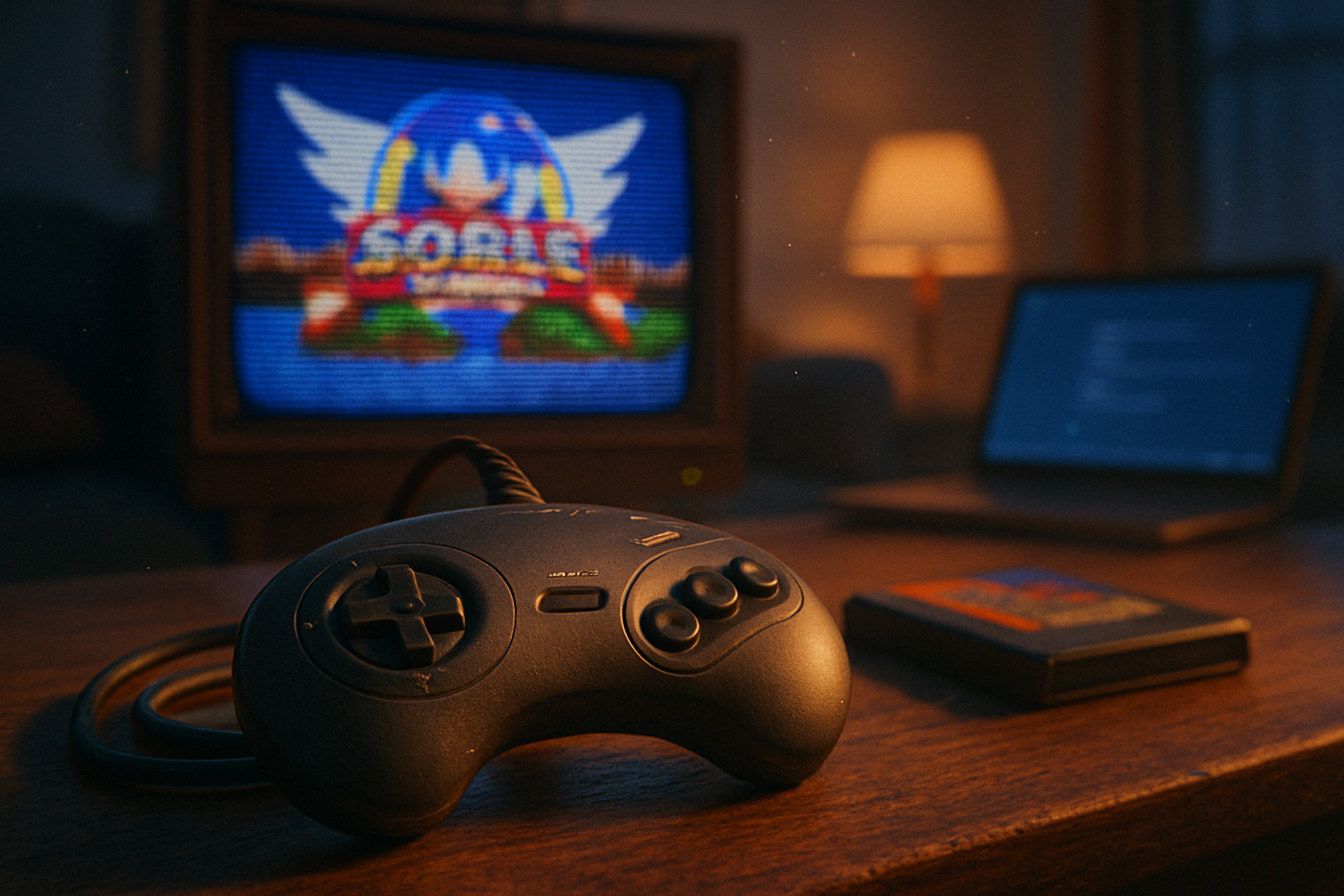
It began with blowing on a cartridge and praying. The ritual felt like sorcery: a breath, a click, and suddenly the pixels that defined childhood returned. Today the ritual is different - an emulator, a ROM file, a few clicks - but the itch remains: why does it all feel flat compared to the original TV with its horizontal scanlines and woozy colors?
You can chase nostalgia with brand-name hardware, plug a Genesis into an old CRT, and be done. Or you can coax your emulator into conjuring the same imperfect, analogue soul. The secret: shaders that simulate phosphor bloom, audio tweaks that let the YM2612 breathe, and controller configurations that don’t make you feel like you’re playing with a spreadsheet.
Below is a practical, opinionated guide to making your Sega Genesis emulator feel authentic - without pretending you’re a luddite.
Pick the right emulator/core
If authenticity is the goal, start with the right engine.
- Recommended - RetroArch with the Genesis Plus GX core - accurate, configurable, and widely supported.
- Alternatives - Gens/GS and Kega Fusion (legacy favorites). They’ve got faithful behavior in places but lack the ecosystem of RetroArch’s shaders and frontend conveniences.
Why RetroArch + Genesis Plus GX? Because you get modern conveniences (save states, shaders, input remapping, netplay) with an accurate core under the hood. It’s the best of boring engineering and tasteful nostalgia.
Visual authenticity: shaders, bezel, and geometry
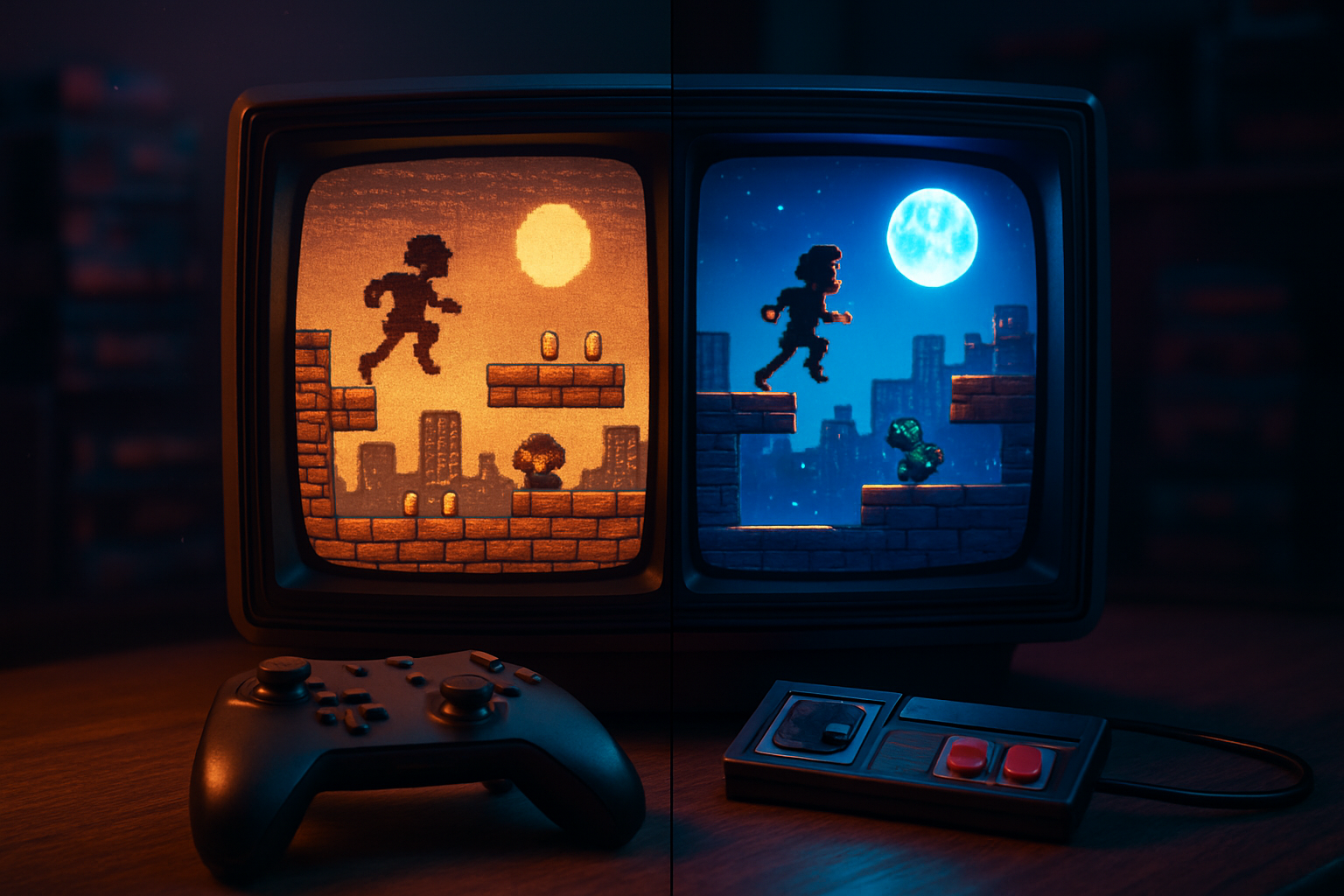
Pixels are not just squares. On a CRT they bloom, curve, and smear. Emulators show crisp blocks unless you force the world to misbehave.
Shaders - Use CRT shaders. Two popular options:
- CRT-Royale (high-quality, photorealistic). Repo: crt-royale-shaders
- Libretro shader collection (convenient presets): libretro/common-shaders
Key shader attributes to tweak:
- Scanline intensity - 0.4–0.8 depending on taste.
- Phosphor persistence/bloom - small values (0.1–0.3) produce that gentle glow.
- Curvature - 0.02–0.06 gives the rounded-corner feel without warping menus.
- Shadow mask / aperture grille - use if you want the RGB-dot feel.
Integer scaling vs. shaders - Integer scaling keeps pixels crisp and avoids half-pixel artifacts, but pairing it with CRT curvature can create gaps. If you want authentic curvature, use integer scaling off - the shader will simulate pixel blending.
Bezels and overlays - Add a bezel PNG (a photo of an old TV casing) for atmosphere. Place the shader output within the bezel and you’re done. RetroArch supports overlay images per core/ROM.
Example RetroArch shader preset snippet (retroarch.cfg style):
video_shader = "shaders/crt-royale/CRT-royale.glsl"
video_shader_enable = "true"
video_shader_param_0 = "scanline_intensity=0.55"
video_shader_param_1 = "curvature=0.035"
(Use the GUI to fine-tune - shader parameters differ between shader versions.)
Sound: letting the YM2612 breathe
The Genesis’ sonic character is the YM2612 FM chip plus a simple PSG for bleeps. Modern audio is pristine. Good. We can make it characterful too.
Core choice matters - Genesis Plus GX does a clean job emulating YM2612. If you want to chase micro-accuracy, research specific builds and options.
Sample rate - raise the audio sample rate. 48 kHz is standard; 96 kHz reduces aliasing for modern headphones. In RetroArch: Settings → Audio → Audio Device / Sample Rate.
Resampler - choose a high-quality resampler (SoX / soxr) to reduce artifacts.
Buffer/latency - small buffers reduce latency but risk underruns. For authenticity, keep latency low but stable. On a beefy PC, set audio buffer to 64–128 samples.
Add tasteful effects - a modest reverb or EQ can make chip tunes feel like they were coming off a TV speaker. RetroArch supports audio filters/plugins (and you can run system-wide equalizers). Two cautions:
- Don’t overdo reverb. The YM2612 is crisp; heavy reverb makes music indistinct.
- If you want CRT-like warmth, emphasize lower mids (+1–3 dB around 200–400 Hz) and gently roll off extreme highs.
If you want deeper reading on the YM2612 and how it sounds, see the chip’s overview at Wikipedia (YM2612).
Controller configuration: muscle memory matters
The tactile part of authenticity is the controller. A latency-free, properly mapped pad makes everything click.
Use a USB adapter if you care about original controllers. Brands like Mayflash and Retro-Bit offer decent USB adapters; 8BitDo makes modern wireless pads that mimic Genesis layouts.
Map buttons to original layout - A (1), B (2), C (3), X/Y/Z or Mode for six-button games. Configure “fast-forward” and “save state” to an unused shoulder or hotkey.
Six-button controllers - many old fighting games rely on a six-button combo. In RetroArch, map the extra buttons to the Genesis Plus GX core and ensure “enable 6-button controller” is set if present.
Input lag - disable rumble and vibration if you’re chasing the absolute minimal input delay.
Quick mapping checklist (RetroArch GUI):
- Settings → Input → Port 1 Binds → Select Player 1 Device → Map buttons
- Settings → Input → Hotkeys → Enable hotkey (choose a button)
Hardware options for purists
If you’re the sort who believes software can’t replicate the smell of ozone, consider hardware intermediate steps that keep authenticity while using modern displays:
- OSSC (Open Source Scan Converter) - a high-quality line-doubling scaler that preserves pixel crispness and supports RGB SCART. OSSC
- Framemeister - older, pricey line scaler with many filters (used by enthusiasts).
- Dedicated modern hardware - Analogue’s Mega Sg is a boutique, FPGA-based option that runs cartridges with near-perfect timing (if you want true hardware accuracy).
These devices are for people who treat their nostalgia like a science experiment.
Little touches that make the difference
- Aspect ratio - set to 4:3, not 16:9. Stretching is betrayal.
- Disable frame-smoothing features like “frame-blend” unless you want smearing. CRT phosphor persistence is better simulated with light bloom than blending frames.
- Enable integer scaling for pixel-perfect graphics where you want sharpness; disable it when using curvature shaders.
- Use region-accurate palettes and gamma - some games reveal different colors across consoles/regions.
- Save your shader presets per-game. Some titles (e.g., Sonic 1) benefit from slightly different scanline intensity than others (e.g., Phantasy Star).
Recommended settings - quick checklist
- Core - Genesis Plus GX
- Video - Shader = CRT-Royale (scanline 0.45–0.6, curvature 0.02–0.04, bloom 0.1–0.2)
- Audio - Sample rate = 48 kHz or 96 kHz; Resampler = soxr; Buffer = 64–128 samples
- Input - Map exact Genesis layout, enable 6-button if needed, set hotkey for save state
- Display - Aspect = 4:3; Integer scaling toggled depending on shader
- Extras - Bezel overlay, per-game shader presets, optional OSSC for hardware line-doubling
When authenticity clashes with playability
There’s a moral choice: replicate the bad parts of the past, or keep the good ones and improve the rest. Frame rate dips. CRT glare. Ghosting. All part of the memory buffet. If your friends are joining for co-op, favor clarity and responsiveness. If you’re alone and feeling poetic, crank up the curvature and forget that you have a job.
Emulation is craft. There’s no single “authentic” setting - only honest choices. You can make your Genesis ROM look and sound better than the TV it once suffered through. Or you can make it worse, if your nostalgia leans toward mendacious haze. The fun is in experimenting.
If you’re starting, begin with RetroArch + Genesis Plus GX, pick a CRT shader from the libretro collection or CRT-Royale, raise the audio sample rate, and map your controller like the original pad. Tweak from there - small changes go a long way.
Happy modding. Blow on your ROMs for theatrical effect only.
References
- RetroArch: https://www.retroarch.com/
- Genesis Plus GX (GitHub): https://github.com/ekeeke/Genesis-Plus-GX
- Libretro shader collection: https://github.com/libretro/common-shaders
- CRT-Royale shaders: https://github.com/nbdd0121/crt-royale-shaders
- YM2612 (chip overview): https://en.wikipedia.org/wiki/YM2612
- OSSC (Open Source Scan Converter): https://www.ossc.sg/