· retrogaming · 6 min read
Unleashing the Power: Enhancing Sega Master System Games with Emulator Mods
Emulator mods can turn faded 8‑bit memories into fresh, playable experiences. This guide explains how to enhance Sega Master System games with shaders, HD sprite replacements, audio tweaks and ROM hacks - responsibly and practically.
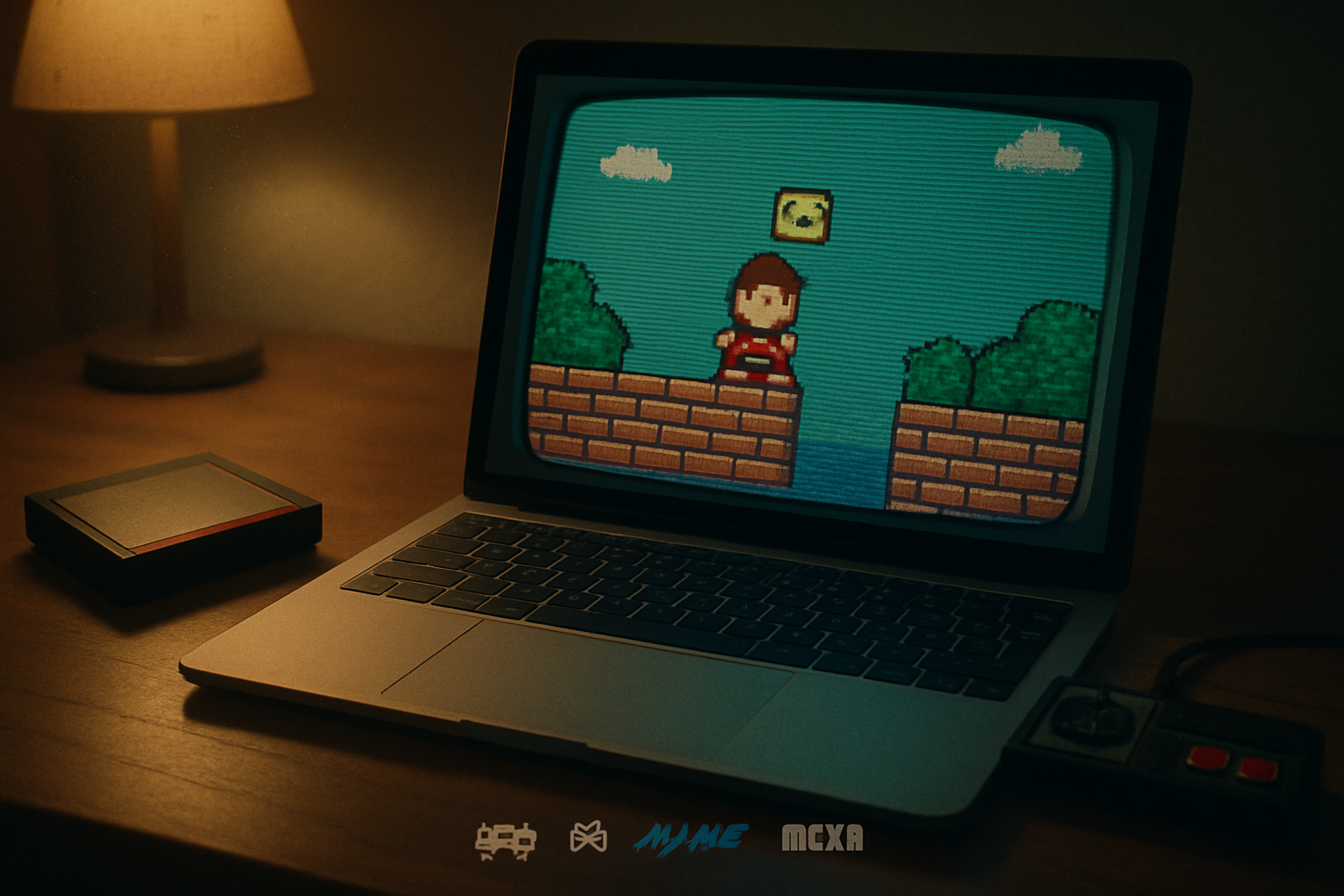
It began with a boot-up noise: a crackly beep and a frozen, blocky Alex Kidd staring from a tiny square of CRT glow. I remember thinking: this is beautiful and this is old. What if the beauty could be preserved, but the grime removed? What if those brittle pixels could be kissed by modern sensibilities - sharper edges, cleaner sound, a camera that knows how to breathe?
Emulator mods are the answer. They aren’t about replacing history; they’re about restoring its shine and sometimes reimagining how a classic can live in 2025 without losing soul.
Why mod Master System games?
Short answer: because many classics deserve better presentation and modest QoL improvements. Long answer: the Master System sits in a peculiar cultural sweet spot - small library, idiosyncratic hardware (SN76489 PSG sound), and a handful of gems that are either under‑appreciated or starved of modern accessibility features.
Think of mods like corrective lenses. The game underneath is the same. The frame is improved.
- Visual clarity - modern displays and LCD scaling make 8‑bit graphics look smeared; shaders and integer scaling fix that.
- Audio fidelity - better emulation of the PSG and optional enhancements can make chiptunes less punishing.
- Gameplay QoL - save states, widescreen hacks, difficulty tweaks and bugfix patches make the experience less frustrating.
If you’ve enjoyed official remakes (for example, Wonder Boy: The Dragon’s Trap or Alex Kidd in Miracle World DX), you can see the appetite for refreshed classics. Emulator mods let the community craft similar upgrades for more obscure titles without waiting for a corporate remake.
The two philosophies: authenticity vs enhancement
- Purists demand cycle‑exact emulation, accurate timing, and original sound - they want the game as the developer intended.
- Enhancers want improved visuals, rebalanced gameplay, and modern conveniences.
You can choose both. Accurate cores like Genesis Plus GX or Mednafen in RetroArch let you run a game as‑is; shaders and optional patches let you layer enhancement on top without altering the original ROM.
Tools of the trade (quick reference)
Emulators / Cores
- RetroArch (with Genesis Plus GX core) - flexible, supports shaders and modern features: https://www.retroarch.com/
- Mednafen - accurate multi‑system emulator: https://mednafen.github.io/
- Meka - a focused Master System/Game Gear emulator with development tools: https://www.smspower.org/Development/Meka
- Kega Fusion - long‑standing, user‑friendly (Windows): https://www.vegasoft.com/
- BizHawk - for tool‑assisted/power users and Lua scripting: https://github.com/TASVideos/BizHawk
ROM/patch tools
- Flips (IPS/UPS patching tool): https://github.com/rr-/flips
- Lunar IPS (LIPS) - classic IPS patcher:
- YY-CHR / Tile Layer Pro - tile editors for creating HD sprite replacements: https://www.romhacking.net/utilities/119/ and https://www.romhacking.net/utilities/74/
Shaders and filters
- Libretro common shaders collection (CRT, scanlines, xBR, HQx): https://github.com/libretro/common-shaders
- CRT‑Royale - high‑quality CRT shader: https://github.com/crt-royale/crt-royale
References
- SN76489 PSG (Master System sound chip): https://en.wikipedia.org/wiki/SN76489
- Wonder Boy - The Dragon’s Trap (example of a modern remake):
- Alex Kidd in Miracle World DX (modern remake): https://en.wikipedia.org/wiki/Alex_Kidd_in_Miracle_World_DX
What you can realistically change
Graphics
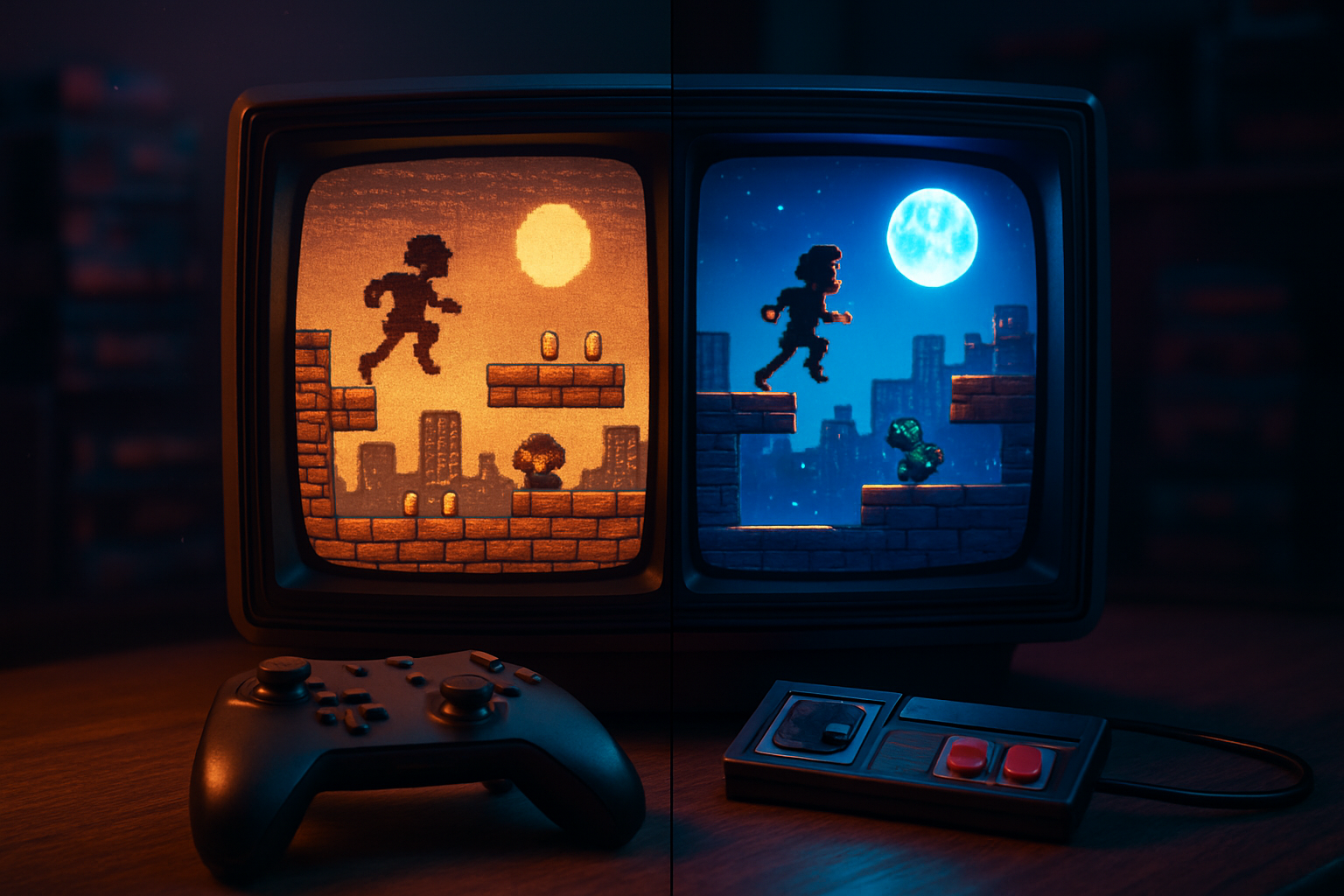
- Shaders - CRT bloom, phosphor blur, and scanlines can make pixels look like they were meant for a tube display. Or remove CRT entirely and apply integer scaling + xBR for a cleaner look.
- Recolored palettes and palette corrections to reduce dithering or to match modern displays.
- HD sprite replacements - artists redraw tiles at higher resolution and creators distribute small IPS patches to apply the new tiles to ROMs.
Sound
- PSG reverb or stereo widening (post‑processing) to make mono PSG tracks less brittle.
- Replacement music - some hacks swap entire tracks (requires composition and re‑insertion).
Gameplay
- Widescreen hacks - by modifying camera code or reworking level data, some games can be played in 16:9 with more visible playfield.
- Difficulty/bugfix patches - remove softlocks, fix collision quirks, rebalance bosses.
- QoL mods - unlimited continues, save anywhere, or map overlays.
Example workflow: create a small HD sprite replacement patch (high level)
- Choose a target ROM and make a checksum‑verified backup.
- Use a tile ripper (or an emulator that can dump VRAM/tiles) to extract graphic tiles.
- Import tiles into YY‑CHR or similar and redraw them at higher fidelity while keeping the tile grid consistent.
- Recompress/insert new tiles, ensuring the ROM size and pointers remain consistent. If they don’t, you may need to expand and rebase pointers - a more advanced step.
- Build an IPS/UPS patch (with Flips or Lunar IPS) that contains only the differences. Distribute only the patch, not the ROM.
- Apply the patch on a legal copy of the ROM and test in your emulator core.
Short, practical notes:
- Keep edits local first. A single corrupted pointer can break the whole game.
- Start small - recolor a single sprite, test, then scale up.
- Use version control for art assets (even a zip file with date stamps helps).
Using shaders and scaling in RetroArch (practical tips)
- Use integer scaling to avoid uneven pixel stretching (important for platformers).
- Combine an upscale shader (xBR or HQx) with a CRT shader for a clean‑but‑authentic look.
- Tweak shader parameters - scanline intensity, curvature, blend factor - small changes are the difference between gorgeous and garish.
Resources: the Libretro shader repo and CRT‑Royale (links above) contain ready‑made presets. RetroArch lets you save a preset per core or per game.
Lua scripting and runtime mods
BizHawk and RetroArch (with some cores) support Lua scripting. Lua lets you overlay HUDs, create runtime camera fixes, or implement a temporary widescreen clip by drawing additional tiles at runtime. It’s less permanent than a ROM hack and great for prototyping.
Legal and ethical considerations (read this sentence twice)
- Do not distribute copyrighted ROMs. Ever.
- Distribute IPS/UPS patches and artwork - those are legal in most jurisdictions because they only contain differences and not the original code.
- If you don’t own the original cartridge/ROM, do not download one from piracy sites and apply patches to it.
Responsible modding keeps the community thriving and creators out of legal jeopardy.
Examples of community work and inspiration
- The Lizardcube Wonder Boy remake shows how a sympathetic overhaul can succeed commercially and artistically: https://www.lizardcube.com/
- Fan communities on places like SMS Power host technical writeups, tools, and examples of palette fixes and ROM hacks: https://www.smspower.org/
Browse these for technical guides and already‑made patches. You’ll learn far faster by studying existing IPS distributions than by guessing at pointer math.
Quick checklist to get started tonight
- Install RetroArch and add the Genesis Plus GX core.
- Pick one game you own. Load it. Toggle an integer scaler and try CRT‑Royale.
- Find a small palette or tile editing tutorial and recolor a single sprite.
- Make an IPS patch with Flips and test it on your backup ROM.
- Join a community (e.g., SMS Power) and ask for feedback.
Final thought: preservation with imagination
There’s a sacredness to original code. But there’s also a cruelty in letting games fade into unusability because modern hardware and expectations have moved on. Emulator mods are a middle path - part restoration, part creative reinterpretation. They allow us to talk to the past in a more fluent voice.
If you want to start modestly, tweak a palette and a shader. If you want to go all‑in, learn tile maps and Lua and make the Master System you always wished you’d owned. Either way: keep backups, respect copyrights, and never assume that nostalgia alone is an adequate excuse for bad UX.
Happy modding.