· retrotech · 7 min read
GeoCities Revival: Can We Recreate the Retro Web Aesthetic in 2023?
A practical, hands-on guide to building a Neo‑GeoCities site in 2023: keep the blinking GIFs, tiled backgrounds, and guestbooks - but host them with modern tools. Includes cultural context, step‑by‑step instructions, code snippets, and hosting options.
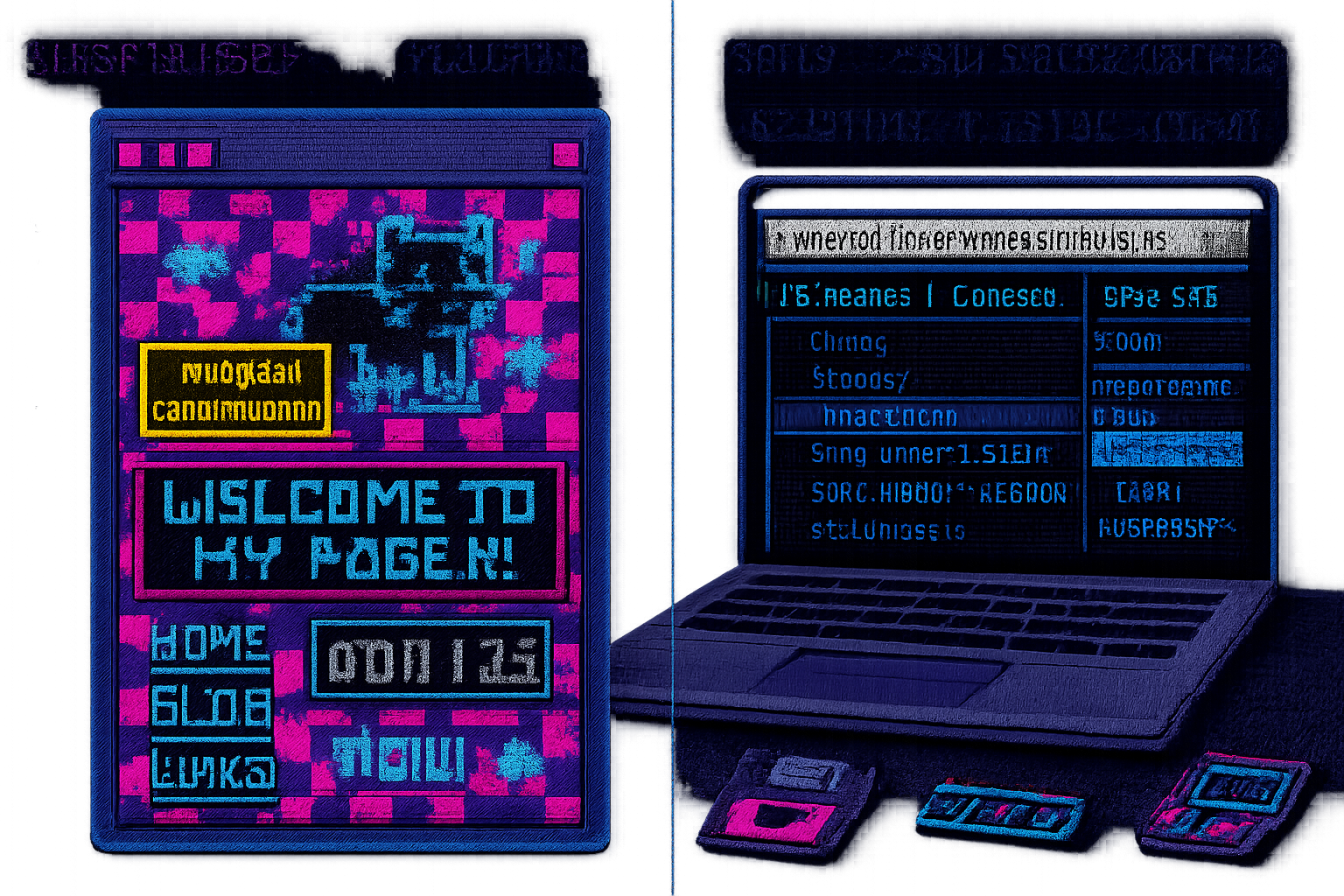
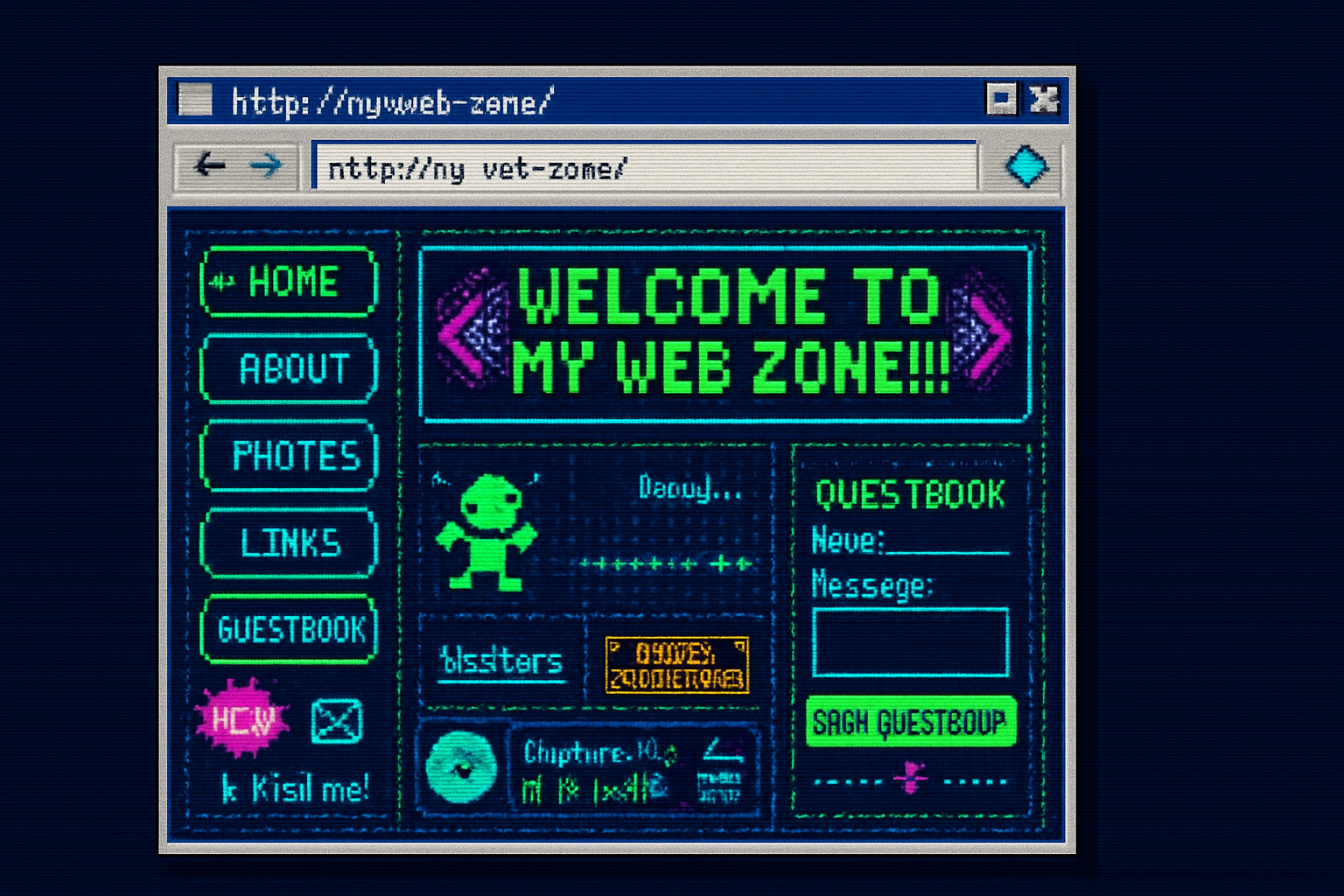
In 1998 my cousin greeted every guest to his GeoCities homepage with a thunderous GIF of a neon kitten, a MIDI loop that would haunt you for days, and the proud declaration, “UNDER CONSTRUCTION.” It felt personal and weird and perfectly honest - a pixelated shrine to someone’s tastes. The modern web is efficient, slick, and sterilized. It’s also boring.
Recreating that specific mess of charm - the Neo‑GeoCities site - is not just nostalgia. It’s a gentle revolt: a reminder that the web used to be a garden of idiosyncrasies and bricolage rather than a parade of identical templates. This guide will show you how to build such a site in 2023, keeping the aesthetics intact while using reliable modern hosting and a few tasteful bits of progressive enhancement.
Why revive the retro web?
- Cultural memory - GeoCities democratized publishing. Anyone could splice together a homepage with an animated GIF and a guestbook.
- DIY ethics - The retro web celebrates individual expression over brand conformity.
- Teaching tool - Building a Neo‑GeoCities site teaches HTML fundamentals better than a dozen frameworks.
Useful context and communities:
- GeoCities history and its cultural arc: https://en.wikipedia.org/wiki/GeoCities
- The contemporary revival - Neocities (community-driven):
- A cache of old GeoCities pages: https://archive.org/details/geocities
Design decisions - what to keep and what to modernize
Keep the charm:
- Tiled backgrounds and loud color palettes
- Animated GIFs, visitor counters, “Under Construction” badges
- Guestbook (simple, readable list of visitors)
- Table-like layouts, visual clutter as aesthetic choice
Modernize (so your site doesn’t become an Internet fossil):
- Use semantic HTML where possible for accessibility
- Host on a reliable static host (GitHub Pages, Netlify, Vercel)
- Make images optimized for web - tiny GIFs, compressed sprites
- Use a responsive layout so your 1997 shrine doesn’t explode on phones
Quick project plan (30–90 minutes to first deploy)
- Create a repo (GitHub) or a Neocities account if you want the community vibe.
- Scaffold a single HTML file (index.html) plus a CSS file and assets folder.
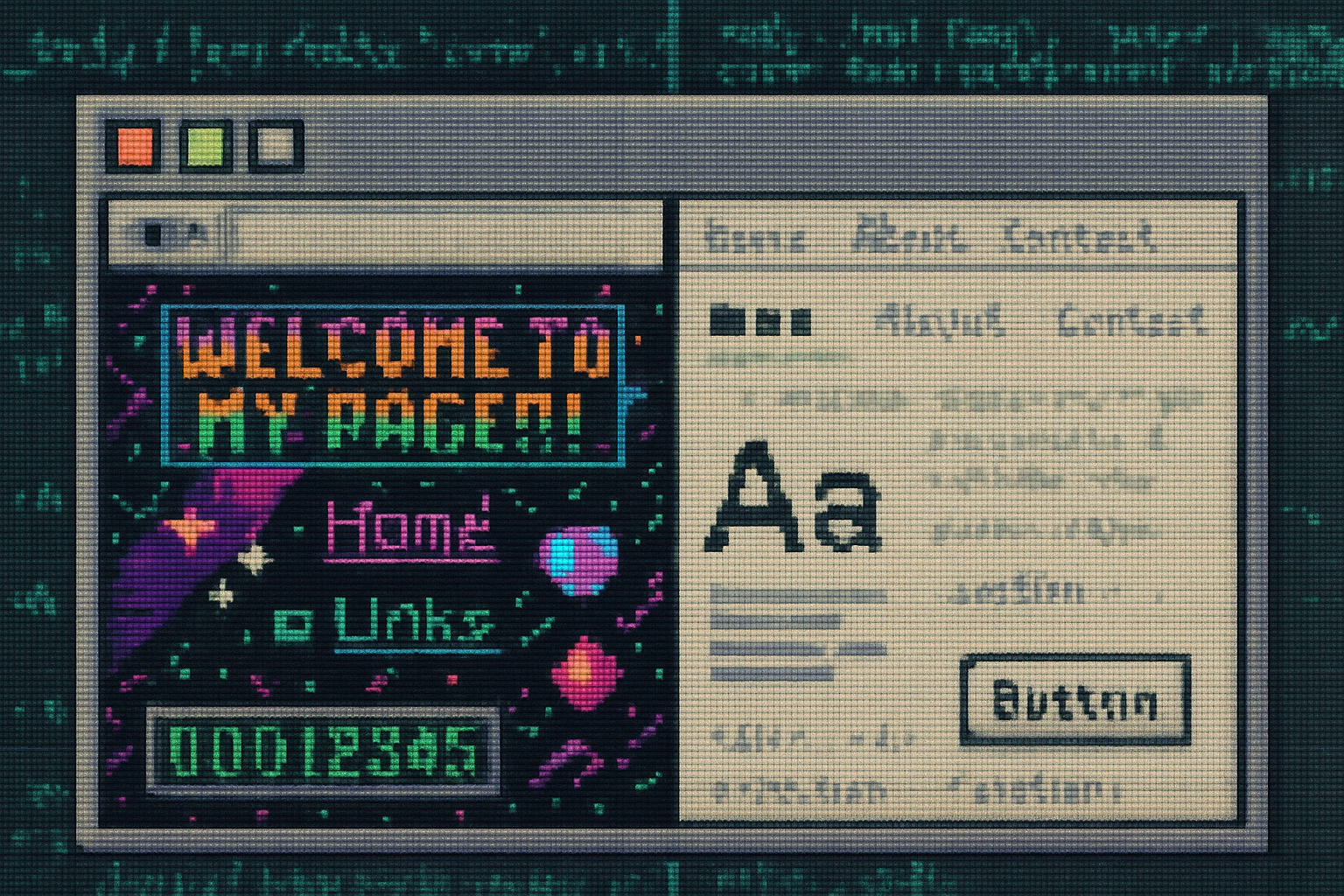
- Add retro elements - tiled background, animated GIFs, faux-frames, marquee/blink effects, hit counter, guestbook.
- Host - GitHub Pages or Neocities for simplicity. Add a custom domain if you like.
- Optional - Add a Form-based guestbook (Formspree / Netlify Forms) and a simple hit counter (CountAPI).
Files you’ll create
- index.html
- css/style.css
- assets/ (GIFs, tiled backgrounds, favicon)
Minimal retro template (index.html + style.css)
Below is a small, functional starting point that recreates many 90s tropes while using modern-safe constructs.
index.html
<!doctype html>
<html lang="en">
  <head>
    <meta charset="utf-8" />
    <meta name="viewport" content="width=device-width,initial-scale=1" />
    <title>My Neo‑GeoCities Homepage</title>
    <link rel="icon" href="/assets/favicon.ico" />
    <link rel="stylesheet" href="/css/style.css" />
  </head>
  <body>
    <div class="wrap">
      <header class="topbar">
        <img src="/assets/neon-kitty.gif" alt="neon kitten" class="logo" />
        <h1>Welcome to my 1998‑style corner of the web</h1>
      </header>

      <nav class="left">
        <ul>
          <li><a href="#about">About Me</a></li>
          <li><a href="#links">Links</a></li>
          <li><a href="#guestbook">Guestbook</a></li>
        </ul>
      </nav>

      <main class="content">
        <section id="about">
          <h2>About</h2>
          <p>
            I make badly pixelated art and occasionally change my background to
            bright orange.
          </p>
        </section>

        <section id="links">
          <h2>Cool Links</h2>
          <ul>
            <li>
              <a href="https://neocities.org/">Neocities</a> - modern GeoCities
              vibes
            </li>
          </ul>
        </section>

        <section id="guestbook">
          <h2>Guestbook</h2>
          <!-- Simple embedded Google Form or Formspree form goes here -->
          <iframe
            src="https://docs.google.com/forms/d/e/EXAMPLE_FORM/viewform?embedded=true"
            width="100%"
            height="320"
            frameborder="0"
            >Loading…</iframe
          >
        </section>

        <section id="counter">
          <h2>Visitor Counter</h2>
          <div id="hits">Loading hits…</div>
        </section>
      </main>

      <footer class="footer">
        This page lovingly hand-coded in 2023.
        <span class="blink">UNDER CONSTRUCTION</span>
      </footer>
    </div>

    <script src="/js/hit-counter.js"></script>
  </body>
</html>
css/style.css
/* Tiled background: replace with your tiny 16x16 PNG/GIF */
body {
  font-family: 'Arial', sans-serif;
  background-image: url('/assets/tile.png');
  background-repeat: repeat;
  color: #eee;
}
.wrap {
  max-width: 960px;
  margin: 12px auto;
  border: 4px double magenta;
  background: rgba(0, 0, 0, 0.6);
}
.topbar {
  display: flex;
  align-items: center;
  gap: 12px;
  padding: 12px;
}
.logo {
  width: 96px;
  height: 96px;
  image-rendering: pixelated;
}
.left {
  float: left;
  width: 200px;
  background: rgba(255, 255, 255, 0.06);
  padding: 8px;
}
.content {
  margin-left: 220px;
  padding: 12px;
}
.footer {
  padding: 8px;
  text-align: center;
  font-size: 0.9rem;
}

/* Blink simulation (CSS, not deprecated tag) */
.blink {
  animation: blink 1s steps(1, start) infinite;
  color: #ff0;
  text-shadow: 0 0 6px #f0f;
}
@keyframes blink {
  50% {
    visibility: hidden;
  }
}

/* Faux marquee using CSS animation */
.marquee {
  overflow: hidden;
  white-space: nowrap;
  box-sizing: border-box;
}
.marquee p {
  display: inline-block;
  padding-left: 100%;
  animation: marquee 12s linear infinite;
}
@keyframes marquee {
  0% {
    transform: translateX(0);
  }
  100% {
    transform: translateX(-100%);
  }
}

/* Make small images look pixelated (retro) */
img {
  image-rendering: -webkit-optimize-contrast;
}

/* Responsiveness: collapse left nav on small screens */
@media (max-width: 600px) {
  .left {
    display: none;
  }
  .content {
    margin-left: 0;
  }
}
Notes on the template:
- Use tiny tiled PNGs/GIFs (~16×16 or 32×32) for the repeating background. These are cheap to create in any image editor.
- The “blink” and “marquee” effects are CSS-powered for modern browser compatibility.
- Replace the embedded Google Form iframe URL with your actual form if you want a guestbook without server code.
Hit counter (no backend required)
Use CountAPI for a free, serverless counter. It’s a tiny, existing service that behaves exactly like the old hit counters - but without the sketchy embedded iframe.
js/hit-counter.js
// Replace namespace and key with your own values on https://countapi.xyz/
const namespace = 'myusername.mygeosite';
const key = 'visits';

fetch(`https://api.countapi.xyz/hit/${namespace}/${key}`)
  .then(res => res.json())
  .then(data => {
    document.getElementById('hits').textContent = `Visits: ${data.value}`;
  })
  .catch(() => (document.getElementById('hits').textContent = 'Visits: ?'));
Sign up and configure at https://countapi.xyz/ (no server code required).
Guestbook options
- Embedded Google Form - easiest - responses stored in a Google Sheet. Simple, private.
- Formspree / Netlify Forms - POST your form to a simple endpoint (emails or webhook).
- Staticman - if you host on GitHub Pages and want comments turned into commits.
Each option has tradeoffs. Google Forms is easiest. Staticman is cooler and more “Git” like but takes setup.
Hosting choices
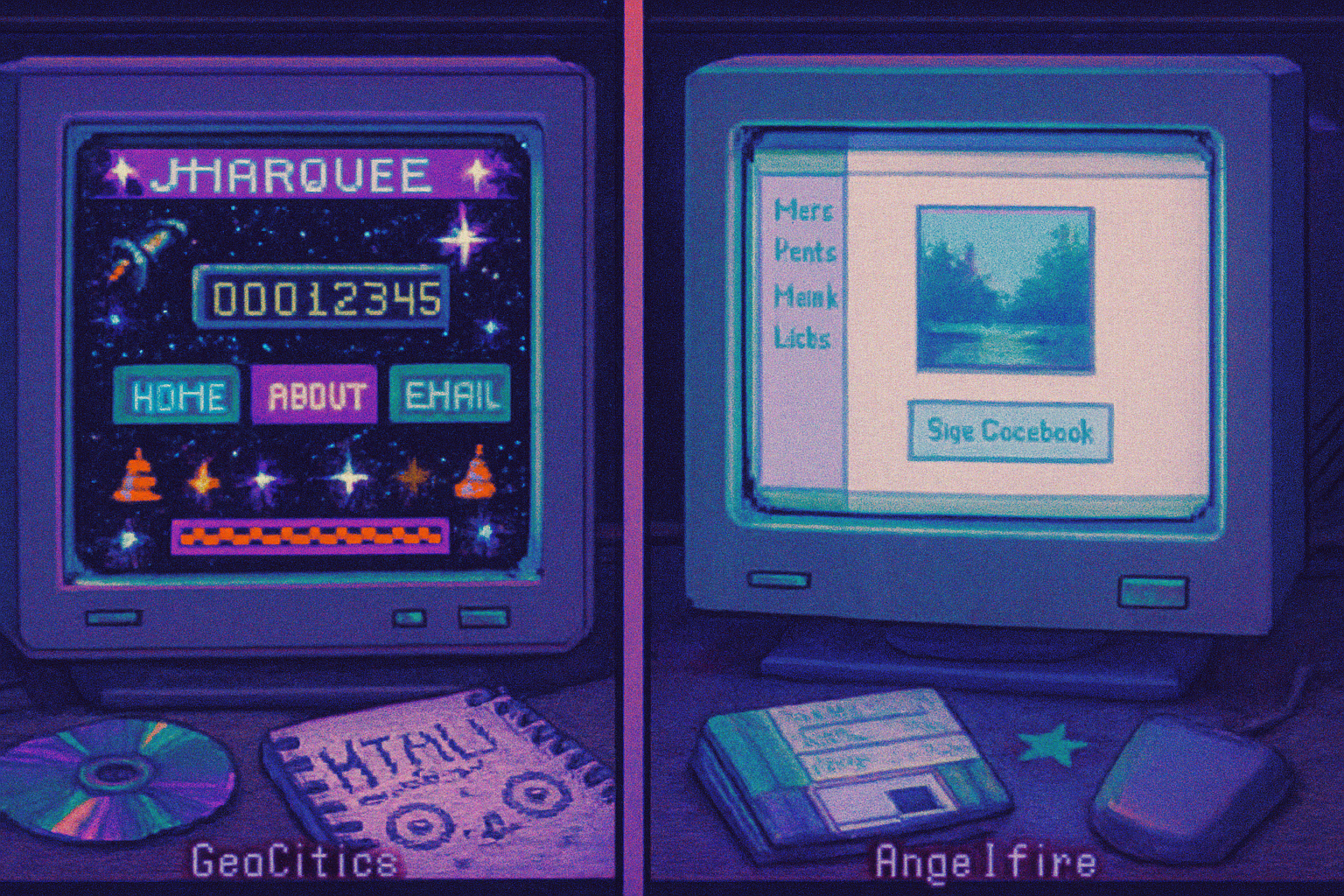
- Neocities - community and immediate retro cred. Simple upload interface: https://neocities.org/
- GitHub Pages - use if you like Git, version control, and a free custom domain: https://pages.github.com/
- Netlify or Vercel - for slightly more advanced workflows (build hooks, forms, functions): https://www.netlify.com/
If you want absolute authenticity (and zero modern infra), Neocities is the fast lane. If you want a custom domain and backups, GitHub Pages + a repo is the pragmatic choice.
Assets: where to find them (or make your own)
- Tiny GIFs and icons - make them in a pixel editor (Aseprite, Piskel) or source small PNGs from open repositories
- Badges and counters - design them yourself or grab old badge sprites from web archives
- Fonts - Comic Sans is an obvious weapon of mass aesthetic choice - but consider a good pixel font like Press Start 2P for headings
Accessibility and safety - yes, even for a retro page
- Don’t rely solely on color to convey information.
- Add alt text for animated GIFs (yes, write descriptions for the dancing neon cat).
- If you autoplay audio, provide clear controls and obey modern autoplay policies - better - don’t autoplay.
Advanced playful tricks (optional)
- Faux frameset - emulate frames with iframes or CSS grid to keep that classic columns feel (don’t actually use
- Personalized 90s guestbook email notifications using Formspree webhooks.
- Animated CSS cursor or a marquee of visitor names pulled from your guestbook (requires small JavaScript and an API).
Examples and inspiration
- Neocities showcases live Neo‑GeoCities pages: https://neocities.org/
- Archive of old GeoCities pages for reference: https://archive.org/details/geocities
Final thoughts - what this aesthetic really buys you
Recreating GeoCities is not nostalgia for nostalgia’s sake. It’s a critique. The 90s web was messy because it was human - a little embarrassing, a lot earnest. Choosing to make a site that looks like it was built in 1997 is a design decision: you’re prioritizing character over polish. You’re saying the web can be a collage of personality, not just optimized ad real estate.
Do it with intention. Learn the basics while you rage against templated minimalism. Keep the blinking GIFs, keep the guestbook, but host it on something that won’t die the second an ISP sneezes. In 2023 you can have both: the fragile poetry of hand‑crafted pages and the reliability of modern tooling.
Build something ridiculous. Make it loud. Put it on the web and enjoy the confusion it causes.