· retrotech · 8 min read
Emulating the Future: How Apple II Software Influences Today’s App Development
The Apple II was built when memory was a luxury and responsiveness was non-negotiable. Many of its software habits - embrace constraints, maximize feedback, design for local-first operation - are alive in modern app development. This essay traces those threads and shows practical ways today's developers can borrow from 1977-era pragmatism without the hardware whine.

A repairman once told me that the best gadgets are the ones you can fix with a single screwdriver and a dirty fingernail. The Apple II, designed in the late 1970s, was effectively that gadget for software: accessible, transparent, and built so you could see the nuts and bolts. People used it, bent it, extended it. It created habits.
The claim I’d like to make up front: many design patterns and development instincts behind contemporary apps are not newborn innovations - they are reincarnations of techniques forged on the Apple II under punishing constraints. When you feel proud about squeezing milliseconds out of a UI thread, or designing a graceful offline experience, you are engaging in a tradition older than GUI conventions.
Why this matters now: modern toolchains make it too easy to forget constraint-based thinking. Yet constraints, not freedom, often produce software that’s faster, clearer, and more humane. The Apple II’s lessons are practical. They are also stubborn.
The environment that shaped those lessons
A few facts to set the scene:
- The Apple II shipped with 4 KB of RAM in its earliest form (later models had more; most hobby systems ran in the 48–64 KB range). Memory was expensive.
- The CPU was a 1–2 MHz 6502. No hardware multiprocessor. No MMU. No virtual memory.
- I/O was memory-mapped. Screen, keyboard, and disk controllers were directly addressable.
- Storage - floppy disks with small capacity and slow seek times. Reliability varied.
Those limitations meant two things.
Every byte and cycle had to earn its keep.
The user interface had to be immediate and intelligible - waiting for a spinner was not an option.
These constraints look quaint now. But they produced software habits that persist.
Principle 1 - Embrace constraints: economy forces clarity
When memory is an island you can cross with a single breath, you stop hoarding abstractions. You favor directness. Wozniak’s Apple II designs - efficient code, small ROMs, clever hardware tricks - are the archetype of this thinking.
Modern echoes:
- Mobile apps that minimize memory and battery use (e.g., smaller resident memory footprint for background apps).
- Web performance engineering (reduce payloads, tree-shake, defer nonessential scripts).
- Tiny, single-purpose command-line tools that do one thing well instead of monster monoliths.
Practical example: Progressive Web Apps (PWAs) and offline-first design mirror Apple II local-first behavior. The Apple II couldn’t rely on remote services; everything had to work locally and degrade gracefully if hardware failed. PWAs cache assets and data, prioritize local responses, and aim for graceful degradation on flaky networks.
Concrete takeaway:
- Profile early. Don’t accept default memory usage as a non-issue. The earlier you measure, the better your trade-offs.
- Favor smaller abstractions for hot-path code. Not everything needs to be object-oriented; sometimes a terse, well-documented function is a clarity victory.
Principle 2 - Responsiveness is a moral obligation
On the Apple II, feedback was immediate: the screen updated with deliberate economy, and lag was obvious and unforgivable. Users learned to expect instant responses.
This is why modern UX studies show people abandon apps after a few seconds of poor feedback. The ancestor of that intolerance is the era of single-task machines where a delay meant death (metaphorically) to usability.
Modern echoes:
- Skeleton UIs, optimistic updates, and local-first writes in offline-capable apps.
- Prioritizing the main thread in UI frameworks (e.g., keeping heavy computation off the UI thread in React Native or the browser).
Concrete takeaway:
- Give immediate feedback even if the final result takes time. Show a placeholder, a progress bar, or a concise microcopy sentence.
- Break long work into chunks with intermediate UI updates. Don’t do the user’s first task while they wait for your maintenance job.
Principle 3 - Direct, discoverable interfaces beat camouflage
Apple II software was often simple text menus or direct-key controls. There was no elaborate discoverability system. Functions had to be obvious or memorized. This forced good affordances.
Modern echoes:
- Command palettes and quick actions (e.g., Spotlight, Command-K palettes in editors) bring the keyboard-first discoverability that many Apple II programs encouraged.
- Minimal controls with strong defaults (e.g., apps that make the common things fast and the rare things accessible).
Concrete takeaway:
- Design for both new and experienced users - expose simple defaults and a discoverable power path (keyboard shortcuts, command palette).
- Use concise labeling. The Apple II didn’t waste characters; neither should your UI.
Principle 4 - Predictable failure and graceful degradation
Floppy disks failed. Power could flicker. Programs saved state, made recovery simple, and failed loudly but cleanly.
Modern echoes:
- Crash reporting and graceful degradation strategies. If a network call fails, degrade to local cached data.
- Feature flags and progressive rollout to limit blast radius when something goes wrong.
Concrete takeaway:
- Assume failure. Design your app to surface readable, actionable errors rather than glazed-over red text.
- Offer manual recovery flows and export/import for data portability.
Principle 5 - Make extensibility inexpensive
The Apple II had an ecosystem because it was extendable: disk-swappable programs, hardware cards, and accessible ROM routines. Third parties could write software or add a card and extend functionality.
Modern echoes:
- Plugin systems, webhooks, and open APIs. The easiest way to build a platform is to let others extend it cheaply.
- Microservices and modular packages that can be assembled or replaced.
Concrete takeaway:
- Build clear extension points and public APIs early. Document them.
- Keep your core small; expose power via plugins or add-ons rather than folding every feature into the main app.
Principle 6 - Know your hardware; then abstract conservatively
Apple II programmers often wrote tight routines that accessed the display or disk controller directly. This made things fast and reliable on the platform.
Modern echoes:
- Mobile apps that use platform-specific optimizations (e.g., Metal on iOS, Vulkan on Android) for demanding experiences.
- Node modules using native bindings when JS is too slow, or WebAssembly for tight loops in web apps.
But - and this is crucial - you cannot hardwire to one hardware profile in today’s diverse ecosystem. The Apple II model works best when you keep the fast path thin and provide portable fallbacks.
Concrete takeaway:
- Identify the hot path and optimize it with platform-specific code where necessary. Keep a portable fallback.
- Measure; don’t guess. Platform-specific optimization is investment - make sure it pays back.
A short analogy: software as kitchenware
Think of the Apple II era as cooking with cast iron and a wood stove. You had to know how to manage heat. Modern kitchens have induction plates and microwaves - more convenience, more abstraction. But a cast-iron pan still makes a better sear. What Apple II thinking teaches is how to handle heat: manage resources, use the right tool for the moment, clean as you go.
Practical examples from today’s stack
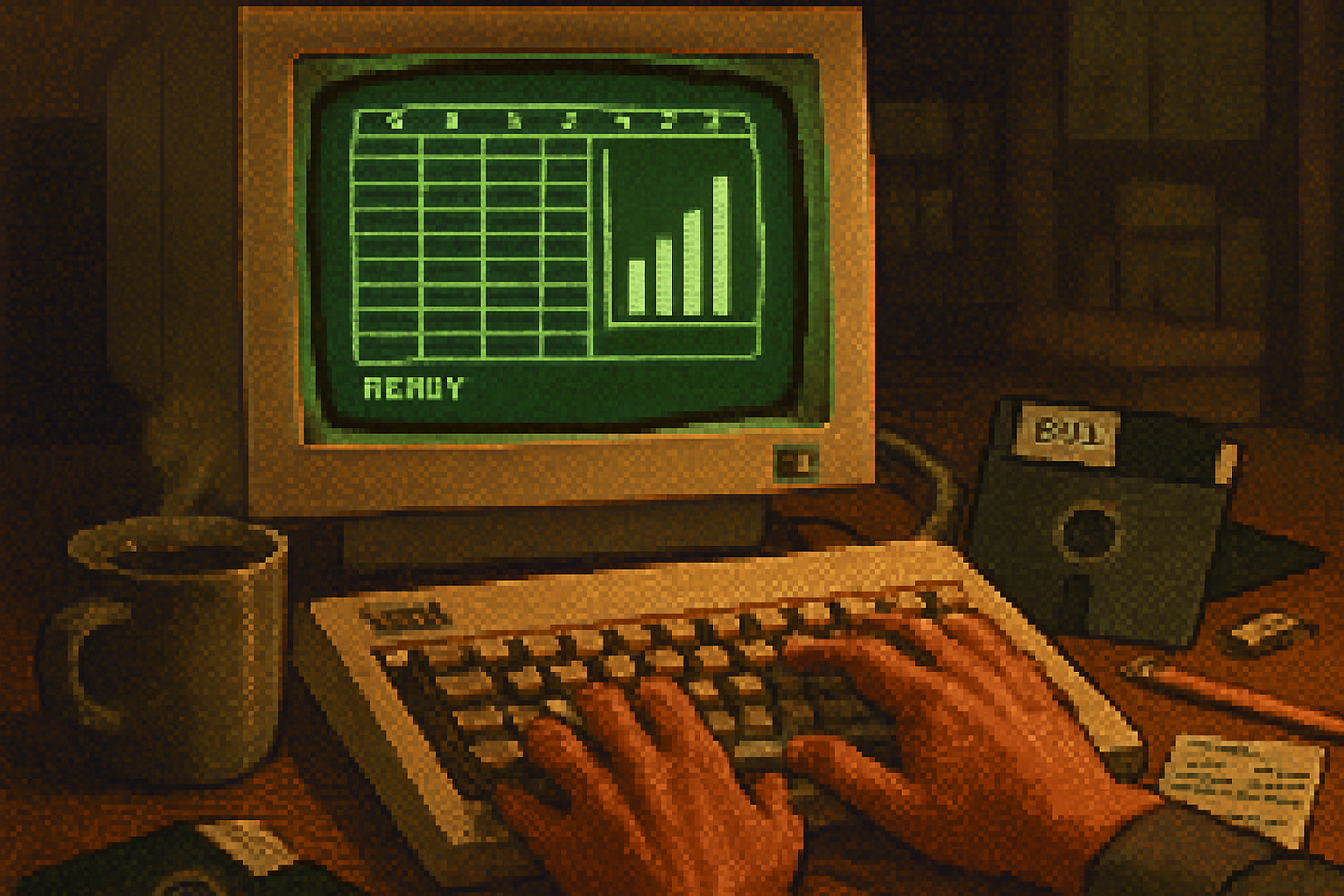
VisiCalc → Google Sheets / Excel - VisiCalc was a killer app that justified buying a machine. It taught software vendors that apps which change business practice have disproportionate platform influence. Today’s spreadsheet apps inherit the idea that a single well-designed tool can become infrastructure. See VisiCalc history:
Game loops - early Apple II games implemented tight, deterministic loops to handle input, physics, and drawing. Modern game engines still use the same conceptual loop (update → render → sleep), and web games emulate it with requestAnimationFrame.
Terminal-first tools - Apple II culture favors the keyboard. Modern editors (VS Code’s command palette), git, and tooling echo that. Keyboard-driven workflows persist because they are fastest - a habit rooted in the early personal computing era.
Local-first data - Many modern apps (Notion, Obsidian, early Gmail offline mode, PWA optimizations) aim for local-first experiences with sync as a later, robust step. This mirrors the Apple II necessity of local operation.
Where the analogy breaks - and why that’s healthy
Not everything from the Apple II should be copied wholesale. The brutal efficiency of machine code isn’t always maintainable. Direct hardware access is impossible on sandboxed mobile OSes. Single-tasking assumptions fail when users expect parallelism. We should borrow principles, not slavishly emulate their mechanical implementations.
- Maintainability over micro-optimization when the payoff is tiny.
- Security is a first-class citizen now; direct memory access is a liability today.
- Usability research matters in ways it didn’t in tiny hobbyist communities.
A checklist for modern developers who want to apply Apple II wisdom
- Measure memory and CPu usage for hot paths early.
- Design local-first and graceful degradation strategies.
- Provide immediate feedback; use optimistic UI where appropriate.
- Offer keyboard-first power paths and discoverable command interfaces.
- Expose clean extension points and document them.
- Optimize platform-specifically only after profiling; always provide a safe fallback.
- Prepare for failure - readable errors, export/import, and data recovery.
Final note - constraints as a creative engine
The Apple II developed a generation of pragmatic hackers who thought in terms of cycles, not features. That discipline birthed tools and habits still in service today. Constraints pushed developers to respect resources, to design explicit recovery paths, to favor discoverable interfaces, and to prioritize responsiveness. Modern developers get to stand on their shoulders - and we should.
If you want to write software that feels fast, simple, and honest, the Apple II offers a modest creed: make every byte earn its place, give the user immediate truth, and make it easy for others to build on your work. That’s not nostalgia. It’s engineering with taste.
References and further reading
- Apple II (overview): https://en.wikipedia.org/wiki/Apple_II
- VisiCalc history: https://en.wikipedia.org/wiki/VisiCalc
- Wozniak interview and design notes: https://computerhistory.org/