· culture · 8 min read
CRT Monitors vs. Modern Displays: The Battle for Retro Gaming Supremacy
A spirited, evidence-informed comparison between CRTs and modern displays for retro gaming - covering lag, responsiveness, visual fidelity, practicality, and controversial opinions on what 'authentic' really means.
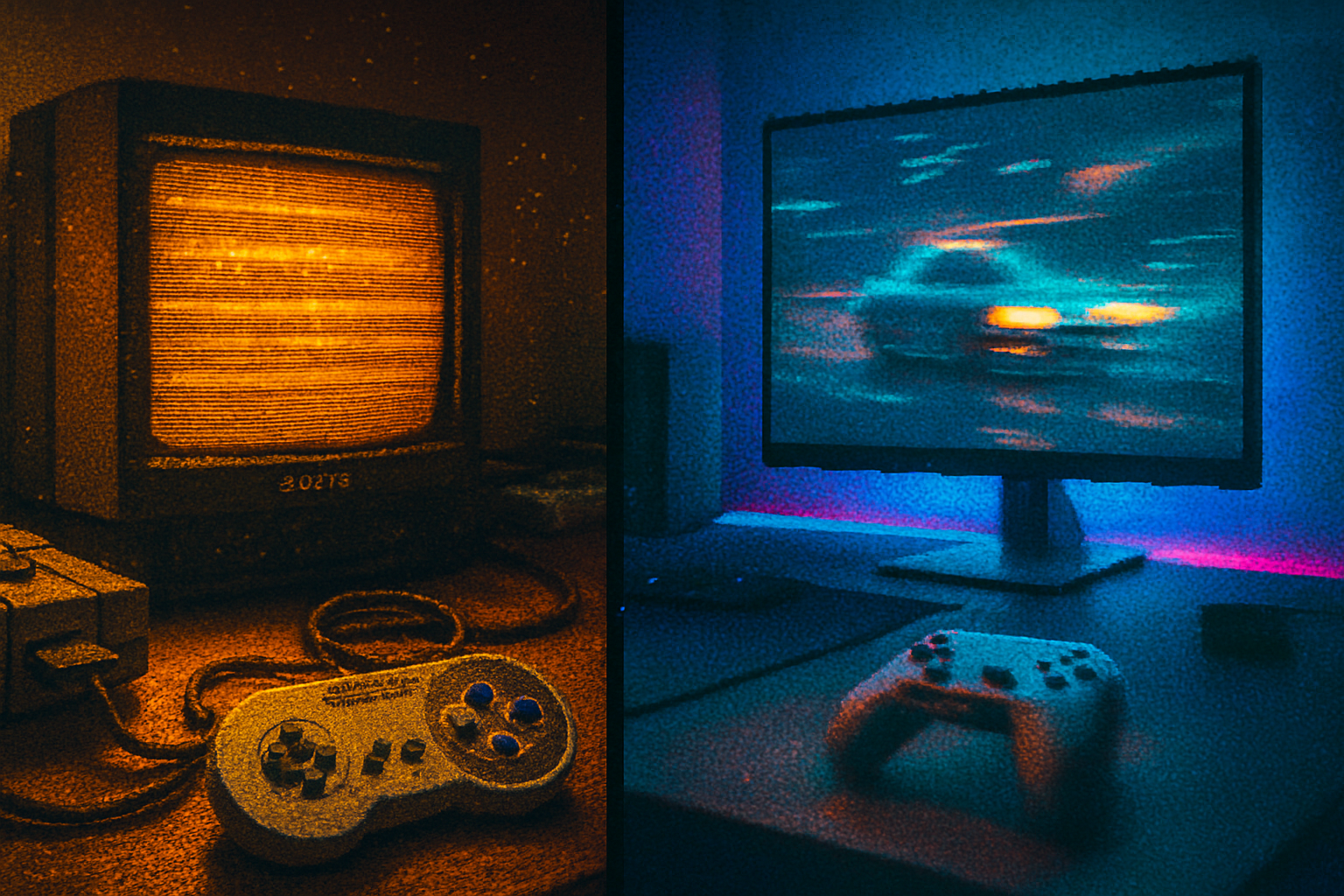
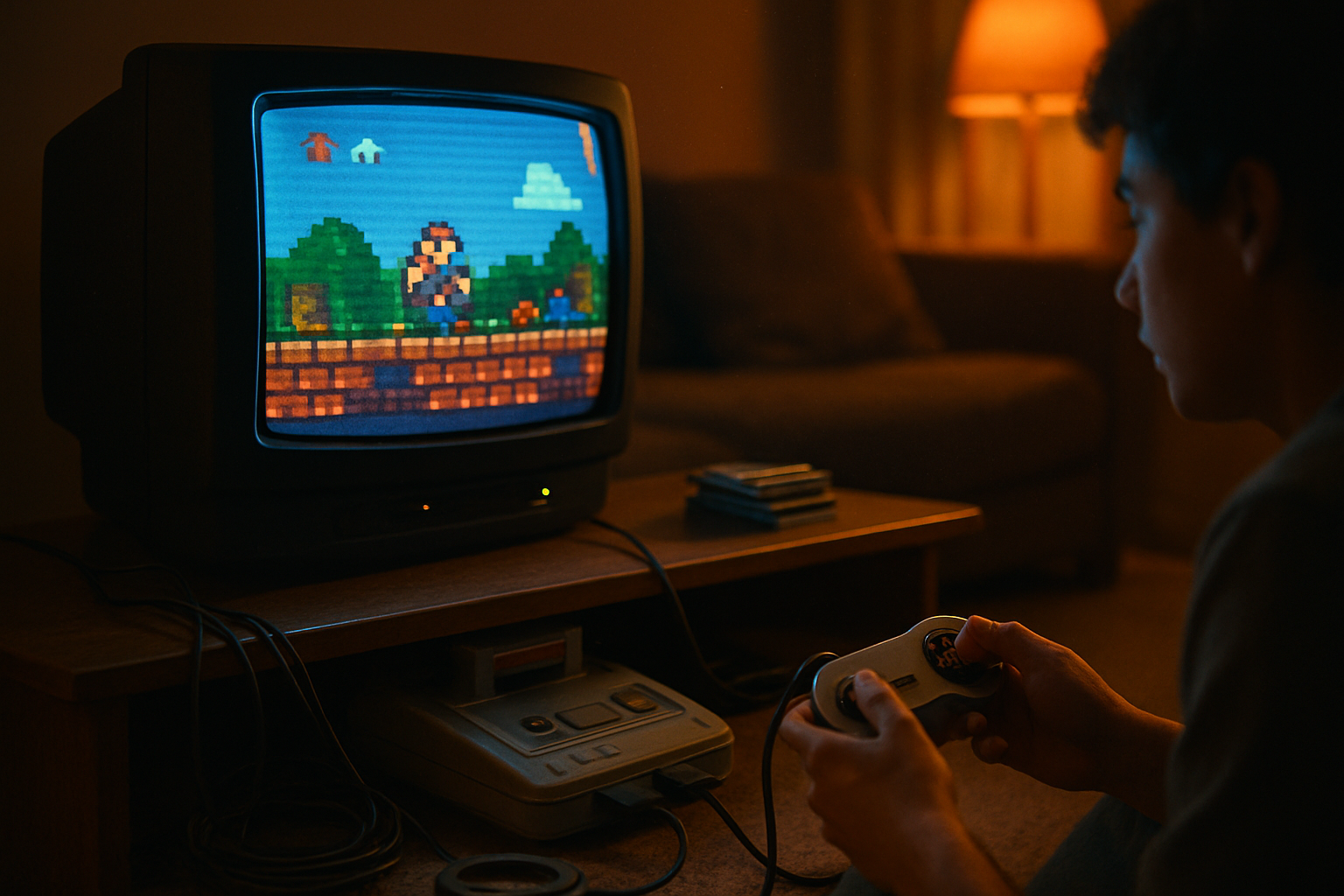
I still remember the smell. Not the faint electronics smell of a new TV, but the warm, slightly metallic tang that clung to the living room when my father hooked up our SNES to a hulking Trinitron. The pixels were not pixels - they were little bursts of light with soft edges, each jump and turn feeling immediate and alive. That memory is the gravitational center of the CRT debate: it wasn’t just graphics, it was presence.
Let’s stop pretending this conversation is only technical. It’s emotional. It’s about whether you want to relive a game the way your hand remembers it, or whether you want convenience, crispness, and a shelf that doesn’t need a forklift.
Below: a hard, occasionally unfair look at CRTs versus modern displays, focused on the three gladiatorial essentials for retro gaming - lag, responsiveness, and visual fidelity - followed by practical advice for different kinds of players.
Why this debate matters
Because old games were designed for old displays. Arcade boards, consoles and home computers of the 1980s and 1990s expected scanlines, analog signals, and the idiosyncrasies of raster timing. When you drop those games onto modern sample-and-hold LCDs you alter the physics the designers assumed. That can change the feel, the timing, and sometimes even the difficulty.
But nostalgia is not a perfect guide. The weight and maintenance of CRTs, scarcity of good units, and the realities of modern living make the question practical: is a CRT objectively better, or merely purer?
Quick primer: how CRTs and modern displays differ (without the technobabble)
CRTs (cathode-ray tube) - an electron beam paints the image line by line onto phosphor. The result is an image built from bright dots that decay quickly (phosphor persistence), with natural scanlines, almost-zero inherent input lag, and analog color blending. See the basic science at Wikipedia:
Modern displays (LCD/OLED) - they present a stable full-frame image each refresh. Most are sample-and-hold (the image stays on until the next frame) which reduces perceived sharpness during movement because your eyes track motion. LCD and OLED technology descriptions:
Both technologies have many permutations and improvements. The question is what matters most to you.
Round 1 - Lag: the myth and the metrics
The cardinal sin in competitive gaming is lag. And on this battlefield, CRTs have always been the holy grail: essentially zero internal processing latency when fed the native signal. In practice that means button presses translate to visible reactions faster and more predictably than many modern screens.
Modern gaming monitors have made stupendous progress. Many gaming LCDs strip away post-processing, enable “Game Mode,” and deliver measured input lag in the 1–5 ms range. Console players on modern TVs often face higher numbers (10–40 ms) unless the TV’s low-latency mode is enabled. If you want exact measurements for specific models and setups, consult the ongoing database at DisplayLag: https://displaylag.com
Important nuance: a display’s latency is only part of the story. Scaling hardware (scalers/upscalers), capture cards, and adapters all introduce extra frames of delay. Low-latency upscalers like OSSC or RetroTINK were explicitly designed to shave or avoid added lag, and Digital Foundry has thorough explorations of these devices’ practical impact: https://www.eurogamer.net/digitalfoundry
Takeaway: CRTs still hold a practical advantage for raw minimal lag, but top-tier modern gaming monitors + smart upscaling can get you-and your timing-sensitive games-very close.
Round 2 - Input responsiveness: what your hands actually feel
This is where the philosophical arguments get practical. Retro games frequently depend on very tight timing windows. Many players swear the difference between clipped jumps and perfect landings is the tiny, intangible feel of a CRT.
Why? Two main reasons:
- Temporal accuracy - CRTs render individual scanlines and sub-frame timing, so sprites that rely on raster timing behave as intended.
- Visual motion representation - CRT phosphor decays, meaning moving objects blur differently than on a sample-and-hold display. That decay can make perceived motion clearer when your eye is tracking.
Modern displays can be extremely responsive as well. High-refresh gaming monitors (120/144/240 Hz) reduce frame time and, combined with low input lag, can outperform older CRTs for raw responsiveness in many situations. But for certain timing-specific behaviors designed for 240p/480i raster timing, feeding the exact expected signal into a CRT preserves the original interaction model.
If you are a competitive fighter, speedrunner, or purist trying to replicate exact frame windows, a CRT or a near-zero-latency signal path is the safer bet.
Round 3 - Visual fidelity: clarity, bloom, and the tyranny of pixels
This is where people get opinionated fast.
CRT look - soft edges, natural anti-aliasing from phosphor bloom, convincing blacks (true black levels from no backlight), and scanlines that integrate with the image. Interlaced modes (480i, 1080i) have unique deinterlacing behavior on CRTs that people still love for certain consoles and games.
Modern displays - razor-sharp pixels, higher native resolutions, perfectly stable geometry, and clean, consistent color reproduction. But they can also reveal aliasing in sprite art and make formerly subtle visual effects look harsh and wrong. Sample-and-hold motion blur can soften perceived motion contrasts, and flat blacks can be washed out on budget panels.
There is a middle route: use a modern display but intentionally recreate CRT artifacts-scanline overlays, curvature, bloom filters. Many purists view these emulations as cartoonish approximations; defenders say they’re a practical compromise.
The controversial takes (you asked for hot takes)
CRTs are not objectively better for everything. They are better for authenticity in many retro titles, but modern high-refresh panels with proper upscalers can equal or exceed CRTs in input responsiveness for many players.
Emulation with shader scanlines is not sacrilege. A good shader can reproduce the things you actually notice and care about at 1080p or 4K without the hornet’s nest of CRT maintenance.
If you’re streaming retro content, a modern display wins. Streamers need stable color, HDMI capture, and predictable geometry; CRTs are temperamental and awkward on camera.
The fetishization of CRT “authenticity” can border on performative. Want authenticity? Great-enjoy your CRT. But acknowledging practical tradeoffs is not heresy.
Practical realities: maintenance, availability, and cost
CRTs: heavy, fragile, sometimes toxic, and often in used condition. Good professional monitors (Sony PVM/BVM) are prized but expensive. Consumer Trinitrons and high-end 90s CRTs look great but need calibration and occasionally service. Some CRTs suffer from burn-in, convergence issues, and geometry drift. See background on CRT technology: https://en.wikipedia.org/wiki/Cathode-ray_tube
Modern displays: easy to buy, lightweight, HDMI native, excellent warranty ecosystems, and vast size/resolution choices. If you have limited space or want to play on the couch, they are the obvious choice.
Tools for getting the best of both worlds
If you lean modern but want the CRT treatment, these devices and techniques are widely used:
- OSSC (Open Source Scan Converter) – a low-latency scaler that performs integer scaling for many retro consoles. (Search community guides and measurements via Digital Foundry and RetroRGB.)
- RetroTINK (models like 2X/5X) – consumer-focused upscalers that prioritize low latency and good image handling.
- Framemeister / XRGB – the older high-end scaler with flexible filtering options (but potentially higher latency than OSSC in some modes).
- Emulation shaders – available in RetroArch and other emulators; they simulate scanlines, phosphor persistence, curvature, and more.
Guides and community writeups on these devices and workflows: RetroRGB has extensive practical info and comparisons: https://www.retrorgb.com and RetroTINK: https://www.retrotink.com
Recommendations by archetype
The purist (retro competitive, collecting for authenticity) - Buy a good CRT if you can: a pro-grade Sony PVM/BVM if budget allows, or a well-regarded consumer Trinitron. Pair with direct RGB/component where possible and a low-latency upscaler only when required for modern outputs.
The pragmatic retro fan (wants authenticity but limited space) - Use a modern 120–240 Hz monitor with low input lag + OSSC or RetroTINK for consoles. Apply tasteful shader-based scanlines when you want nostalgia.
The streamer/content creator - Modern displays. Capture cards, consistent color, and an easy hookup are worth the tradeoff. Use shaders for “CRT look” when you need it on camera.
The casual player (wants to play comfortably on the couch) - Modern TVs with Game Mode or modern monitors that support HDMI are convenient. If you want the aesthetic, add mild scanline emulation.
Final verdict (short): It depends. The correct answer is hedged, emotional, and opinionated
If your metric is pure authenticity and the closest possible match to how developers originally designed and timed their games, CRTs still hold an edge. They remain the only real way to replicate the exact temporal and analog behaviors of the era.
If your metric is convenience, longevity, visual clarity at high resolutions, streaming ease, and a tidy living room, modern displays win handily.
For most people, the practical sweet spot is hybrid: a low-latency, high-refresh monitor plus a good upscaler or carefully tuned emulator shaders. That gets you 90% of the pleasing charm and 100% of the convenience.
Quick buying cheat-sheet
- Want the real deal - Sony PVM/BVM (if you can afford one), or a late-model consumer Trinitron.
- Want low-latency modern hookup - Choose a 120–240 Hz gaming monitor with <5 ms lag and minimal post-processing.
- Want easy upscale for consoles - RetroTINK 2X/5X, or OSSC for integer scaling fans.
- Want faithful on-screen CRT mimicry - RetroArch shaders + proper color calibration.
Closing (and a tiny moral)
Nostalgia is not a scientific instrument. It’s a memory circuit that amplifies the things our emotions liked and forgives many flaws. CRTs are not magic; they are tools that shaped the games we love. Modern displays are not soulless; they are improvements in convenience and fidelity. The fight matters because what you choose changes how a game feels under your thumbs. Pick what matters to you: authenticity, convenience, or a pragmatic middle ground. Then play, and measure everything with the only real arbiter-your fingers.
References and further reading
- Display lag measurement database: https://displaylag.com
- Digital Foundry (deep technical and practical videos/articles): https://www.eurogamer.net/digitalfoundry
- RetroRGB (practical guides and upscaler info): https://www.retrorgb.com
- RetroTINK (consumer low-latency upscalers): https://www.retrotink.com
- CRT technology overview: https://en.wikipedia.org/wiki/Cathode-ray_tube