· retrogaming · 7 min read
Top 10 Underrated 3DO Games and How to Play Them on Emulators
The 3DO was a strange, expensive, beautiful little console that invited risk and rewarded curiosity. Here are ten underrated 3DO gems you probably missed - and a practical guide to playing them on modern emulators while staying on the right side of the law.
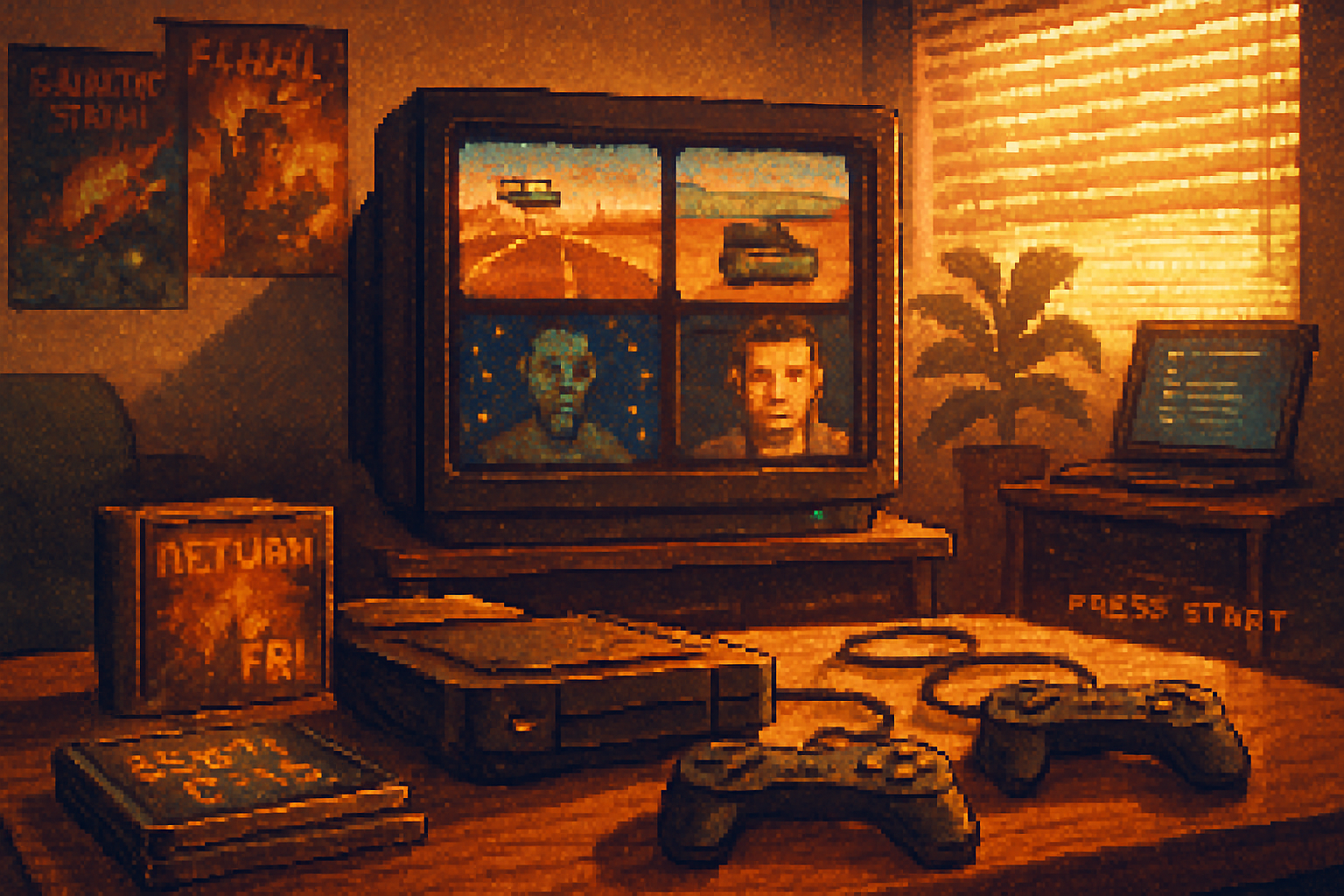
I still remember the first time I slid a 3DO disc into a console that looked like it belonged on a designer’s coffee table. The TV blinked to life with FMV, chunky polygons and a kind of unapologetic oddness that felt like being let behind a curtain. It was expensive, eccentric, and, above all, full of surprises - not all of them great, but plenty of them unforgettable.
If you went into the 3DO era expecting Playstation polish you’d have been disappointed. If you went in expecting experiments, weirdness, and the occasional stroke of brilliance? You left richer. The following ten titles are the sort of discoveries that make preservation worthwhile: not the blockbuster sellers, not the memes, but the games that reveal the 3DO’s character - ambitious, odd, sometimes broken, often charming.
For a full catalog and context, see the 3DO wiki pages here and the list of 3DO games here.
- 3DO console overview: https://en.wikipedia.org/wiki/3DO_Interactive_Multiplayer
- Complete list of releases: https://en.wikipedia.org/wiki/List_of_3DO_games
The Top 10 Underrated 3DO Games (and why they matter)
Each entry includes what to expect and a note on how well it survives emulation.
- Return Fire (1995)
- What it is - A brilliantly simple artillery/vehicle-combat game where you steal tanks, choppers and jeeps and race to blow up the enemy’s flag tower.
- Why underrated - It’s pure arcade strategy - tense, elegant and often overlooked because it didn’t wear FMV glitter. The map design and vehicle balance still feel clever.
- Emulation note - Plays very well; low CPU requirements. Use analog-stick deadzone adjustment for tighter aiming.
- Star Control II (3DO port)
- What it is - The 3DO version of one of the greatest open-space adventure/strategy hybrids - richer audio and presentation than the original PC release.
- Why underrated - Hardcore fans praise it, but many players missed how the 3DO release polished the experience with better audio and smoother UI elements.
- Emulation note - Watch for CD audio tracks - ensure your ISO preserves the audio sessions or use BIN/CUE dumps.
- Guardian War
- What it is - A tactical RPG with an isometric, hex-adjacent feel and surprisingly substantial writing and character growth for the platform.
- Why underrated - It’s an RPG that didn’t get mainstream attention because cartridges and consoles of the era were headlined by action and FMV. The complexity rewards patient players.
- Emulation note - Save often. Emulators that support memory card saves (or save state) work great here.
- Crash ‘n Burn
- What it is - A chaotic, high-energy vehicular combat racer and one of the 3DO launch titles.
- Why underrated - Overlooked because it was a launch demo that lacked polish compared to later racers - but it captures the raw, experimental feel of the early 3DO days.
- Emulation note - Works well; crank up frame buffering if you see stutter.
- The Horde
- What it is - Action/strategy hybrid where you defend a village against waves of monsters with spellcasting and unit management.
- Why underrated - It’s a genre mash-up that succeeds more than it should, with fun co-op possibilities.
- Emulation note - Sound issues pop up on some builds - try different audio backends in the emulator.
- Anvil of Dawn
- What it is - A first-person fantasy RPG with immersive atmosphere and surprisingly tactile dungeon-crawling.
- Why underrated - The 3DO release brought cinematic touches, but the format hid the deep gameplay beneath archaic-looking presentation.
- Emulation note - Frame rate and mouse emulation matter. Map your modern controller’s right stick to look/view.
- Plumbers Don’t Wear Ties
- What it is - FMV-infused, incoherent interactive “visual novel” that is infamous for how bafflingly bad it is.
- Why underrated - It isn’t underrated because it’s great; it’s underrated as a cultural artifact - a perfect time capsule of mid-90s hubris and bizarre design choices.
- Emulation note - Mostly FMV playback; ensure your emulator supports audio tracks cleanly.
- Road Rash (3DO)
- What it is - The bike-racing, beat-’em-up that rippled through the 90s; the 3DO version is distinctive for smoother audio and unique touches.
- Why underrated - Overshadowed by console versions on Genesis and Sega CD, the 3DO build has its own personality and surprisingly good controls.
- Emulation note - A good test of controller mapping - remap punches/kicks to shoulder buttons for modern pads.
- The Need for Speed (original 3DO)
- What it is - The original NFS was born on the 3DO - a driving sim with realistic handling and licensed cars.
- Why underrated - Nowadays NFS is a global franchise, but many forget the series’s 3DO roots and the surprising realism packed into the early release.
- Emulation note - Replace the low-res textures with filtering off to preserve authentic visuals, or turn filtering on if you want a smoother modern look.
- Shockwave (aka Shockwave - Operation Jumpgate)
- What it is - A tense, arcade-ish sci-fi shooter with melee elements and a moody soundtrack.
- Why underrated - Hard to market in an FMV era and easy to dismiss; it’s a compact design that rewards repeat plays.
- Emulation note - Audio mixing can be finicky - test the emulator’s sample rate settings.
How to play these games on emulators - a practical guide
A short primer: emulation is a fantastic way to experience 3DO’s curated weirdness, but there are legal and technical ground rules. Emulate only games and BIOS files you legally own. That means: rip your original discs to ISO/BIN+CUE and dump any console firmware from hardware you own. Don’t ask the internet for moral shortcuts.
Recommended emulator options
- RetroArch (with the 4DO core) - RetroArch is a modern frontend that bundles multiple emulator cores. It’s cross-platform, configurable, and a good single place to manage your emulation setup.
- FreeDO (standalone) - A classic 3DO emulator still maintained in various forks. Practical, simple, and focused on the 3DO platform.
- 4DO (standalone) - A dedicated 3DO emulator that’s been a go-to for years. If you prefer a single-purpose app it’s worth trying.
What you need
- A dumped 3DO disc image (ISO or BIN/CUE) - created from your original CD.
- The 3DO BIOS/firmware (if required by your emulator). Some builds need a BIOS, others emulate it. If you need one, dump it from hardware you own.
- A modern controller (recommended) or keyboard. A dual-analog pad maps best to the 3DO’s analog inputs.
Ripping your discs (legal method)
- Windows - ImgBurn is a small, reliable tool to create ISOs or BIN/CUE files from CDs.
- macOS/Linux - Use dd in Terminal. Example: dd if=/dev/cdrom of=~/3do/ReturnFire.iso bs=2048 conv=sync
Loading games: the RetroArch/FreeDO/4DO flow
- Install the emulator of your choice (RetroArch is recommended for convenience). Download the appropriate core (4DO) in RetroArch’s Online Updater.
- Place BIOS/firmware files in the emulator/system folder if required. Check the emulator’s documentation for exact filenames.
- Load content - point the emulator to your ISO or BIN/CUE file. If your rip contains separate CD audio tracks, use BIN/CUE to preserve them.
- Configure the controller - map the left analog stick to movement and the right to camera/view if the core supports it. Map shoulder buttons for secondary actions.
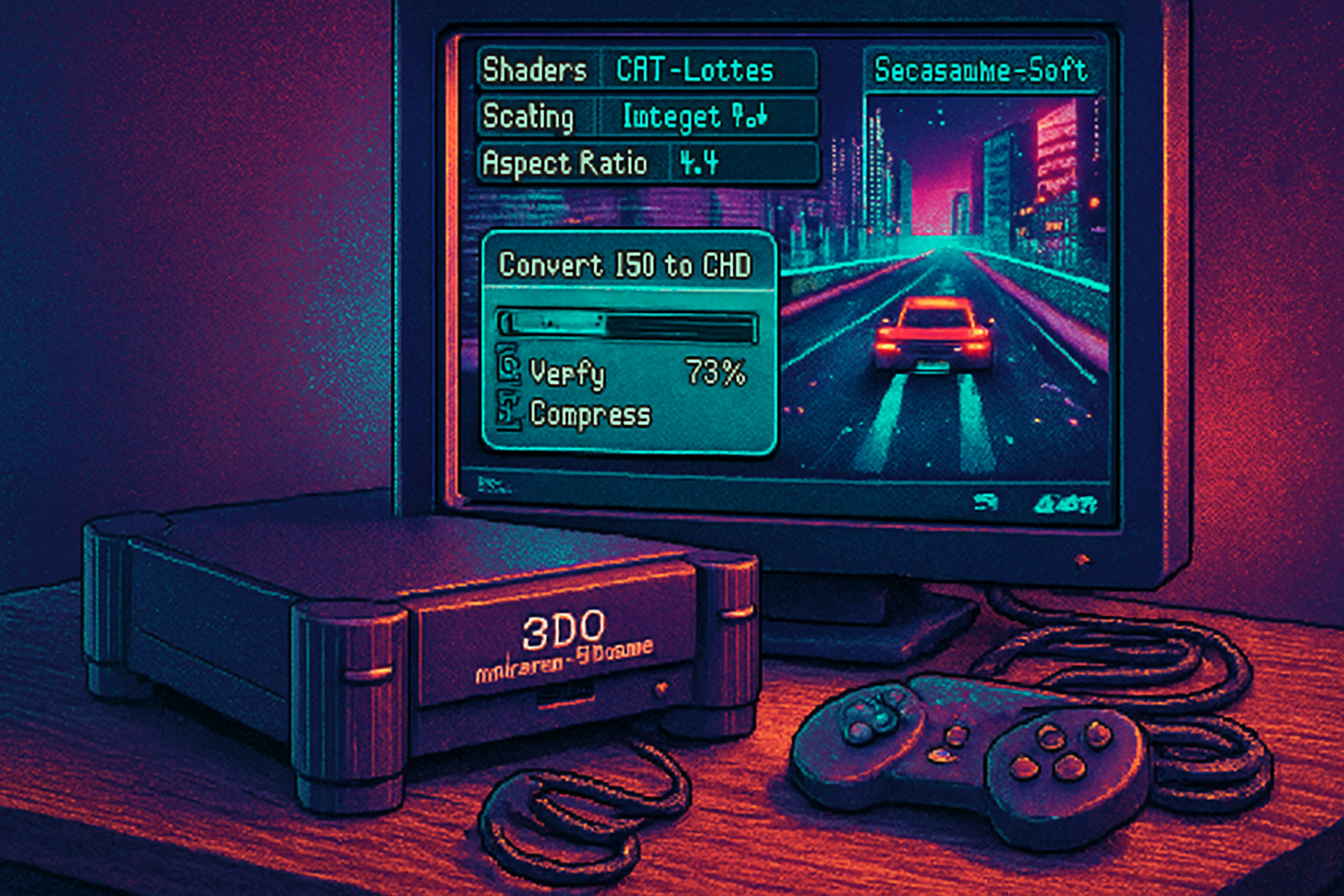
- Tweak audio and video - if the game stutters, try lower sampling rates or toggle frame buffering. For authentic visuals, turn off image filtering; for modern polish, enable bilinear filtering and scanline shaders.
Tips and troubleshooting
- Stuttering or audio crackle - try a different audio backend (WASAPI or ALSA), increase audio buffer, or lower the sample rate.
- Missing music or cutscenes - check whether your iso preserves audio tracks. If you used a poor rip method, music may be missing.
- Save problems - use emulator memory card support or save states - but keep manual in-game saves too for safety.
- Performance - 3DO hardware is lightweight by modern standards; if an emulator is struggling, it’s usually a config issue, not horsepower.
Legal and preservation notes
- Owning a physical CD and ripping it for personal use is the safest legal ground. Redistributing ISOs or downloading them from unauthorized sources is piracy.
- The 3DO’s library is a cultural artifact. If you care about the medium, support legitimate re-releases, fan projects, and the people who preserve these games.
Final verdict
The 3DO was expensive and eccentric by design. It didn’t win the console wars. Good. If victory had crowned it, we might never have seen such gloriously strange experiments: FMV disasters that are cultural gold, ambitious RPGs, and simple arcade designs that still crackle with personality.
Boot up an emulator, rip a disc you own, and look beyond the headline titles. Somewhere between the static and the FMV you’ll find creativity that didn’t have to make sense to anyone but its designers. That’s where the delight lives.
(If you want to dig deeper, the 3DO and its library are cataloged on Wikipedia - a good place to spot other hidden gems: https://en.wikipedia.org/wiki/List_of_3DO_games)