· retrogaming · 7 min read
Emulator Showdown: Which Sega Dreamcast Emulator Reigns Supreme in 2023?
A head-to-head look at the top Sega Dreamcast emulators in 2023 - Flycast (RetroArch), redream, Demul and Reicast - comparing compatibility, performance, features and user experience to recommend the best choice for different kinds of retro gamers.
I still remember the first time I heard a VMU chirp and thought, with naive certainty, that the future of gaming would look like a glossy mall arcade. The Dreamcast delivered on that promise for one brief, incandescent moment - and then it vanished. Today, if you want to revisit the machine’s strange, charismatic catalog, you’re left with a small, fierce world of emulators fighting over who gets to preserve the past.
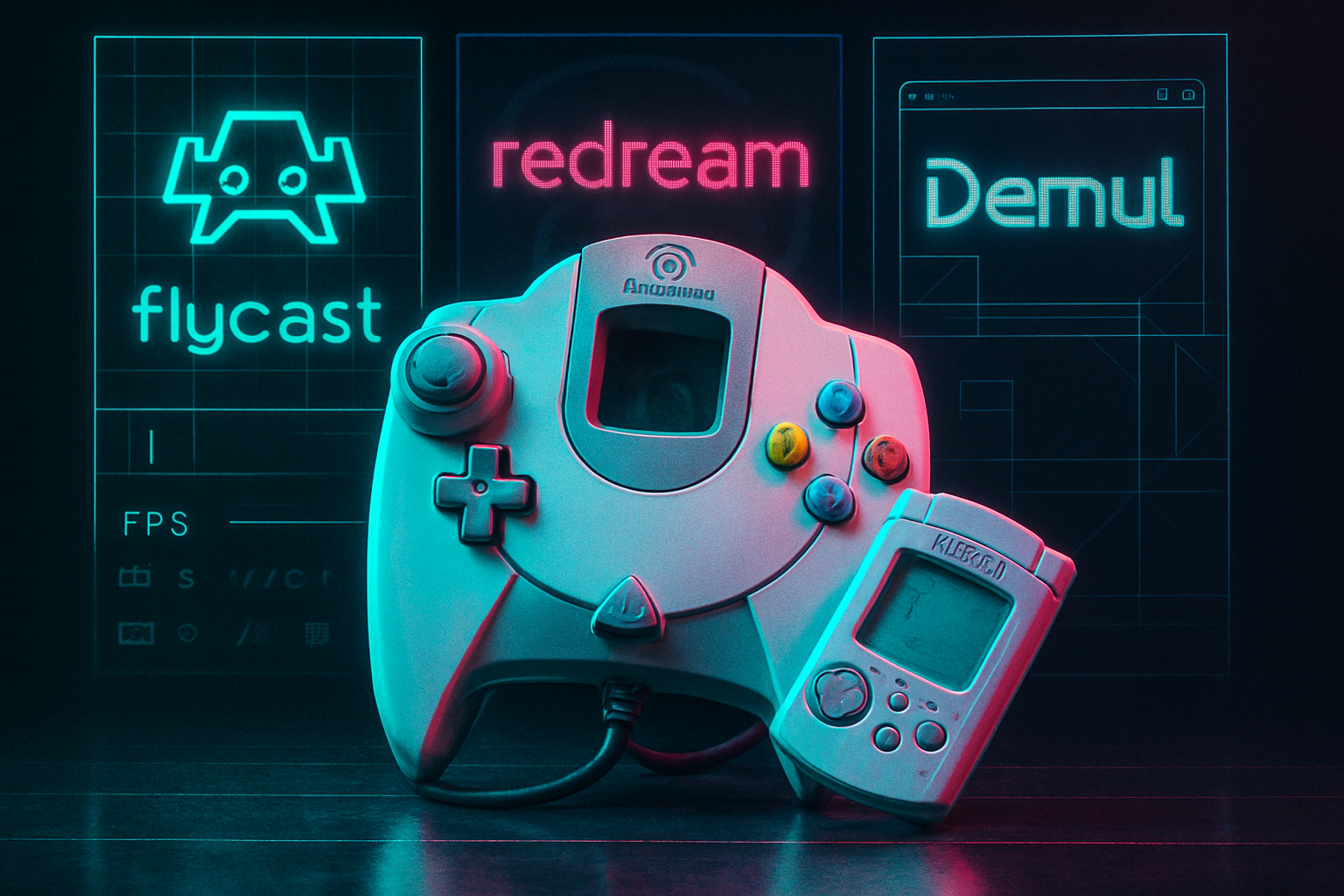
Here’s the blunt answer up front: for most people in 2023, Flycast (via RetroArch) is the best overall Dreamcast emulator. If you prize plug‑and‑play polish and visual upscaling with minimal fuss, redream is the runner‑up. If you chase arcade/NAOMI accuracy on Windows, Demul still has things to offer. Below I explain why, when to pick each emulator, and practical tips for getting the best experience.
The contenders (short introductions)
- Flycast (RetroArch core) - an actively maintained, accuracy‑minded core used in RetroArch with modern features like netplay, VMU support, and broad platform coverage. See the project on GitHub:
- redream - a polished, cross‑platform Dreamcast emulator designed for simplicity and high visual quality; offers built‑in upscaling and an easy UX:
- Demul - a Windows‑focused emulator historically strong for NAOMI arcade titles and some Dreamcast edge cases; still used where arcade/NAOMI accuracy matters. (Project page)
- Reicast - the older open‑source Dreamcast project that gave birth to several forks; still used on some Android builds and older Linux ports. See libretro’s reicast core:
For background on the console itself and the unique bits that make Dreamcast emulation tricky, the console overview is useful: https://en.wikipedia.org/wiki/Sega_Dreamcast
What makes Dreamcast emulation hard (and why emulators disagree)
The Dreamcast was a weird hybrid - a console with an arcade pedigree (NAOMI boards), a PowerVR graphics pipeline with imprecise quirks, a chunky sound chip, and the VMU: a tiny second screen that acted as memory card and accessory. That mix produces three common headaches:
- Precision quirks. Some games rely on how the original PowerVR handled polygons or triangles, and sloppy handling yields missing geometry or graphical glitches.
- Timing and audio. The Dreamcast’s audio/timing interplay is idiosyncratic; some emulators must emulate those low‑level behaviors to avoid crashes or bad audio.
- Peripheral/arcade compatibility. VMU behavior, peripheral support and NAOMI arcade features create a wide compatibility surface.
Different emulators trade off between speed, implementational simplicity, and accuracy. That explains why multiple projects survive: each chooses a different balance.
Head‑to‑head: compatibility, performance, and user experience
Below I compare the emulators across core concerns, followed by a recommendation by user type.
1) Compatibility (how many games run well)
- Flycast - Best for raw compatibility in 2023. Active work has ironed out many edge cases, and the RetroArch ecosystem means frequent updates and bug fixes.
- redream - Very high compatibility for mainstream titles. Where redream shines is that many games simply “work” out of the box with fewer fiddly settings.
- Demul - Strong in some areas, especially NAOMI arcade ports and titles that historically exposed bugs in older emulators. Slightly niche but valuable for specific arcade accuracy.
- Reicast - Once the standard, now more of a legacy option. It still runs many titles but lacks some modern fixes and features present in Flycast.
Example games that frame differences: classics like Shenmue, Jet Set Radio and Skies of Arcadia run well across Flycast and redream; edge‑case titles or arcade conversions sometimes prefer Demul or Flycast for accuracy.
Sources: see project pages and community compatibility threads (Flycast, redream).
2) Performance and system requirements
- Flycast - Efficient on modern hardware and scales across platforms. In RetroArch you can choose cores tuned for better performance or better accuracy. On mobile, Flycast (via RetroArch) often outperforms older Reicast builds.
- redream - Surprisingly light; its optimizations and modern rendering pipeline let it use upscaling without brutal CPU demands. It’s a great choice on low‑end machines that still want crisp visuals.
- Demul - Can be more demanding due to its plugin model and Windows‑specific features. Performance varies depending on plugin choice and GPU drivers.
- Reicast - Older internal architecture can be less optimized than Flycast’s newer code paths.
Practical note: enabling high internal resolutions or anti‑aliasing will always stress GPU more than CPU on modern ports. If you want silky 4K upscaling, redream and Flycast with a decent GPU are the options.
3) Features and quality of life
- Flycast:
- Netplay support (great for multiplayer Dreamcast titles)
- VMU and controller support in RetroArch
- Save states and shader support through RetroArch
- Active community, frequent updates
- redream:
- Very approachable UI and setup
- Built‑in upscalers and easy resolution options
- HLE BIOS (so you often don’t need to hunt for the official BIOS)
- Paid “premium” option historically unlocked high‑res output on some platforms (check current policy on redream.io)
- Demul:
- Plugin system for graphics/sound; can be tuned for arcades
- Specific strengths in NAOMI/arcade titles
- Reicast:
- Lightweight Android ports exist; simpler footprint for older phones
4) Platform support and installation
- Flycast (RetroArch) - Windows, Linux, macOS, Android, and more via RetroArch. If you already use RetroArch, Flycast integrates cleanly.
- redream - Cross‑platform - desktop and Android builds are easy to install from the official site.
- Demul - Primarily a Windows experience; fewer cross‑platform builds.
- Reicast - Found in older Android ports or as a libretro core.
5) BIOS and legalities
- redream uses HLE in many cases so you can often avoid sourcing the Dreamcast BIOS (but check compatibility notes).
- Flycast/RetroArch and other emulators often offer both HLE and support for a dumped Dreamcast BIOS - using an official BIOS improves compatibility and legality depends on ownership.
A reminder: downloading copyrighted game ROMs or BIOS files you don’t own may be illegal in your jurisdiction. Emulation itself is legal; running copyrighted images without permission is often not.
How they stack up - short verdicts
Overall winner (most cases) - Flycast (RetroArch core)
- Why - Active development, excellent compatibility, modern features (netplay, VMU), cross‑platform support and integration with RetroArch’s UX make Flycast the most flexible and accurate everyday option in 2023.
Best plug‑and‑play visual polish - redream
- Why - If you want minimal fuss, great upscaling and crisp visuals, redream gives the quickest path to a beautiful Dreamcast without a forest of settings.
Best for NAOMI/arcade and edge cases - Demul (Windows)
- Why - Still useful where arcade fidelity or specific plugin behavior matters; a niche tool for hobbyists who know what they’re chasing.
Legacy/mobile fallback - Reicast
- Why - When you need a tiny footprint on older Android devices or want to run a legacy build, Reicast still exists.
Recommendation by user type
- Casual revisitor who wants convenience - redream. Install, point it at your ROMs, pick a resolution and play.
- The modern retro enthusiast who wants accuracy, features and future updates - Flycast via RetroArch. It’s the safest long‑term pick.
- Arcade/NAOMI obsessive on Windows - Demul - pair it with community guides for the best NAOMI support.
- Mobile user with an older phone - Try Reicast builds or RetroArch with Flycast if your phone is modern.
Practical tips to get the best experience
- If you care about authenticity, try running with the original Dreamcast BIOS (if you own it). It can fix subtle timing issues.
- For sharp visuals, enable integer scaling or internal upscaling (redream makes this simple). If you prefer the CRT look, use shaders in RetroArch.
- Use Flycast in RetroArch to get netplay and easy controller configuration. RetroArch’s shader and save‑state ecosystem is a big productivity win.
- If a particular game misbehaves in one emulator, try another - differences in renderers and timing will often be the fix.
A final, impatient conclusion
Nostalgia is a cruelty: the Dreamcast’s brief brilliance made every flaw feel like treason. If you want your Dreamcast moments back without a lot of grief, pick one of the modern emulators and go.
- For most people in 2023 - Flycast (via RetroArch) - the best mixture of accuracy, features and active maintenance.
- For plug‑and‑play prettiness - redream.
- For Windows arcade‑centric hobbyists - Demul.
If you want links and installation guidance, start at the projects’ official pages: Flycast on GitHub (https://github.com/flyinghead/flycast), redream (https://redream.io/), and RetroArch (https://www.retroarch.com/). Happy revisits - and try not to be the person who insists that VMU minigames were “the best part”. They were not, but they were gloriously weird.
References
- Flycast (GitHub): https://github.com/flyinghead/flycast
- redream (official): https://redream.io/
- RetroArch: https://www.retroarch.com/
- Reicast (libretro core): https://github.com/libretro/reicast
- Demul: https://demul.emulation64.com/
- Sega Dreamcast (background): https://en.wikipedia.org/wiki/Sega_Dreamcast