· retrogaming · 8 min read
10 Best Sega Saturn Emulators: A Comprehensive Review
The Sega Saturn was famously awkward to emulate. This guide walks through the ten best Saturn emulators (desktop, Android, web and frontend cores), compares strengths and weaknesses, and gives practical setup and performance tips so you can play the classics with fewer headaches.
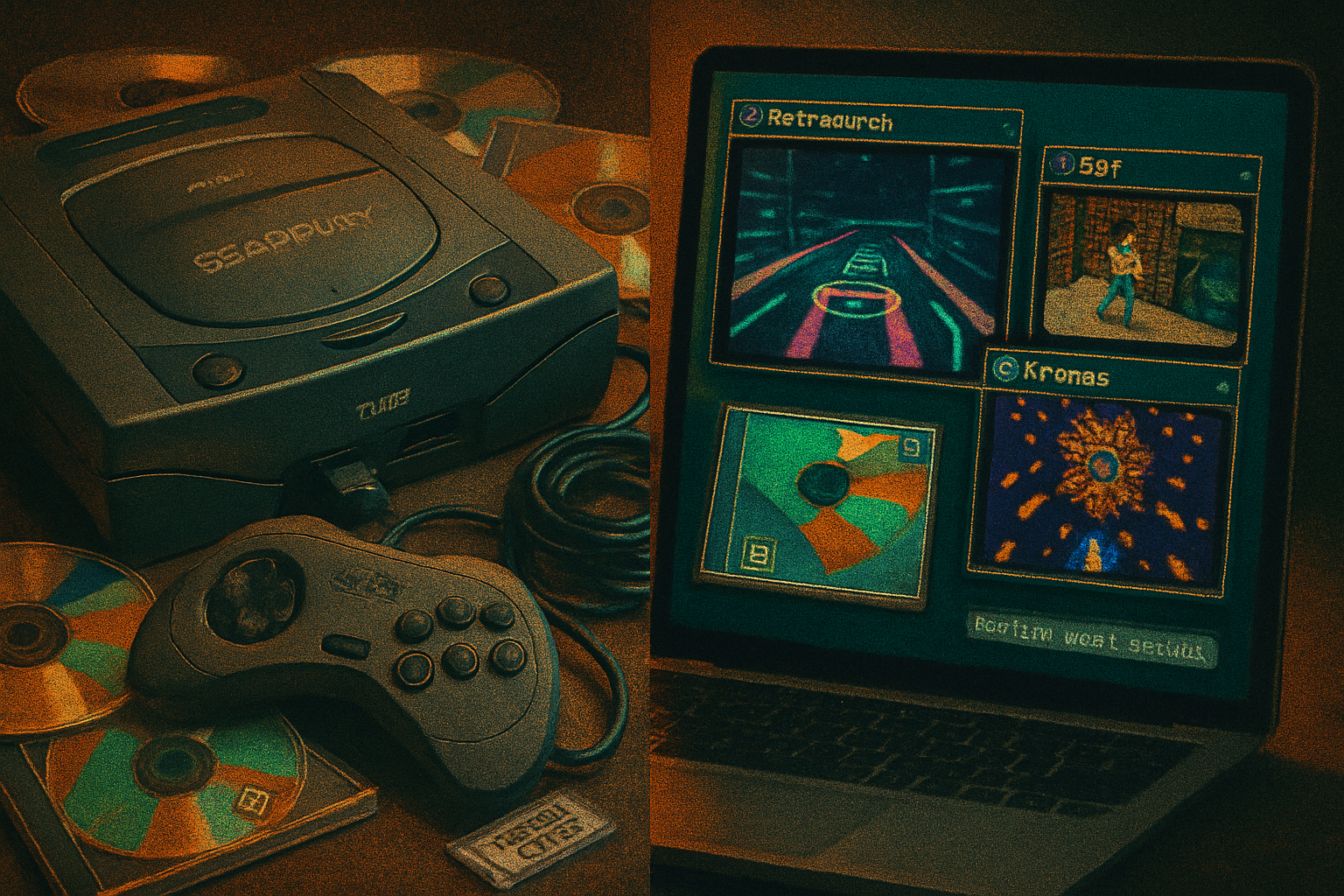
In late 1990s living rooms, the Sega Saturn felt like an engineering puzzle wrapped in a polygonal cake: brilliant games, baffling hardware. Fast-forward twenty‑plus years and the patchwork of emulators, forks, cores and web ports looks like the same machine - only the community has had time to impose order on the chaos.
This article walks through the ten best paths to Saturn emulation in 2025: what they do well, where they stumble, how hard they are to set up, and practical tweaks to get games running as close to the original as possible. I write as someone who’s cursed, blessed and occasionally astonished by Saturn emulation. Expect blunt judgements and useful, lived-in advice.
Quick note about legality and BIOS
A blunt fact: most high-quality Saturn emulators require a Saturn BIOS. Dump it from hardware you own. Use your own game discs or legally obtained images. Emulation is not a legal shortcut for piracy; it’s a preservation tool for owners and historians.
The top 10 (short list with verdicts)
SSF (Windows)
- Strengths - Excellent performance on modest PCs; many tricky games run well; historically considered extremely accurate for a Windows-focused build.
- Weaknesses - Windows-only (officially), sporadic public updates, closed-source origin means community fixes can be fragmented.
- Who it’s for - Windows users who want plug‑and‑play with minimal fuss and high compatibility.
Kronos
- Strengths - Solid compatibility for games that trouble other emulators; often ships with useful debugging and plugin options; actively used by power users.
- Weaknesses - Settings and plugin choices can be intimidating; heavier on system resources than the simplest emulators.
- Who it’s for - Users who care about getting stubborn titles to run and don’t mind fiddling.
Yabause
- Strengths - Open‑source, cross‑platform (Windows, Linux, macOS builds exist), good foundation for ports and web builds.
- Weaknesses - Historically lower compatibility than SSF/Kronos for some titles; UI and feature parity depends on the build.
- Who it’s for - Tinkerers and those who prefer open code and multi-OS support.
Yaba Sanshiro (Android)
- Strengths - Android-optimized fork of Yabause that brings many Saturn games to mobile with surprisingly good performance; controller mapping and touch UI options.
- Weaknesses - Mobile thermal/throttling limits sustained performance on lower-end devices; some games require heavy CPU overhead.
- Who it’s for - Players who want Saturn on phones and tablets.
RetroArch + Beetle Saturn (libretro core)
- Strengths - The libretro/RetroArch ecosystem gives a modern frontend: shaders, savestates, netplay, unified input, and cross-platform convenience.
- Weaknesses - You must install and configure the Saturn core separately; core options can be bewildering.
- Who it’s for - Users who want a polished frontend with modern features and are comfortable with core selection.
MAME
- Strengths - MAME’s emulation philosophy prioritizes accuracy; Saturn emulation in MAME benefits from the project’s heavy investment in correctness and documentation.
- Weaknesses - MAME can be resource-heavy and awkward for casual users; setup and image handling are less user-friendly than dedicated emulators.
- Who it’s for - Preservationists and users who prize accuracy over convenience.
Beetle Saturn (standalone/libretro sibling)
- Strengths - A fork/repackaging of accurate Saturn code into a libretro-friendly core; benefits from focused maintenance by libretro contributors.
- Weaknesses - As with any core, options and compatibility depend on the version and build.
- Who it’s for - RetroArch users who want one of the more accurate Saturn cores.
Web ports (Yabause.js / wasm builds)
- Strengths - Quick to try in-browser - no installation required; useful for demonstrations and lightweight testing.
- Weaknesses - Performance and compatibility are limited compared with native builds; input and file handling are clunkier.
- Who it’s for - People curious to sample Saturn emulation without committing to setup.
Mednafen (when available as Saturn-capable builds)
- Strengths - Mednafen’s multi-system focus and commitment to accuracy make it a respected choice where Saturn support exists.
- Weaknesses - Saturn support in multi-system frontends can lag behind dedicated forks; options may be minimal.
- Who it’s for - Users who already use Mednafen and want a single CLI-driven emulator for many systems.
Community builds and experimental forks
- Strengths - You often get bleeding‑edge compatibility fixes and experimental features before they land everywhere.
- Weaknesses - Stability can vary; documentation is hit-or-miss.
- Who it’s for - The most patient and adventurous users who enjoy compiling or testing nightly releases.
Deep dive: what each emulator really feels like
SSF - The pragmatic champion. If a Saturn game runs on SSF, it usually runs very well and with low overhead. Expect a relatively simple UI and reliable controls. It’s a flat-out good pick if you just want to play on Windows.
Kronos - The specialist. It attempts to handle the Saturn’s trickier hardware quirks. If you’ve tried other emulators and a game still acts up (timing, sound sync, polygon glitches), Kronos is worth trying.
Yabause - The community backbone. It’s not always the fastest route to perfect compatibility, but the open codebase means it powers many ports and experiments.
Yaba Sanshiro - Saturn on the go. Developers made deliberate compromises for mobile - e.g., simplified threading or frame options - but the payoff is portability.
RetroArch + Beetle Saturn - The modern Swiss Army knife. If you like shaders, rewind, overlays, state syncing, and a polished front end, RetroArch plus an accurate Saturn core is very compelling.
MAME - The slow, honest craftsman. MAME’s goal is documentation and faithful reproduction. Expect higher hardware requirements but top-tier fidelity.
Web builds - Great for a quick demonstration or when you’re away from your main machine. Not a long-term solution for full-speed play.
Mednafen & community forks - These are for people who prefer fewer layers between themselves and the emulation author. They can surprise you.
Setup basics (applies to most emulators)
- BIOS - Obtain the Saturn BIOS (region-specific). Put it in the emulator’s BIOS folder or point the emulator to it in settings.
- Game images - Use cue/bin, iso, or CHD files. Some emulators prefer .cue + .bin or .iso. MAME favors CHD for compact, accurate archives.
- Controllers - Use XInput controllers where possible; map analog sticks to the Saturn’s dual-analog (if required by the game). Consider a classic USB D‑pad gamepad for authenticity.
- Region & CD audio - Many emulators need the correct region BIOS and correct audio tracks in your image to avoid cutscenes or music issues.
- Save system - Learn where each emulator stores saves and saves states. Keep backups of memory cards and save directories.
Performance tips & common tweaks
Start simple - default settings often work fine. Only tweak when you encounter problems.
Renderer - Prefer OpenGL/GL or Vulkan if available for best compatibility with shaders and scaling. DirectX can be faster on some Windows machines but may expose more rendering quirks.
Multithreading - Some Saturn emulators let you toggle multithreaded audio or CPU emulation. Turn it on for multicore CPUs but test for stability.
Frame limiting vs. VSync - If you get audio stutter, try enabling a frame limiter instead of VSync. Conversely, if you see tearing, try VSync (or a compositor-based solution).
Audio latency - Lower buffer sizes reduce input lag but can cause crackles. Find a balance: 64–256 ms is a common starting point depending on your setup.
High‑accuracy modes - Some emulators expose a “high accuracy” mode for better timing but at the cost of CPU cycles. Use this only when needed for specific games.
Use CHD images with MAME - They compress and can be more accurate for multi-track discs.
GPU drivers and power modes - Keep GPU drivers updated and set your power plan to “High Performance” during intense testing.
Overclock cautiously - A few emulators allow CPU overclocking - helpful for speed but risky for desync and audio.
Compatibility gotchas: games that often trip emulators
Panzer Dragoon Saga - The holy grail of Saturn emulation. Runs on several emulators but may require specific settings to avoid crashes.
Shining Force III (scenarios) - Disk-based region and scenario swaps can confuse setups; ensure proper image naming and the correct BIOS.
Fighters and timing-sensitive 2D/3D hybrids - Some fighters rely on tight timing; try different cores or enable high‑accuracy timing if animations judder.
Whenever a title misbehaves, the three-step troubleshooting approach works reliably: try a different emulator/core, switch BIOS regions (if you legally own them), and toggle timing/accuracy options.
Which emulator should you pick?
- Easiest Windows experience - SSF.
- Best cross-platform frontend - RetroArch + Beetle Saturn.
- Best for stubborn compatibility cases - Kronos or MAME.
- Best mobile experience - Yaba Sanshiro (Android).
- Quick demo or portability - Web builds (Yabause.js).
If you’re unsure: try RetroArch with a reputable Beetle/Kronos core first. If a game isn’t playing right, switch to SSF on Windows or to MAME/Kronos for accuracy testing.
Troubleshooting checklist (fast)
- Using wrong BIOS? Check region and filename conventions.
- Using wrong image type? Try .cue + .bin instead of plain .iso.
- Audio stutter? Increase audio buffer or toggle frame limiter.
- Graphical glitches? Change renderer (GL/Vulkan/DirectX) or try another core.
- Controller issues? Rebind in emulator and test in a simpler game.
Final verdict (a quick, brutal summary)
Sega Saturn emulation is no longer the inscrutable swamp it once was. There’s no single perfect emulator - Saturn’s architecture guarantees compromises - but we have tools that are impressively good. SSF and Kronos cover the pragmatic and specialist ends; RetroArch+Beetle gives modern conveniences; Yaba Sanshiro brings Saturn to mobile; MAME and dedicated builds serve preservationists.
If you want one recommendation: start with RetroArch and a trusted Saturn core if you want features and cross-platform support; use SSF on Windows for raw, trouble‑free compatibility; escalate to Kronos or MAME if a particular title refuses to play fair.
Play responsibly. And when you finally run Panzer Dragoon Saga without the game crashing on you, pour one out for the engineers who designed that machine and for the community that tamed it.